Home Page
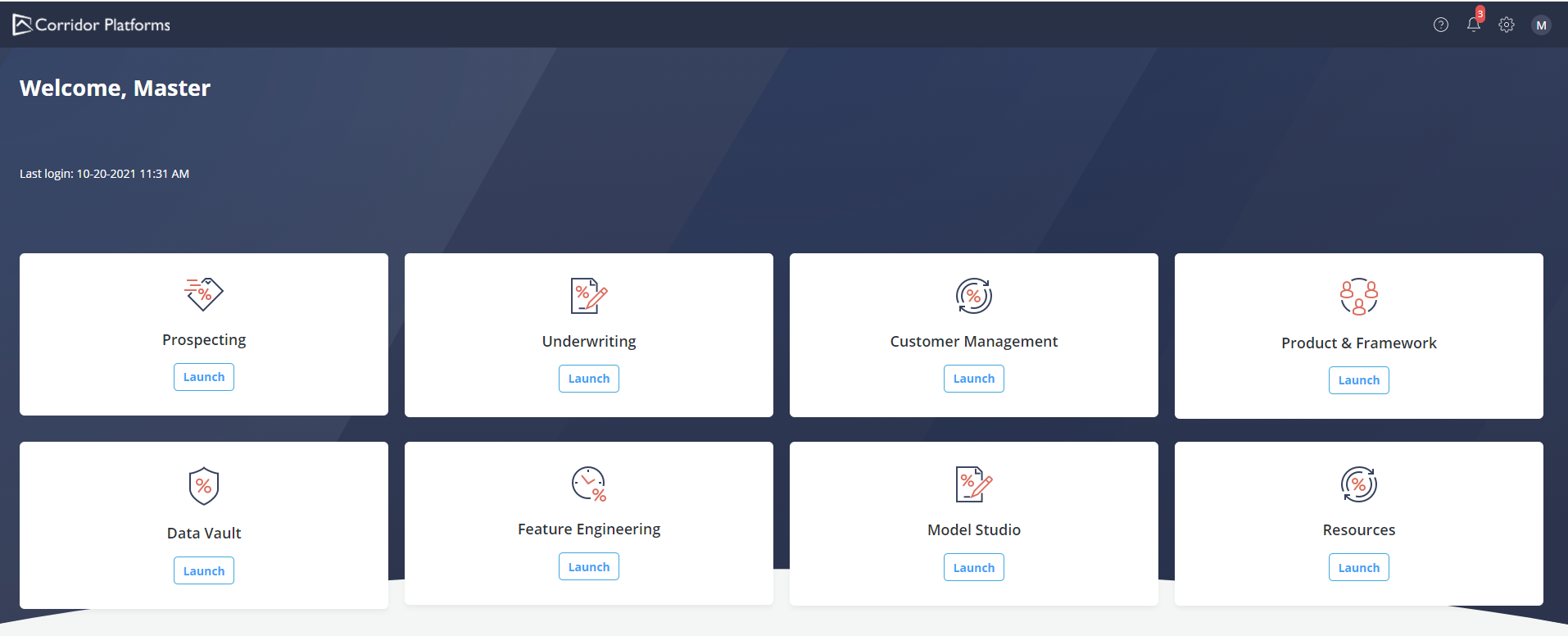
Upon the user’s successful login the application’s home page is opened with the following seven Menu options:
| Menu Option | Description |
| Data Vault | This application allows users to create raw data ingestion workflows using the embedded ingestion tool (to be added in a later version), perform data quality check(s) in batch mode and register data elements that will be used in all the downstream processes. |
| Feature Engineering | This application allows users to create, simulate, review and approve new features using data elements as inputs. |
| Model Studio | This application allows users to code in a Corridor Integrated Jupyter Notebook for analytics and modeling purposes, create Machine Learning models using Datasets and Experiments and register, simulate and approve new models to be used in downstream processes. |
| Resources | This option allows users to create objects that do not rely on data sources and that can be used across the platform. Users can set or create Global Variables and Runtime Parameters. |
| Prospecting | This application allows users to design, simulate, review, approve and execute Prospecting policies. |
| Underwriting | This application allows users to design, simulate, review, approve and execute Underwriting policies. |
| Customer Management | This application allows users to design, simulate, review, approve and execute Customer Management policies |
| Product Framework | This application allows users to create and manage product configurations as well as analytical frameworks. |