Overview
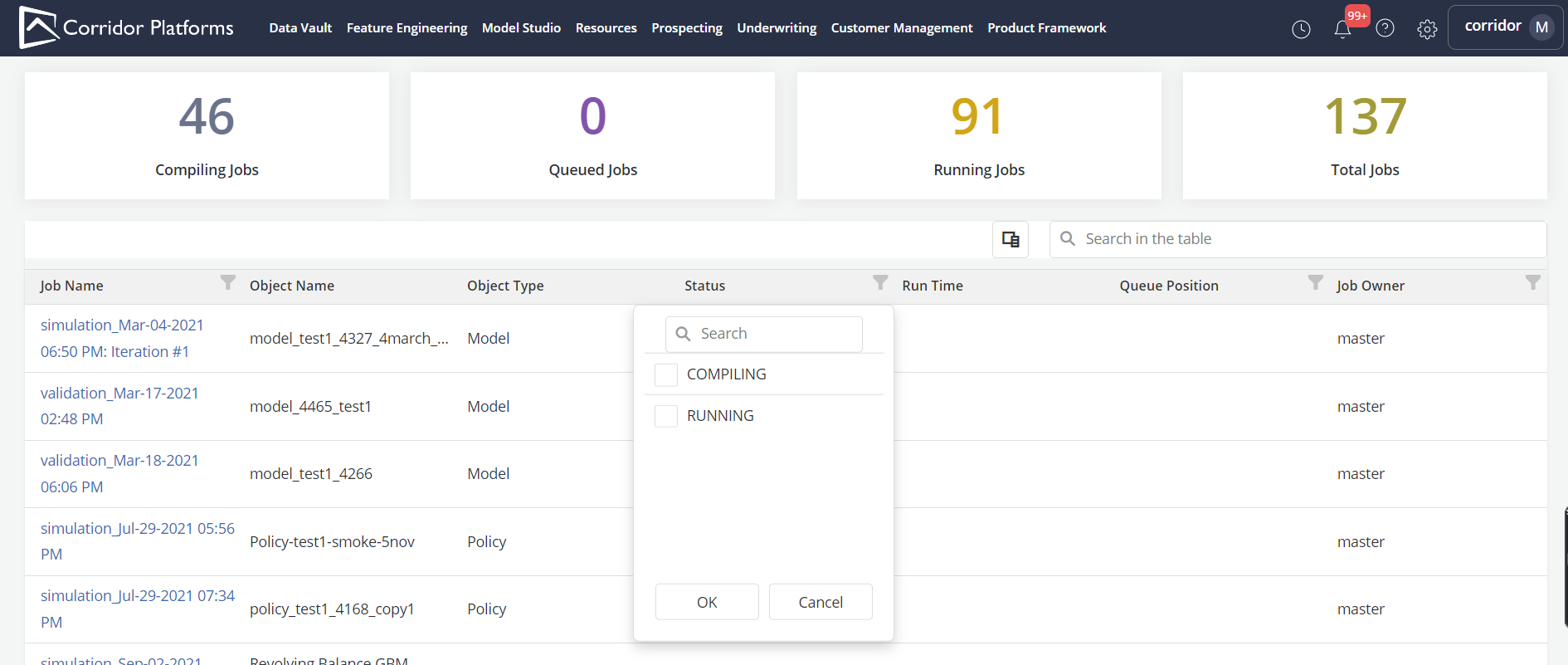
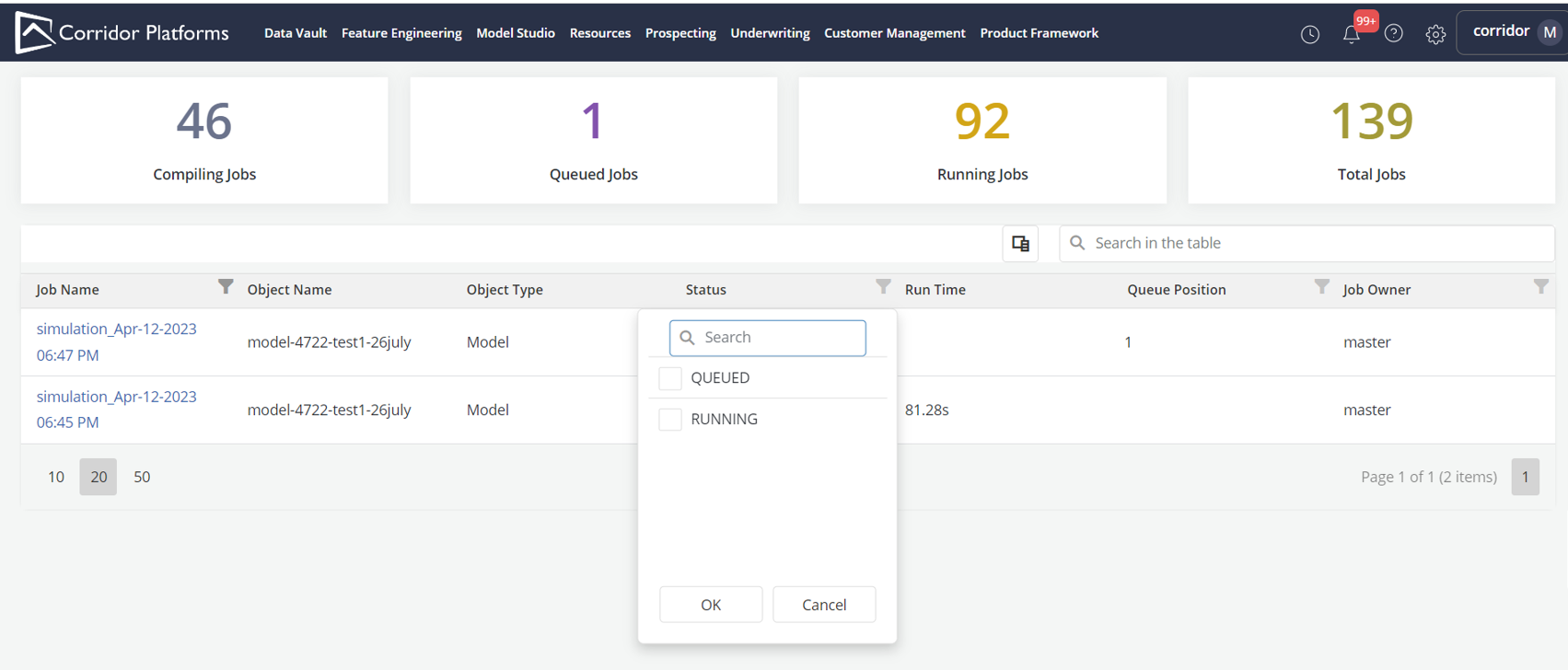
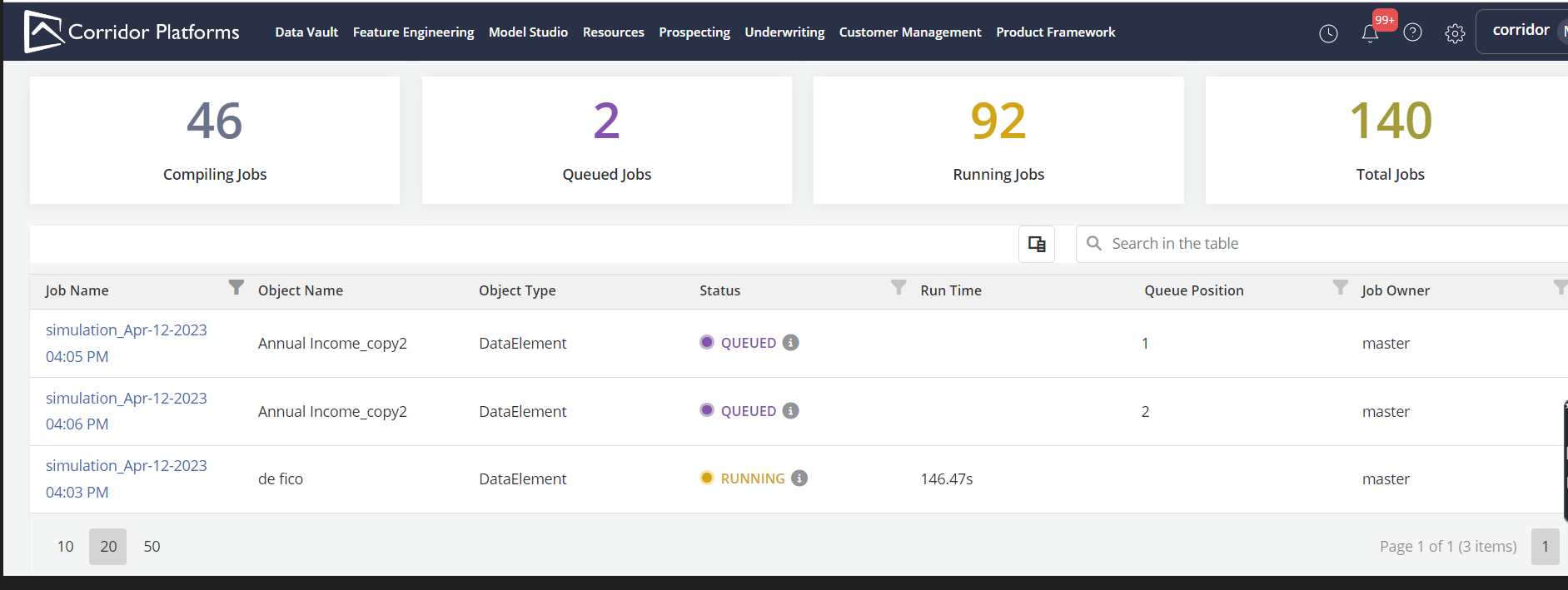
The job board provides up to date information about the progression of the jobs in the Spark queue: - What are the jobs currently running or in the queue - Who are the owners - How much resources are they taking - If they are running how long have they been running, how much progress have they made etc.?
-
This page will be accessible by clicking on clock icon on the top right corner of any page (including the landing page)

-
The job board information displayed in a table for which there is a set of default columns
-
Users can customize the default view by choosing what columns do display using the colum chooser
-
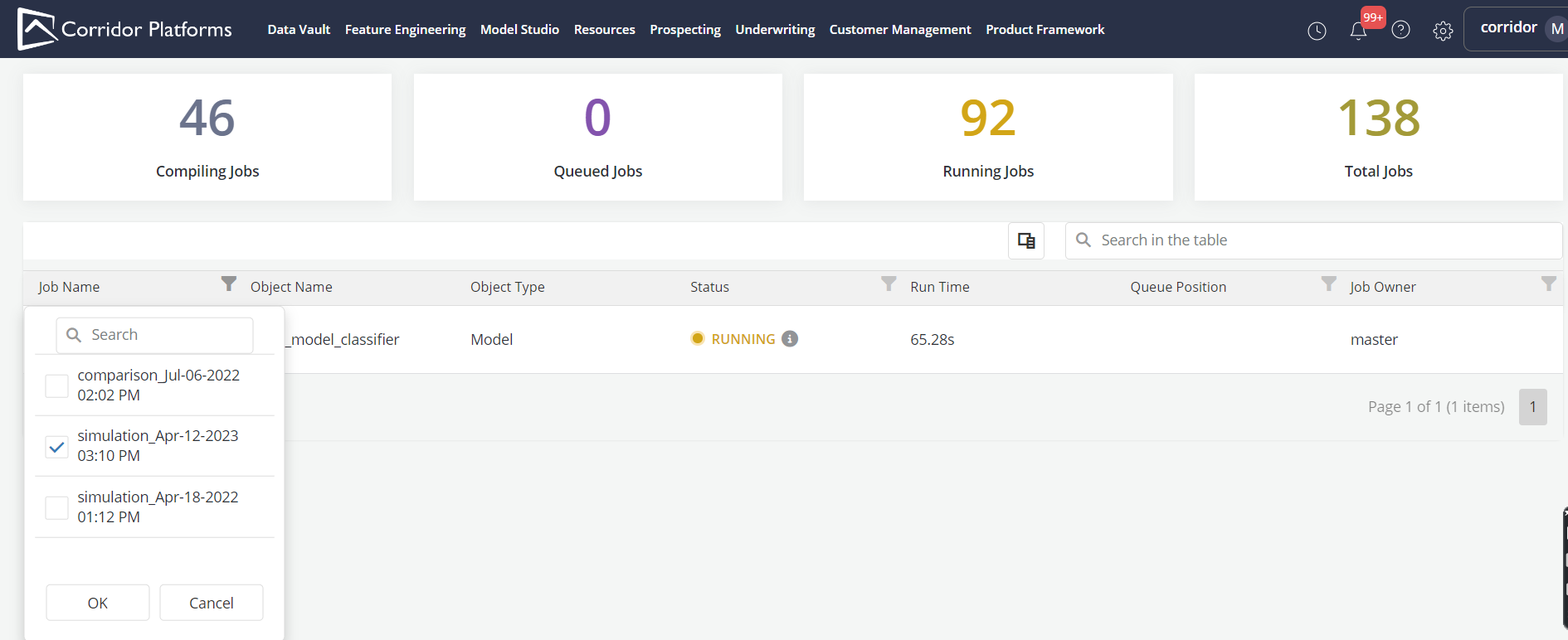
Users can also sort and filter the table using all the columns
-
Clicking on the Job Name will redirect to job details page
Job Board Samples
-
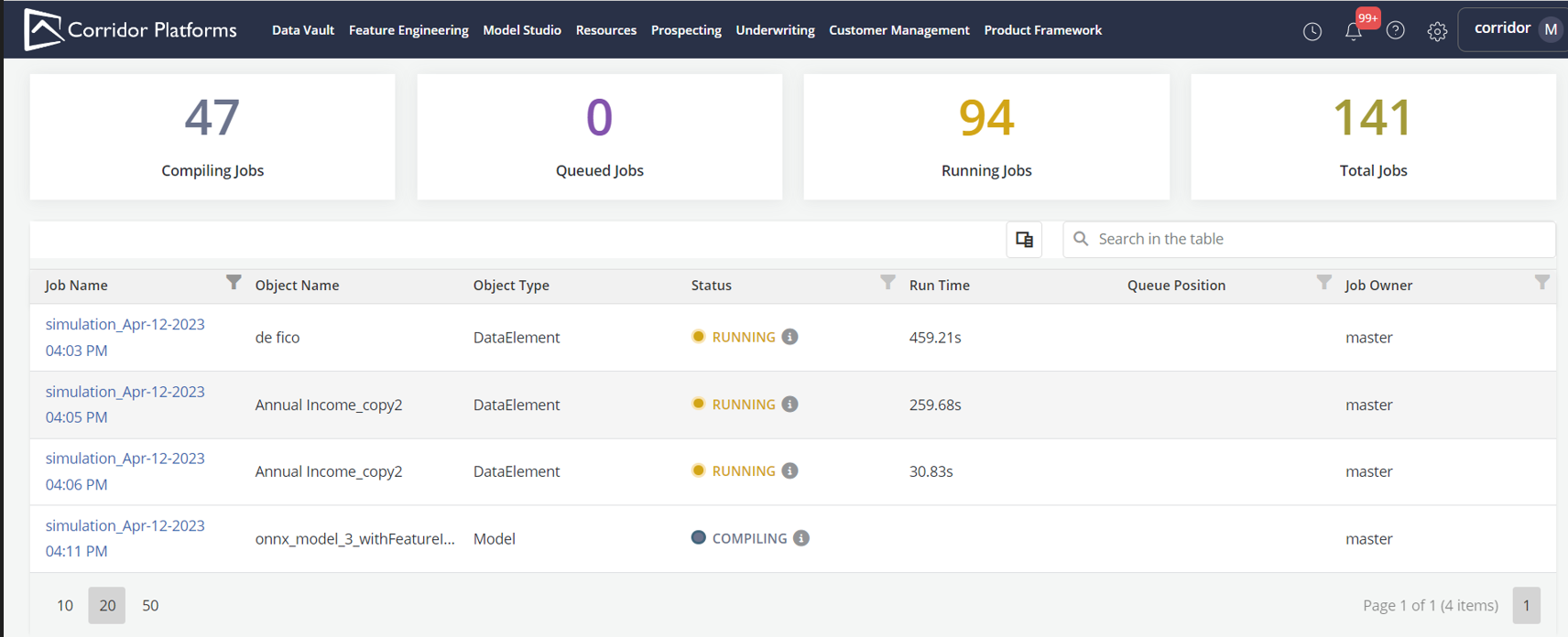
Sample Job Board for Compile ,Queued and Running Jobs
-
Samples for Job Board filters