Overview
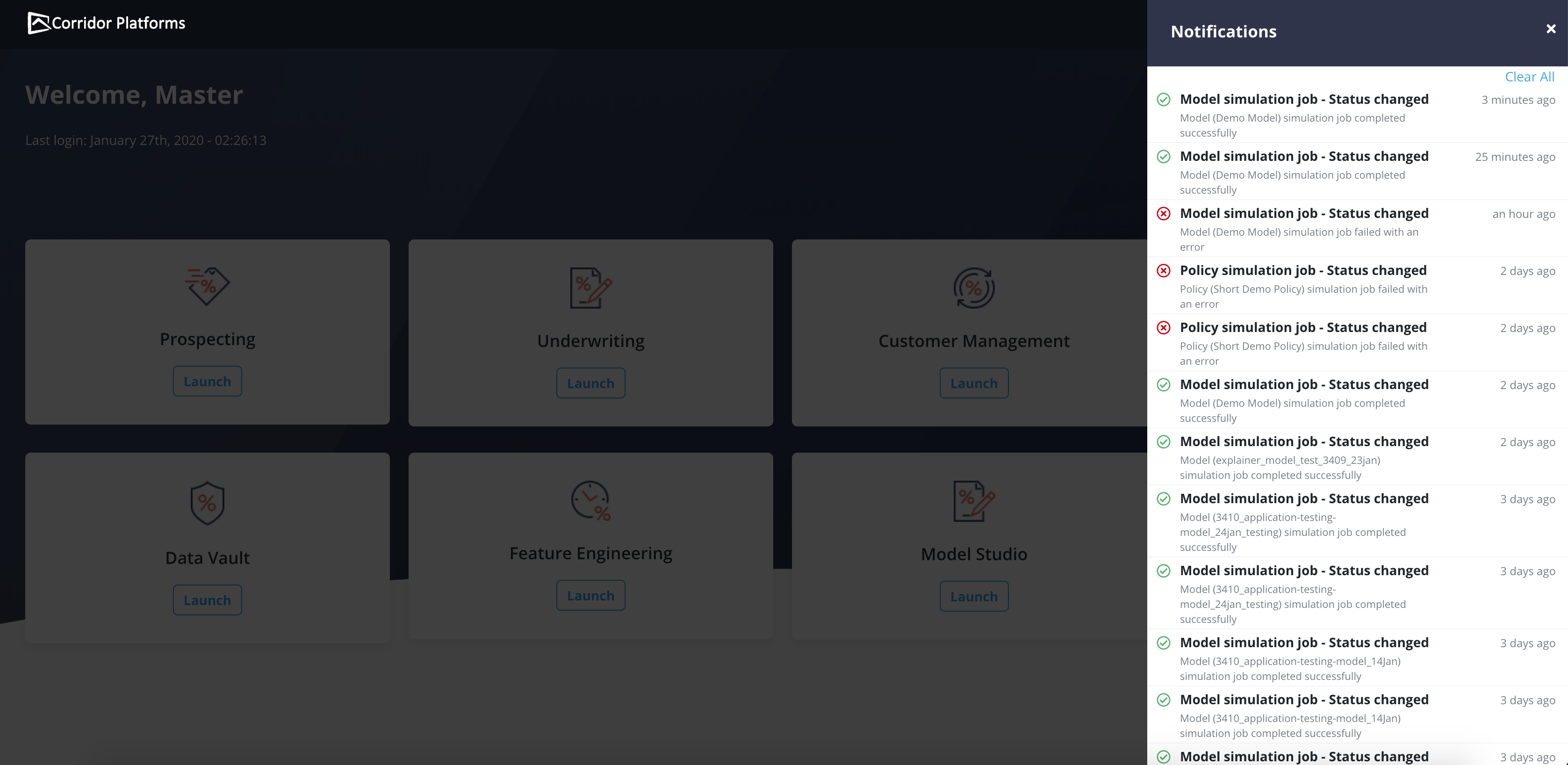
Notifications are issued when events such as job completion or failure, request approval, etc. happen in the platform. All the system generated notifications appear under the Notifications panel located at the top right (bell icon) on the menu bar. The number above the bell icon shows the count of notifications that the user has not yet opened.
- Clicking on a notification re-directs the user to the relevant job that changed status. It is advised to clear them once they have been reviewed.
- The green color is used for successfully completed jobs while red color is used for those that failed.
- To delete all notifications, click on Clear All
- Notifications are also being sent by email. Refer Email Notification section for details.