Global Variables
Overview
This is a variable that can be used to store the outcome of a rule in policy (e.g., an action variable that specifies actions to take conditional on a rule outcome)
How to create Global Variable
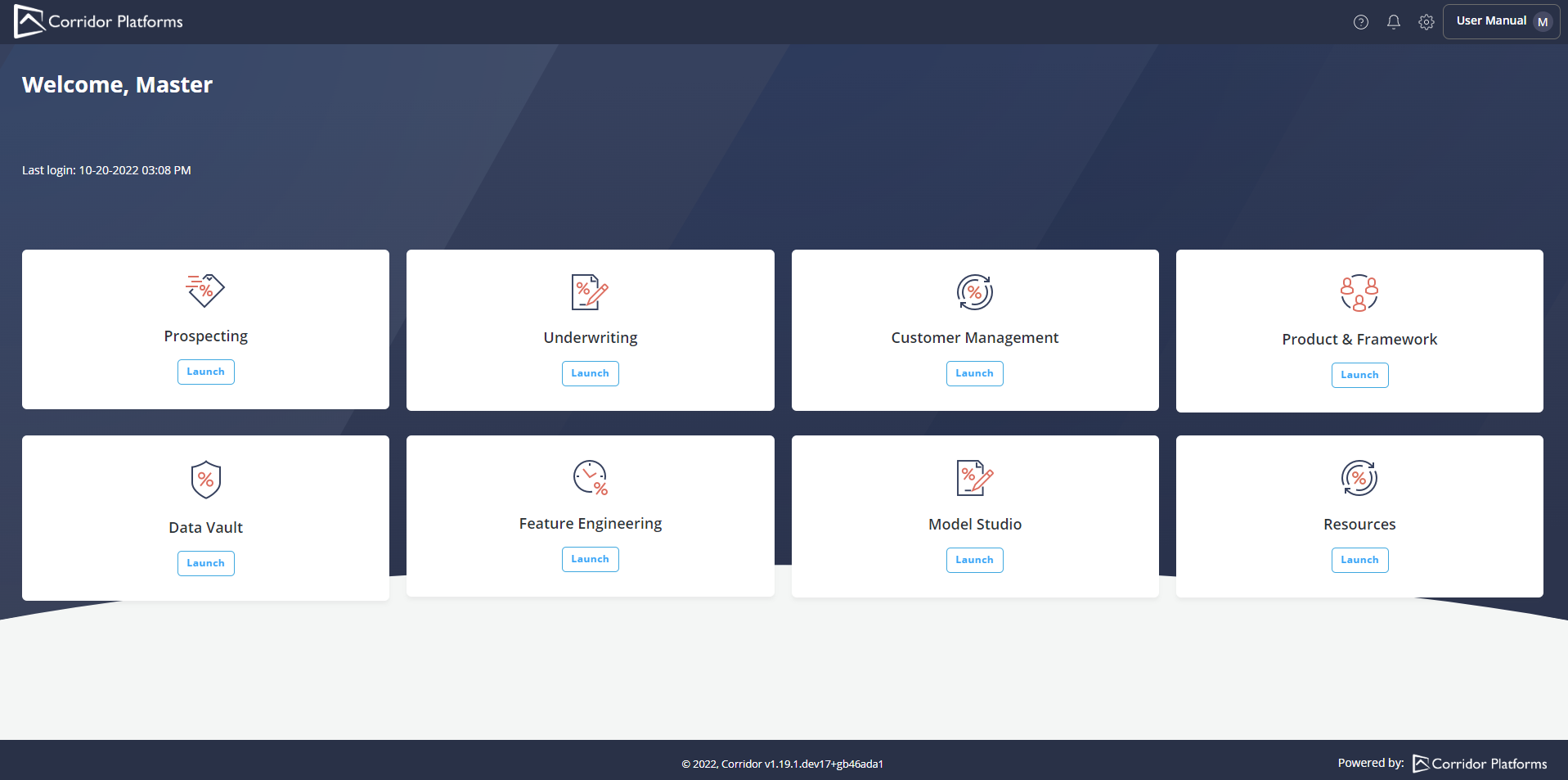
- Click on the Resources option on the Homepage
- Click on Resources
- Global Functions window is opened by default, click on Global Variables. Then click Create.

- Click on New Variable and enter the name of the Global Variable
- Enter required fields (marked with * ) and click on Create
- A pop-up message displayed for successful record save
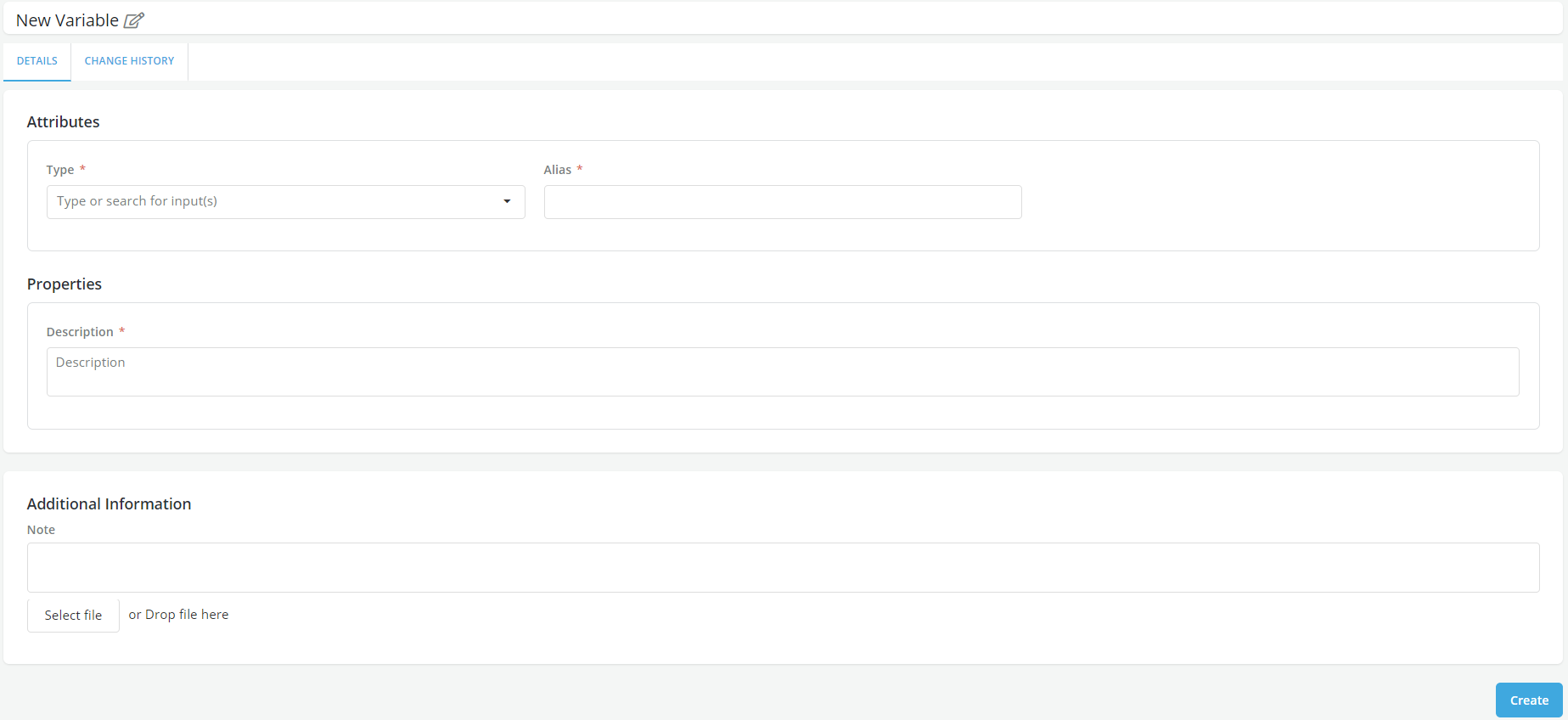
- Change history can be seen on Change History tab
