Runtime Parameters
Overview
Runtime parameters can be used to include in the definition of an object a parameter for which a value can be set at the time when a job is being run.
Creating Runtime Parameter
- Click on Resources on the Homepage
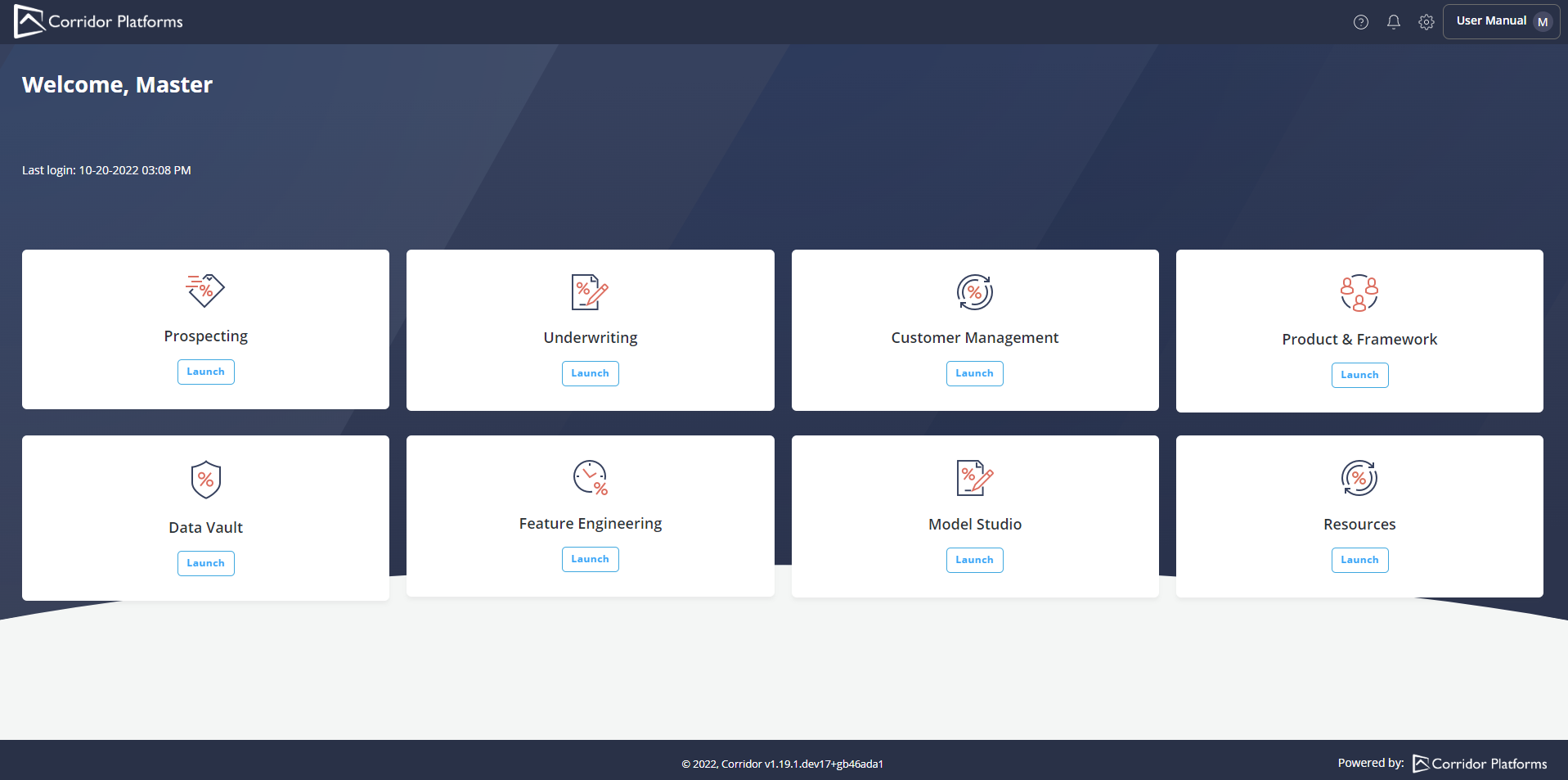
- Click on Runtime Parameter and click on Create

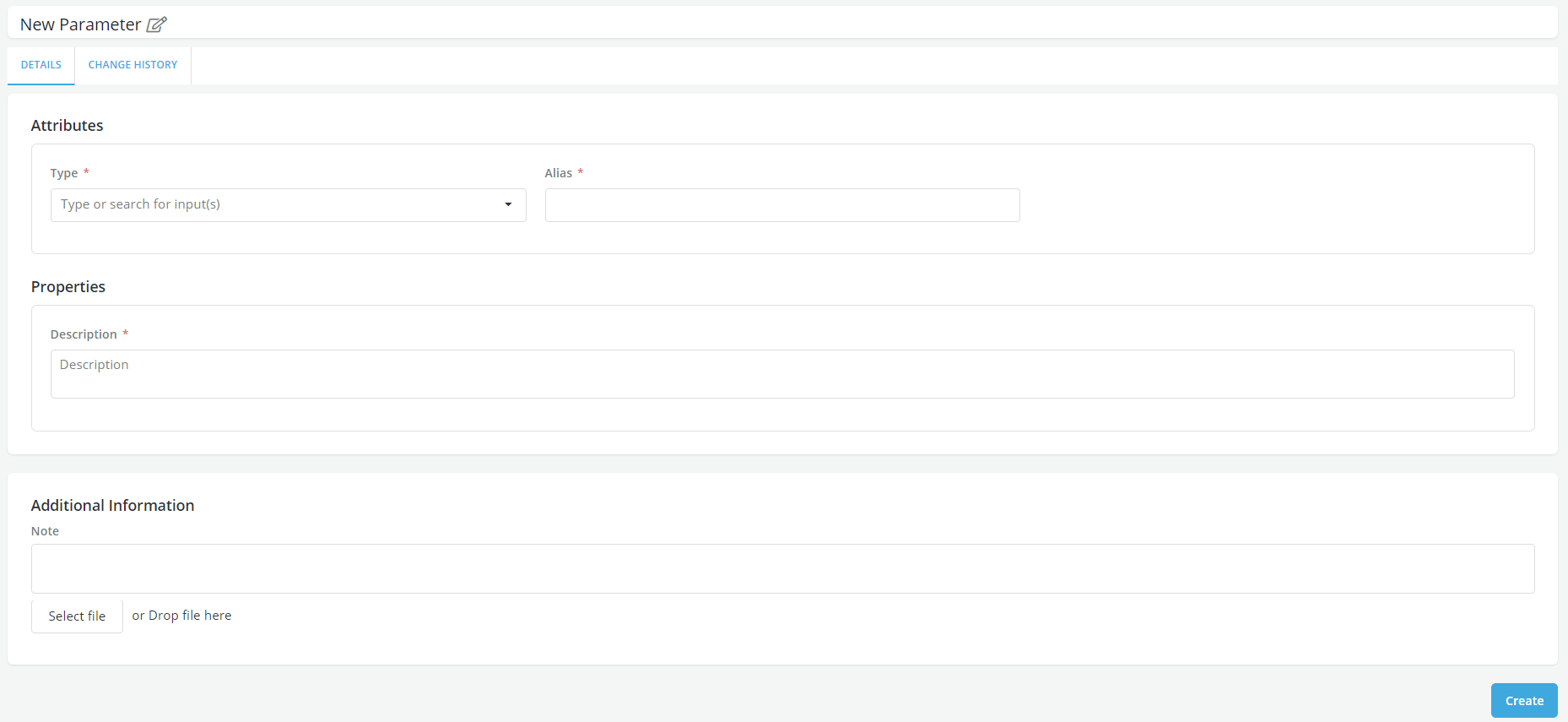
- Enter the name for the Runtime Parameter in New Parameter field
- Enter all mandatory fields, scroll down and click on Create
- A pop-up message displayed for successful record save
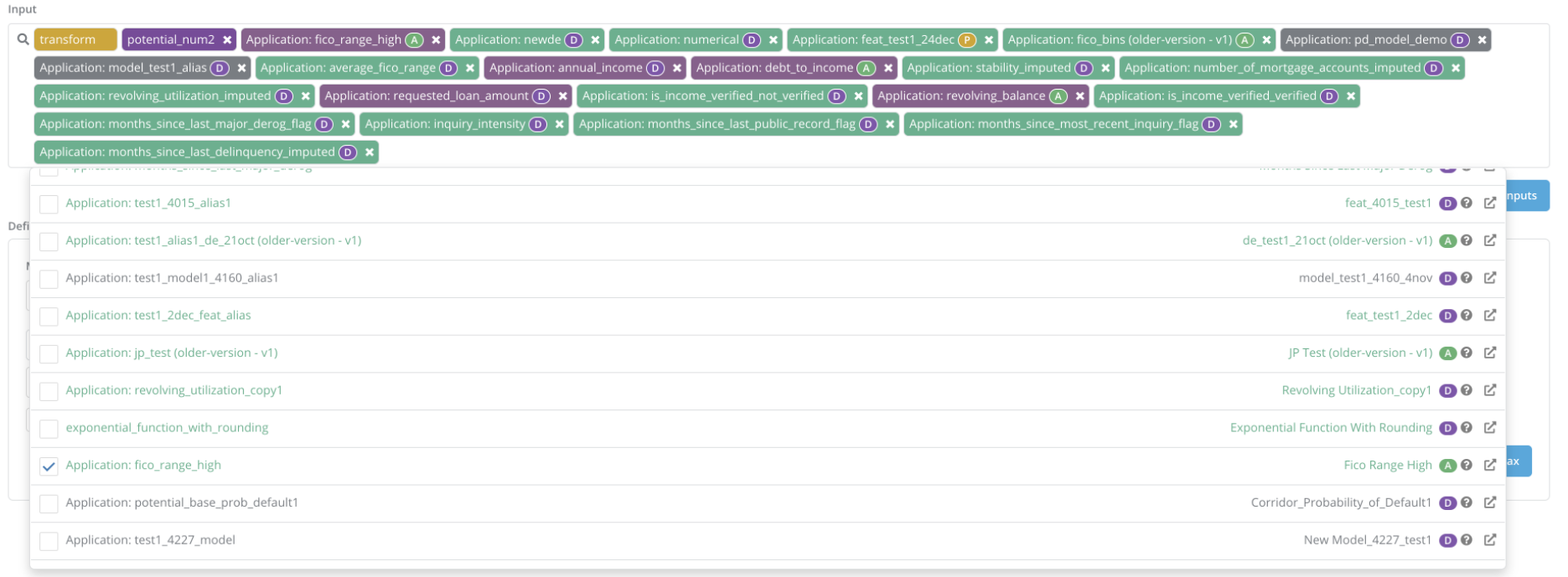
- Once a Runtime parameter is created, it will start appearing in the list of inputs to choose from, when registering an object
-
If the definition of an object includes a runtime parameter then, at time of simulation, the popup form will include a field where the value of the runtime parameter can be entered
-
Creation/change history can be seen on Change History tab

Allowed formats
- Runtime parameters types on the Platform:
- String, character, Numeric- Allowed on the platform
- Arrays, list and tuples- Not allowed on the platform
DOs and DON’Ts of using Runtime Parameters
- Do not use runtime parameters as direct inputs to policy rules.
Usage of Runtime Parameter
- Runtime Parameters can be used in Data Element Aggregates, Features, Model (including model dependent) & Policy (including policy rules).
Example
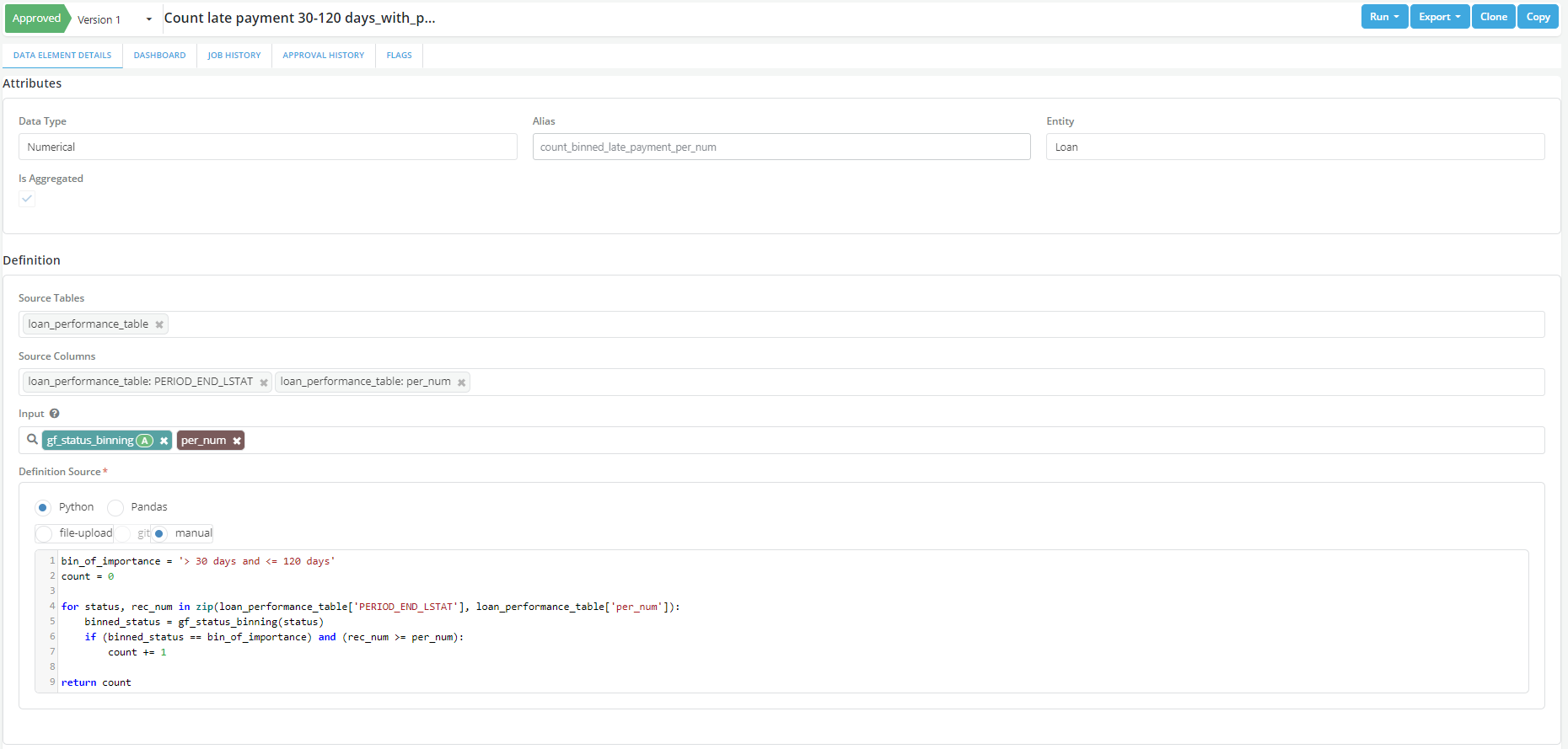
Scenario: Calculate the count of late payments in the ageing bucket of 30-60 days for a defined time period. In this example a Global Function is being used to bin the status and a RTP called per_num used to define the date/time.