Flags
These are used to Flag an Object and can be created by any user with Write access to Settings. An object can be flagged for any reason by any member of any Workflow that oversees objects of the same type. Similarly a flag can be dropped (i.e., deactivated) by any user with authority to add the flag.
How to create a Flag
- Click on the Settings on the taskbar

- Click on Flags and click on Create

- Name the Flag and provide the Description
- Click on Create
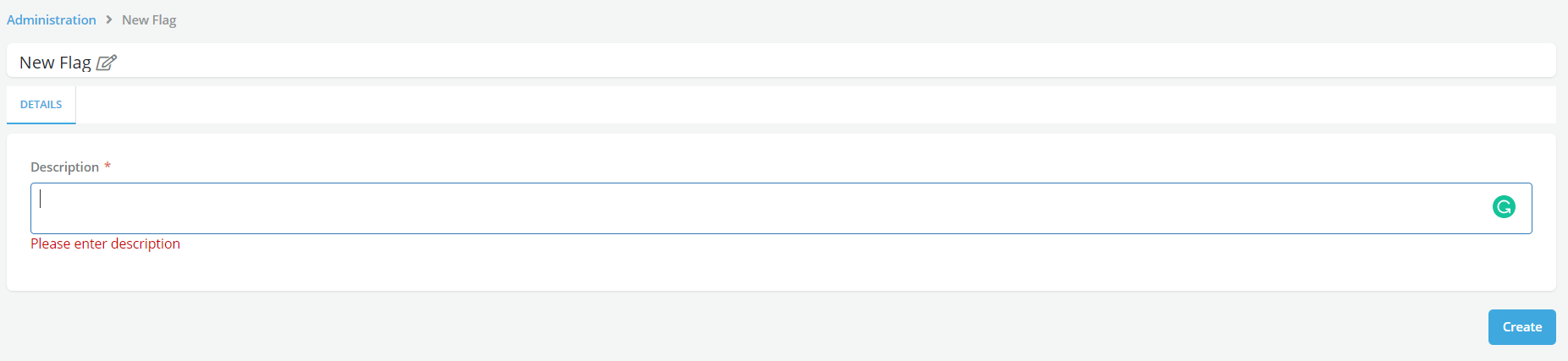
- To view all the changes in Flags, access Change History tab
- Click on Edit

Note
-
An Approver can at any time can add or remove a Flag on a given object (e.g., model)
-
Flags have restricted usage (only approvers can use them - as opposed to keywords)
-
Only users with access to Settings can create Flags
-
Flags are applicable for Data Element, Feature, Model, Policy, Product, Framework, Global Function
How to use a Flag
Example: using a flag on a model
A Flag can be added to a Model if the model requires periodic review.
- Go to Flag tab and click on Add Flag
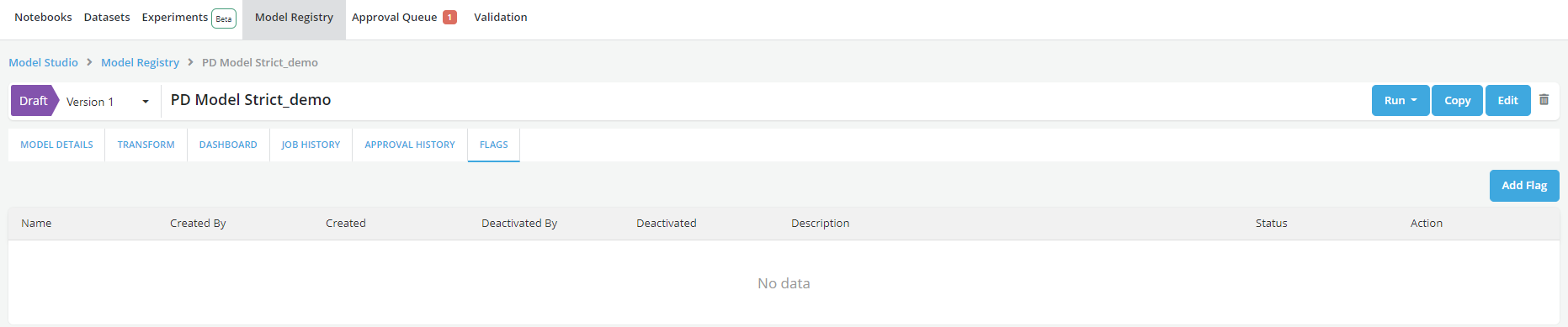
- Select the appropriate Flag created and add the Description
- Click on Submit Changes
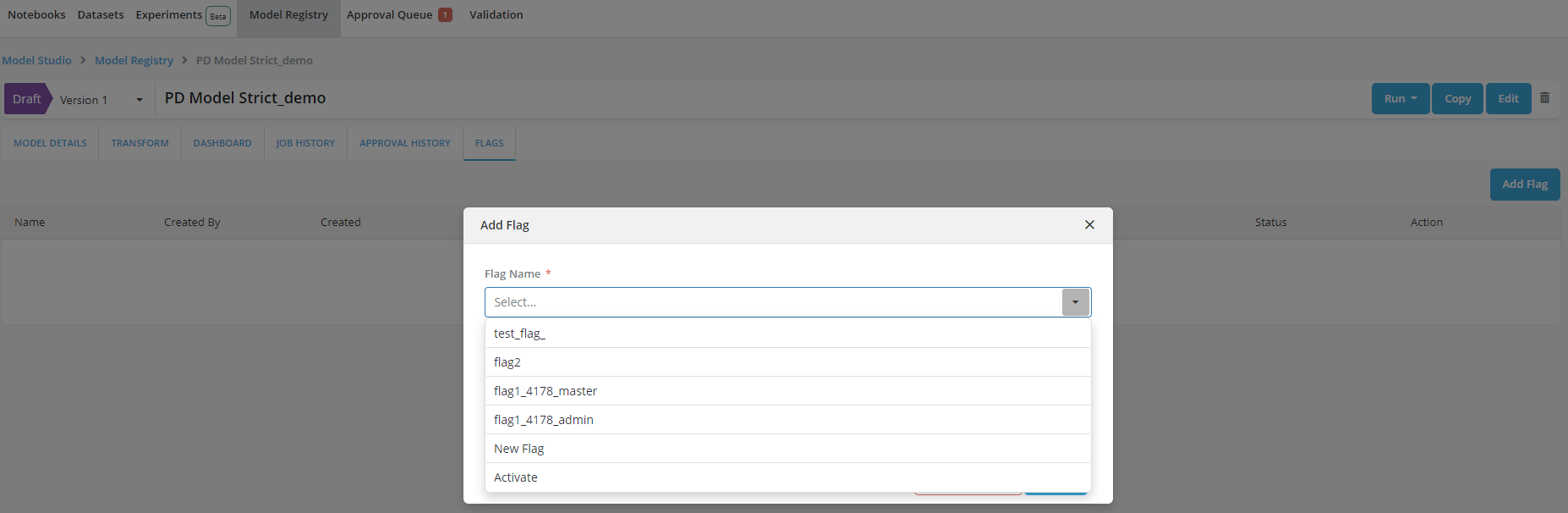
- Flag icon can be seen with the model name
