Groups
Groups are ways to classify objects for control and display purposes. Groups are specific to object types.
- When defining roles, Administrators can use groups to specify access rights
- In the registries objects are displayed by group
How to create a group
- Click on the Settings on the taskbar

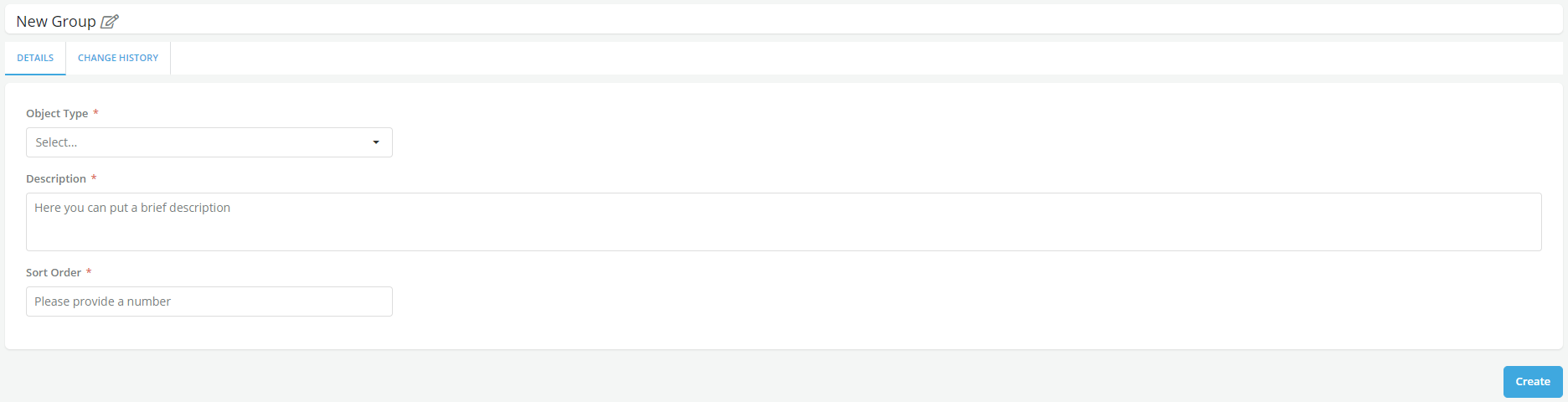
- Under the Groups tab, click on Create to create new Group
- Enter the Name of the Group
- Select the Object Type
- Enter the Description and the Sort Order
- Click on Create
- A message is displayed for successful record save