Keywords
These are words and expressions that the User can choose to link to the data element in order to facilitate the system’s search functionalities.
How to create Keywords
- Click on the Settings on the taskbar

- Click on Keywords option and click on Create

-
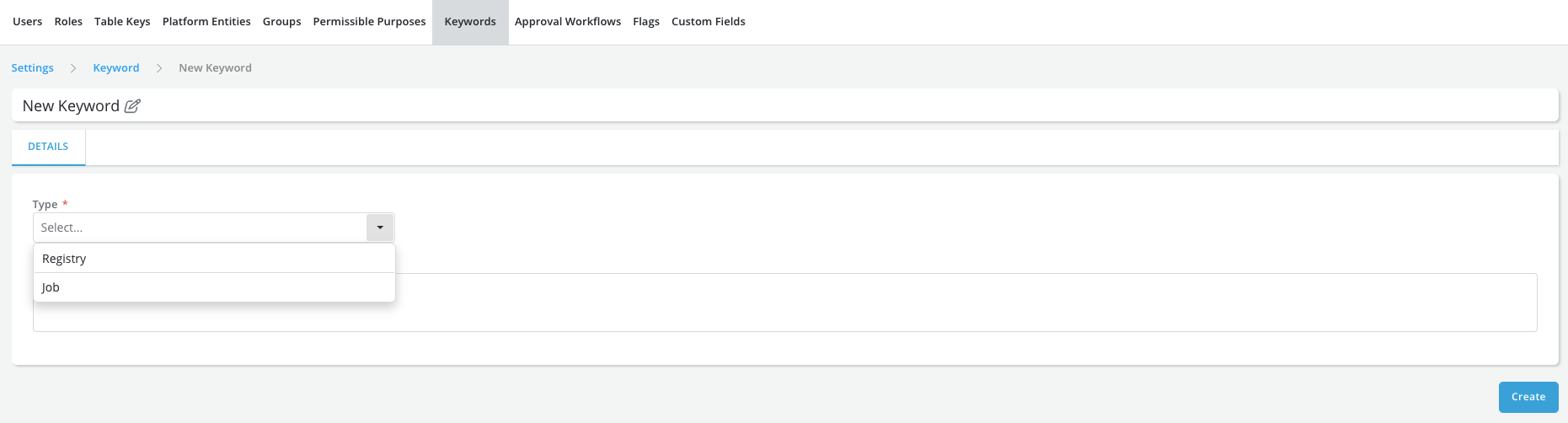
Enter the Name, Type and Description
Note: There are currently two types of keywords: * Type = *Registry** to be used to tag objects while registering them * Type = Job to be used to tag jobs while creating them
-
Click on Create
-
A message is displayed for successful record save