Permissible Purposes
Permissible Purpose defines how an object can be used or where it can be used. A User can select one or multiple purpose tags to assign to the object. These tags are used to help monitor downstream functions whether the data is being used for a permissible purpose or not.
How to create Permissible Purpose
- Click on the Settings
on the taskbar
- Click on Permissible Purposes and click on Create. This option is used to define how an object is to be used in the platform

- Enter the Name and Description of Permissible Purpose
- Click on Create
- A message is displayed for successful record save

- Complete creation and modification history, i.e. the audit trail, of the Permissible Purpose can be viewed in Change History Tab
Info
- If the object is used other than the intended Permissible purpose, the system automatically tracks it and shows error of Permissible Purpose violation
- If in a feature another feature or Data Element is used having different Permissible Purpose, system give Permissible Purpose violation error
Example
- Create a Feature "Revolving Utilization Transform" with Permissible purpose as Underwriting1
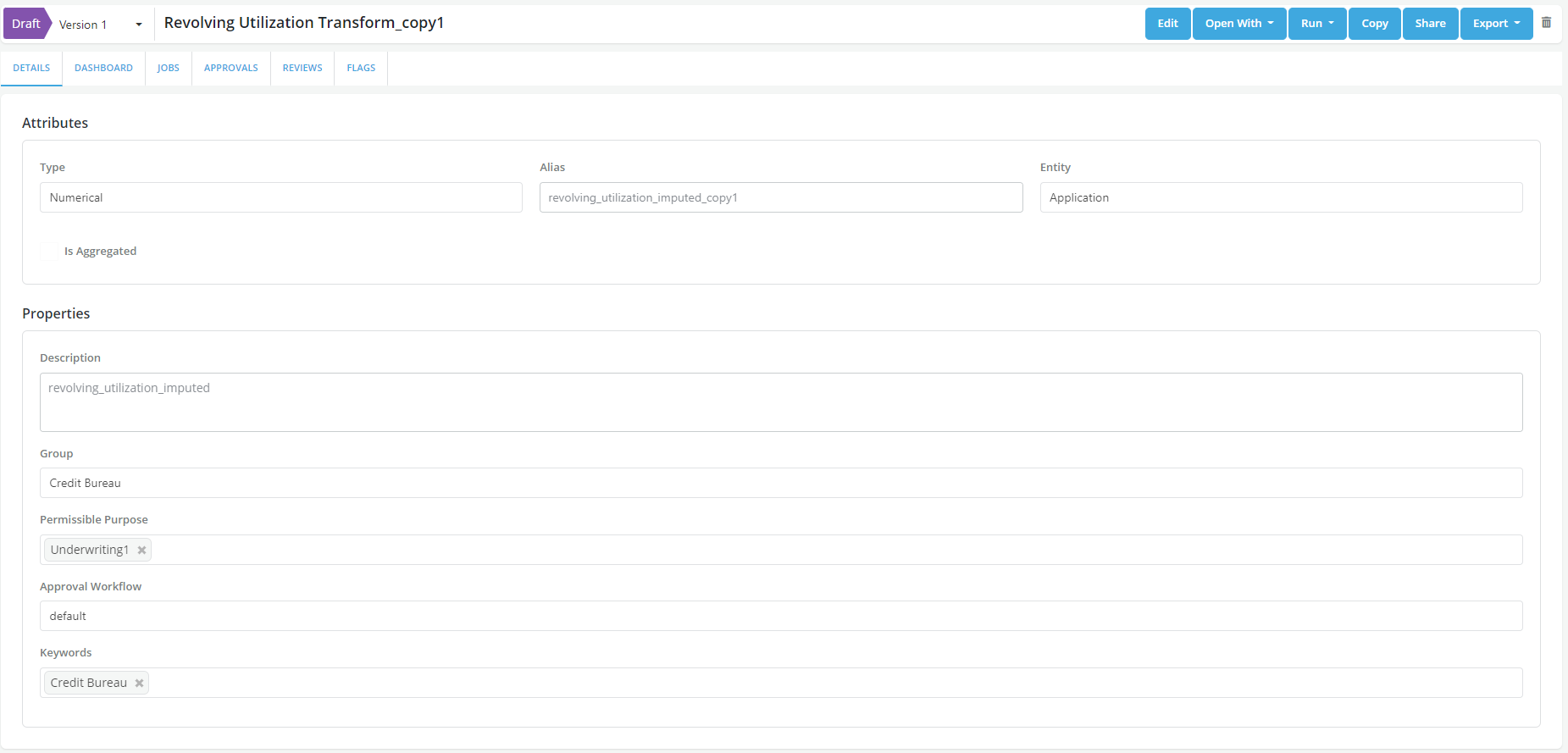
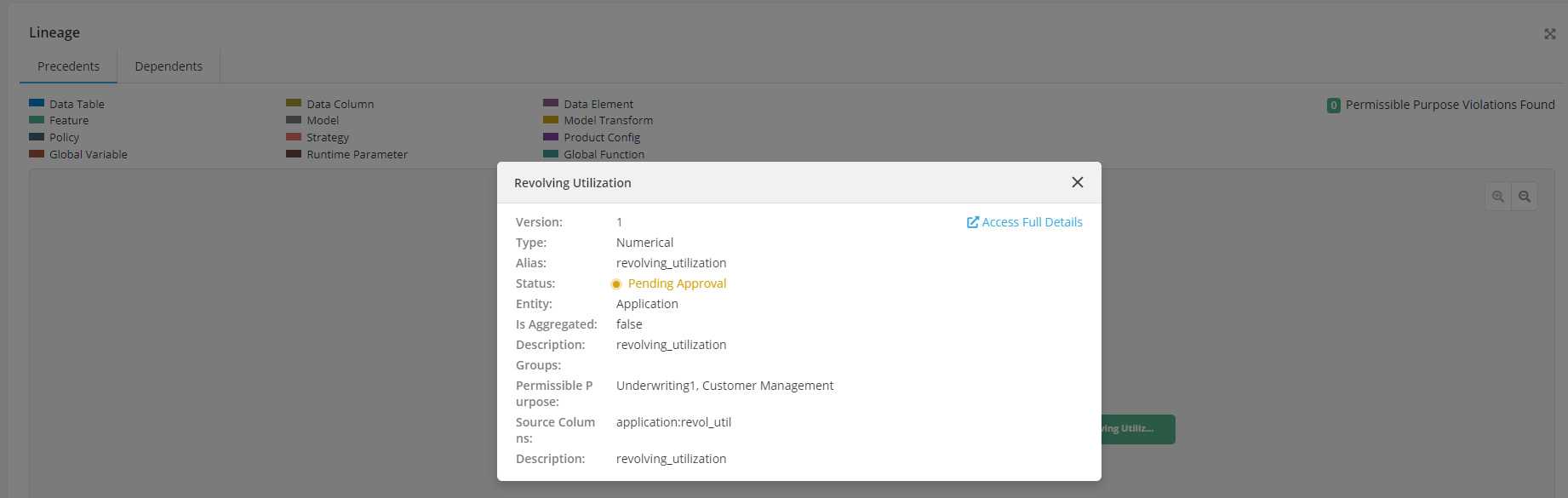
- This feature uses a data element which also has same Permissible Purpose as Underwriting1
- Save the changes. System will not show any Permissible violation error
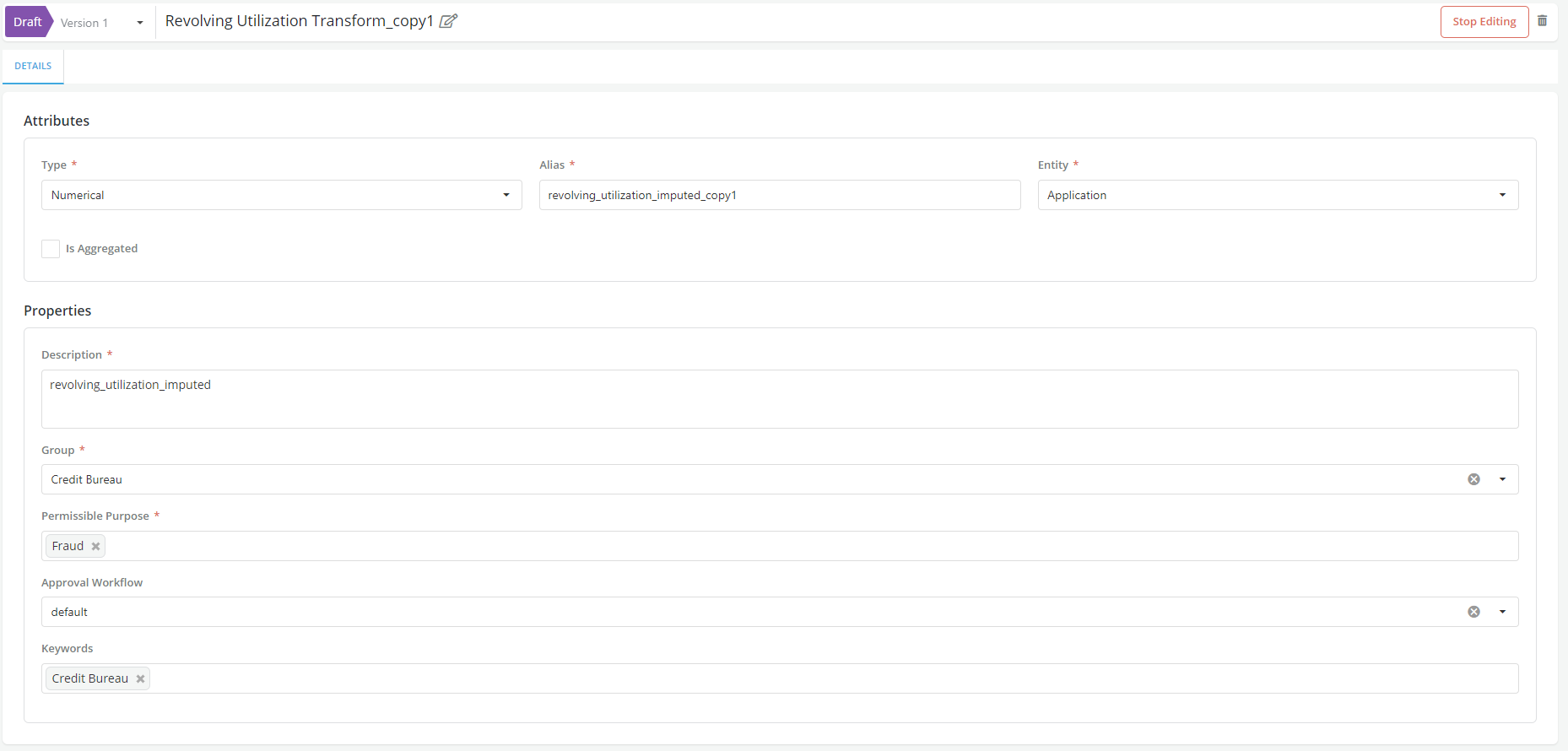
- If the Permissible Purpose of the Feature "Revolving Utilization Trasnform" is changed to Fraud and save changes
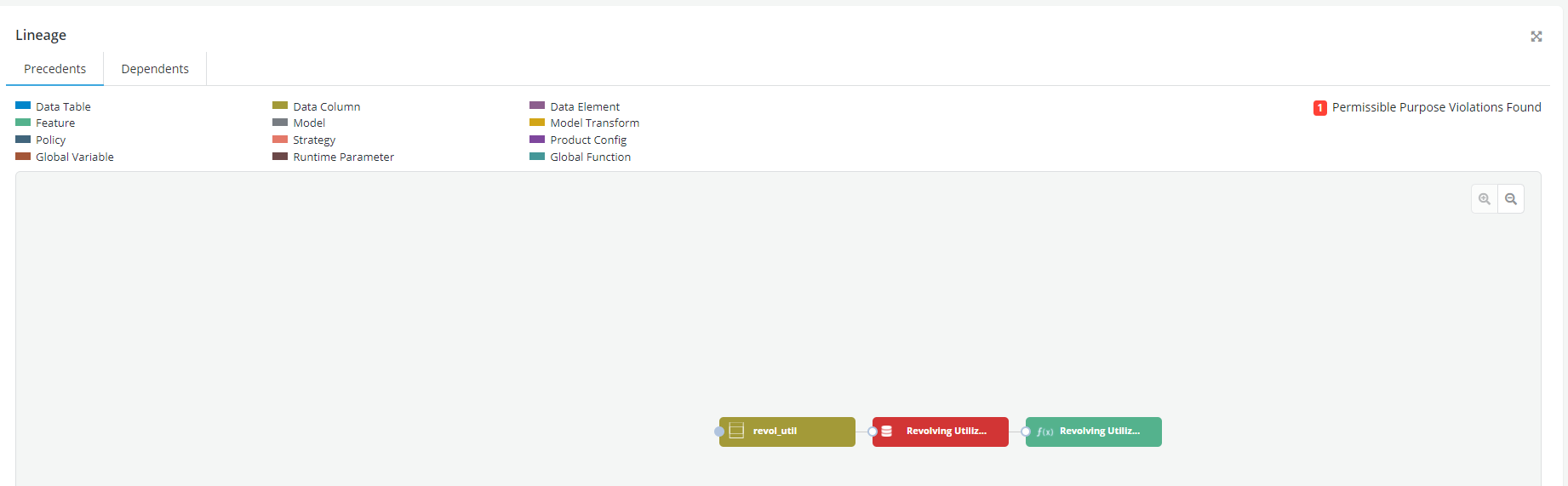
- Notice that system now shows a Permissible Purpose violation error since the Feature and the comprising data element have different Permissible Purpose