Platform Settings
Behaviors across the platform can be configured through Platform Settings.
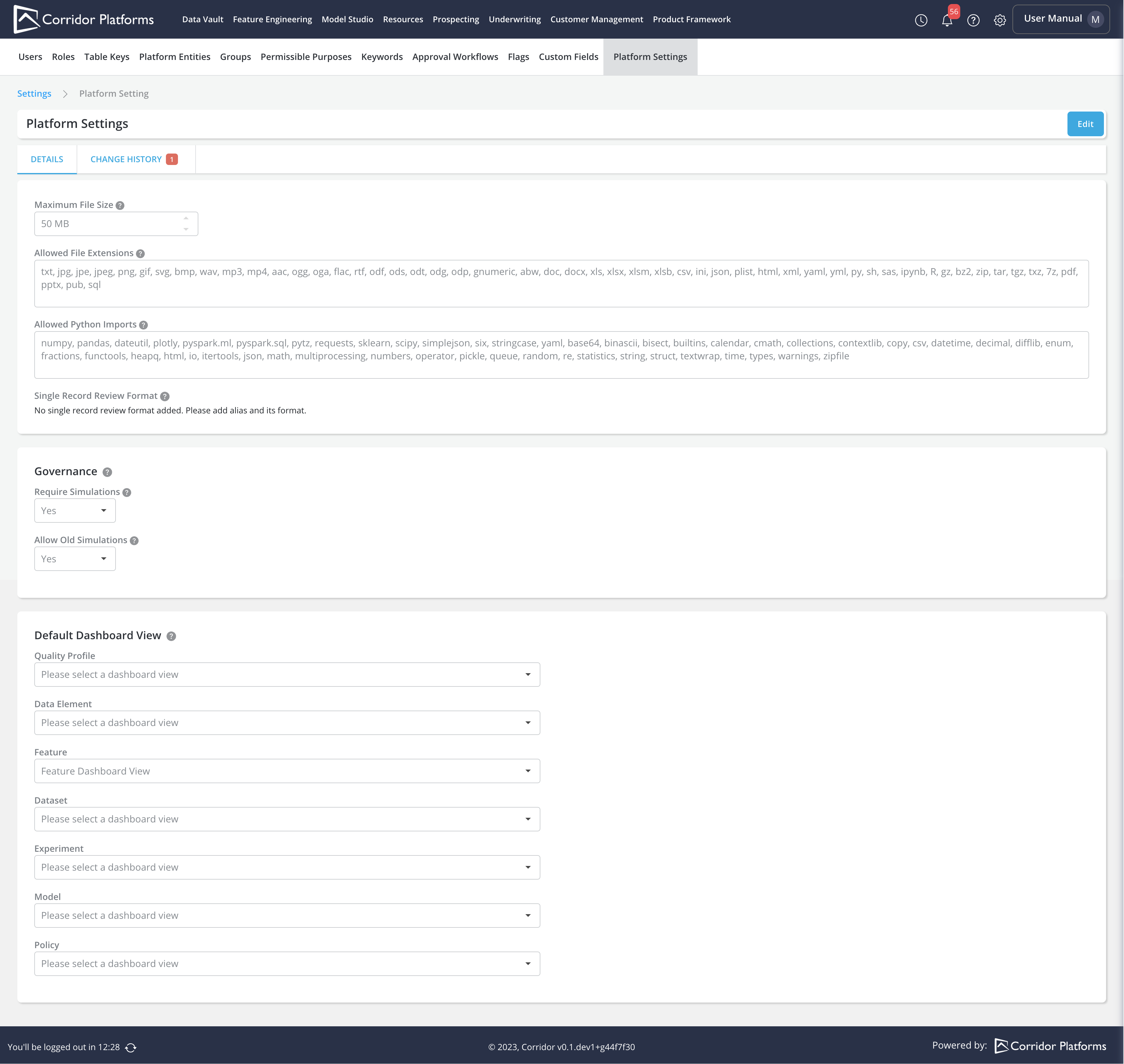
There are 3 sections in Platform Settings:
-
Common: general purpose setting options
- Maximum File Size
- Allowed File Extensions
- Allowed Python Imports
- Single Record Review Format
-
Governance: governance related setting options
- Require Simulations
- Allow Old Simulations
-
Default Dashboard View: report, dashboard view related setting options
- Default Dashboard View
Where to configure
- Click on the Settings on the taskbar
- Navigate to Platform Settings
Details for each setting options
-
Common: Maximum File Size
- Maximum file size (in MB) allowed when uploading a file in the platform. For instance, uploading model definition when registering a model
- Default: 50MB
-
Common: Allowed File Extensions
- The set of file extensions allowed when uploading note attachments in the platform.
- Default: txt, jpg, jpe, jpeg, png, gif, svg, bmp, wav, mp3, mp4, aac, ogg, oga, flac, rtf, odf, ods, odt, odg, odp, gnumeric, abw, doc, docx, xls, xlsx, xlsm, xlsb, csv, ini, json, plist, html, xml, yaml, yml, py, sh, sas, ipynb, R, gz, bz2, zip, tar, tgz, txz, 7z, pdf, pptx, pub, sql
-
Common: Allowed Python Imports
- The set of python packages allowed to be imported in definitions in the platform. For instance, defining model, global function definitions.
- Default: numpy, pandas, dateutil, plotly, pyspark.ml, pyspark.sql, pytz, requests, sklearn, scipy, simplejson, six, stringcase, yaml, base64, binascii, bisect, builtins, calendar, cmath, collections, contextlib, copy, csv, datetime, decimal, difflib, enum, fractions, functools, heapq, html, io, itertools, json, math, multiprocessing, numbers, operator, pickle, queue, random, re, statistics, string, struct, textwrap, time, types, warnings, zipfile
-
Common: Single Record Review Format
- The format to be applied for each output when running single record review for Policy. You can specify the format for each output by adding the alias of the output and its format to be applied.
- Default: None

-
Governance: Require Simulations
- Whether to require supporting job result attachments when sending for approval or review
- Default: Yes
-
Governance: Allow Old Simulations
- Whether to allow old simulations to be attached when sending for approval and review
- Default: Yes
-
Default Dashboard View
- The default dashboard view to be used when running a job. You can choose the default dashboard view for each object type, including Quality Profile, DataElement, Feature, Dataset, Experiment, Model, Policy.
- Default: None
Note:
- Only approved dashboard views can be selected as default dashboard view.
- Feature default dashboard view will be used as the default for Model Transform and Dataset Transform.
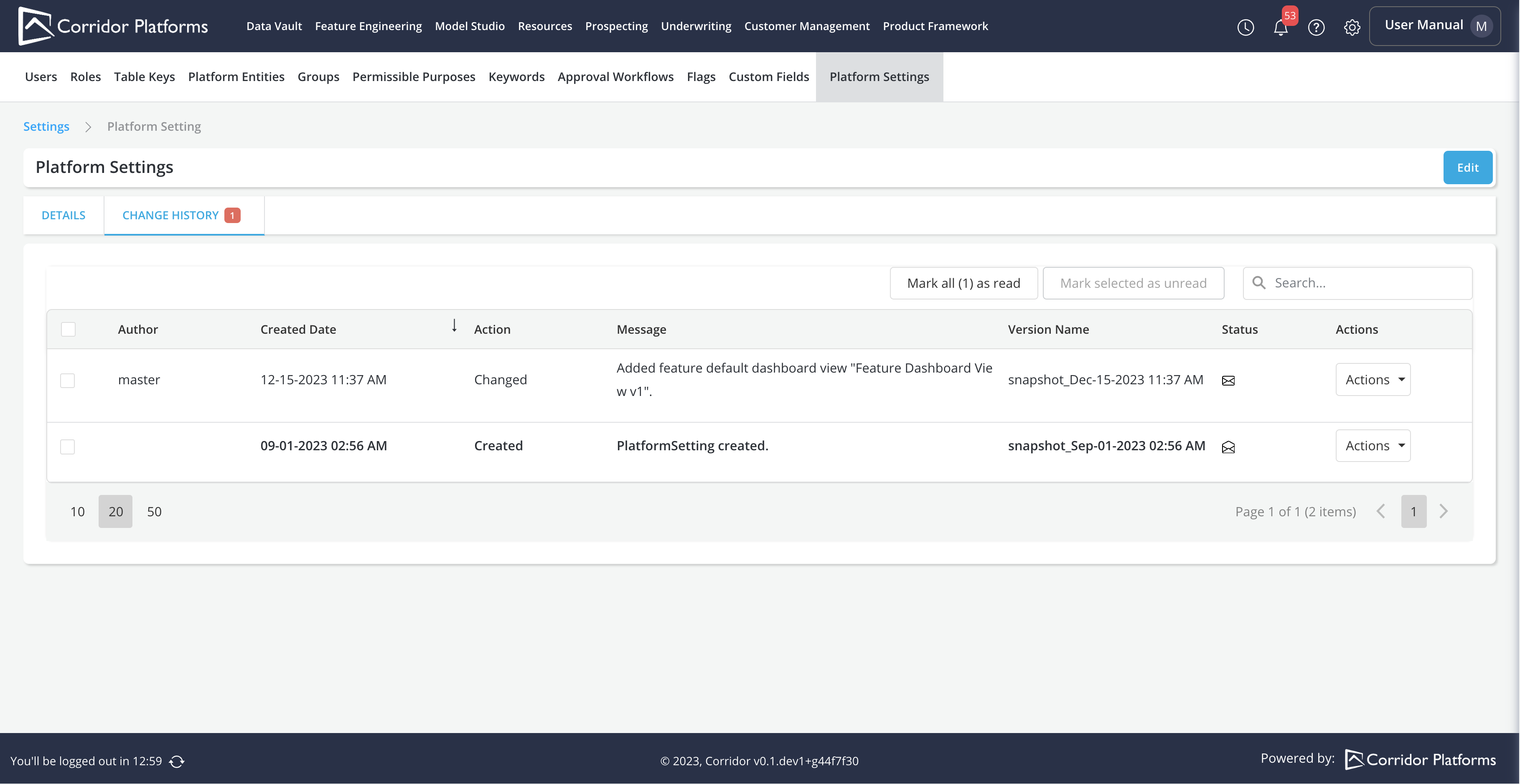
Change History
- Click the Change History tab to view the history platform settings.