Overview
The Role-Based Access Management capability is used to govern how Users, with a given role access, can use the Platform. Roles can be created assuming the following framework:
- The Platform is structured as set of modules (Data Vault, Feature Engineering, etc..).
- Each module is comprised of different pages (e.g., Table Registry, Quality Procedure, etc.)
- Within each page, objects such as data elements, features, models can be accessed.
- Objects has properties and attributes on which access can also be controlled
- Lastly access can be of different types: read, write, approve and superuser
Access to each of the above components can be granted independently using the Roles capability.
How to create a Role
- Click on the Settings on the taskbar

- Click on Roles option and click on Create
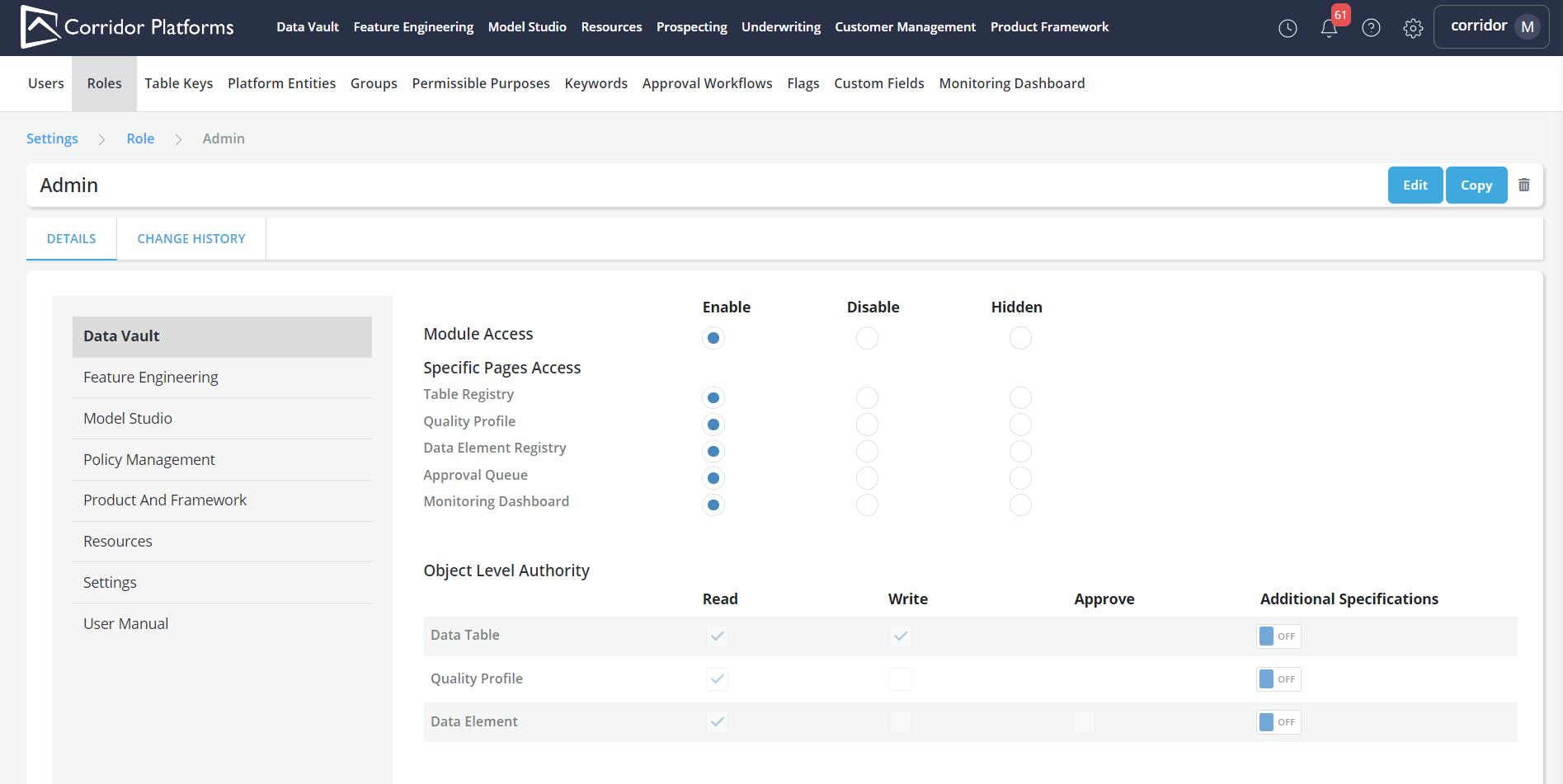
-
Refer Role Details for details on defining page and object access for different modules
-
Refer Change History for the audit trail