Permissible Purpose Monitoring Dashboard
Overview
The Permissible Purpose Monitoring Dashboard is a powerful tool that allows users to monitor and analyze the assignment of permissible purposes to various objects on the platform. This dashboard provides insights into the dynamic nature of permissible purposes, their usage across different objects, and custom pivot configurations for comprehensive analysis.
With the Permissible Purpose Dashboard, users can gain valuable insights into the allocation and utilization of permissible purposes across different objects, empowering them to ensure compliance, manage data access, and make informed decisions to enhance the platform's performance and security.
The Permissible Purpose Dashboard can be utilized for the following eligible objects: - Data Elements - Features - Datasets - Models - Policies
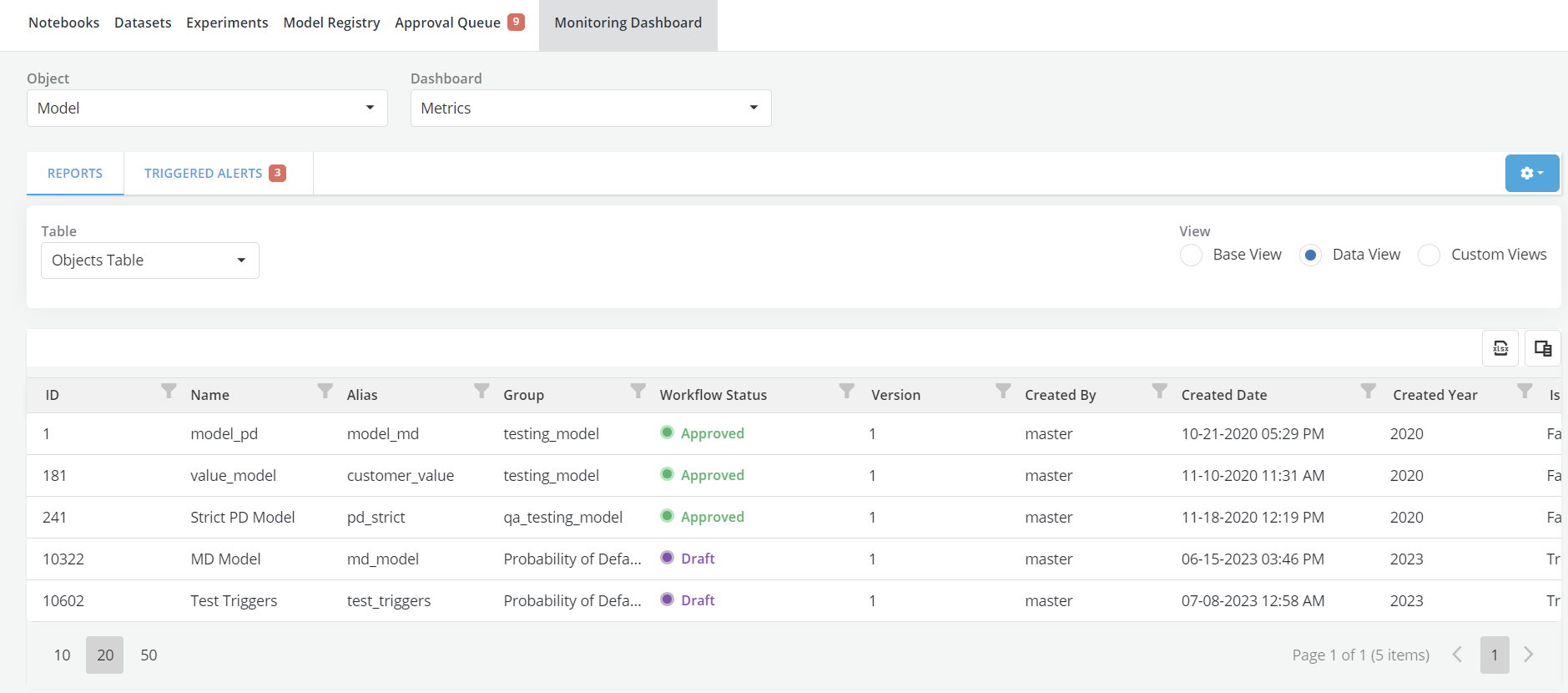
Views and Tables
The Permissible Purpose Dashboard supports three views: - Base View: By default, the Base View does not have any pre-configured pivots to display. This is because permissible purposes are dynamic in nature and can change over time based on user setup. The Base View provides a blank slate for users to configure their preferred pivot tables. Users can add permissible purpose columns and define their own custom pivot configurations in the Base View for in-depth analysis.
-
Data View: In the Data View, permissible purpose columns will be labeled with a 'Permissible Purpose:' prefix followed by the unique permissible purposes obtained from the object details. This view provides a comprehensive overview of the assignment of permissible purposes to different objects, allowing users to review and explore the data in a tabular format. For each permissible purpose, a separate column with binary values (1/0) is created to represent the assignment of the permissible purpose to a particular object. A value of "1" indicates that the permissible purpose is assigned to the object, while "0" denotes that it is not assigned.
-
Custom Views: The Custom View displays user-created custom pivots one after another. Users can create new custom pivots by clicking the "Create" button. Once custom pivots are created, users can configure them to be displayed in the Base View, allowing for personalized and in-depth analysis of permissible purposes.