Entities
Overview
An entity is an object to which a set of information is attached and on which a business decision can be made. For instance, an application is an entity to which a credit bureau file is attached and on which a decision to approve or decline is made. Currently, the platform supports four (4) types of entities: prospects, applications, accounts and customers.
For a better understanding of entities, users can refer to the entity tutorial.
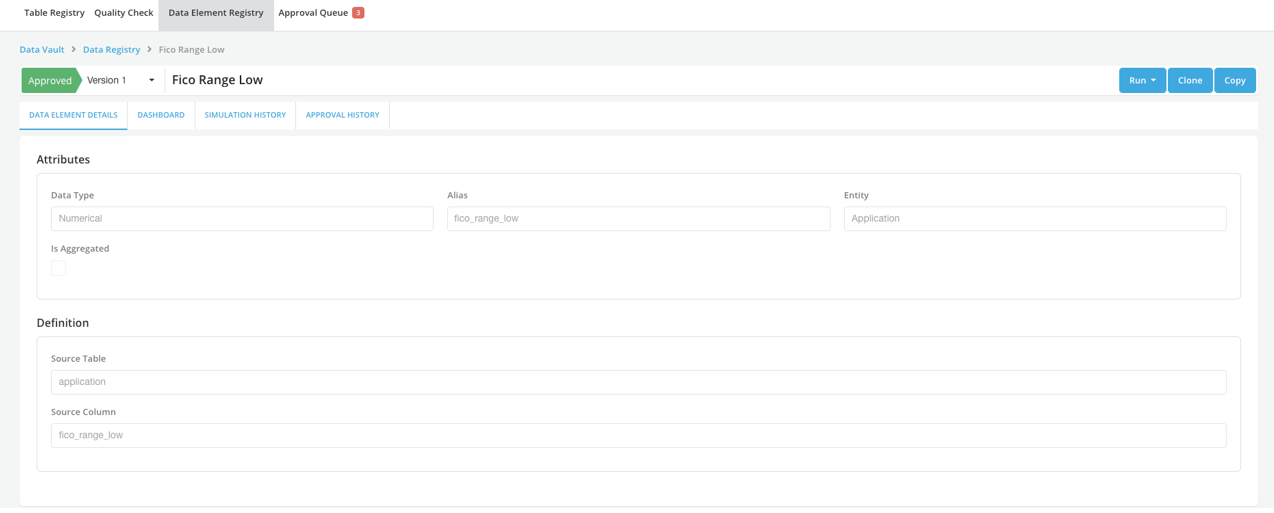
Registering new data elements, features and models require users to specify the entity that they want to allocate the new object to. The policy modules are currently entity-specific: Prospecting applies to prospects, Underwriting applies to applications, Customer Management applies to customers.
How is this used?
Entities are used to store information registered on the platform. Every data element, feature, model or policy has to relate to a specific entity. Additionally, entities are related to each other based on a customer lifecycle framework (i.e., prospects can be linked to applications which in turn can be linked to loans; loans are ultimately linked to customers).
The customer lifecycle relationships are unidirectional; while a prospect entity’s information can be seen at an application entity level, the reverse is not true.
Creating entities
Refer Platform Entities for details.
Example
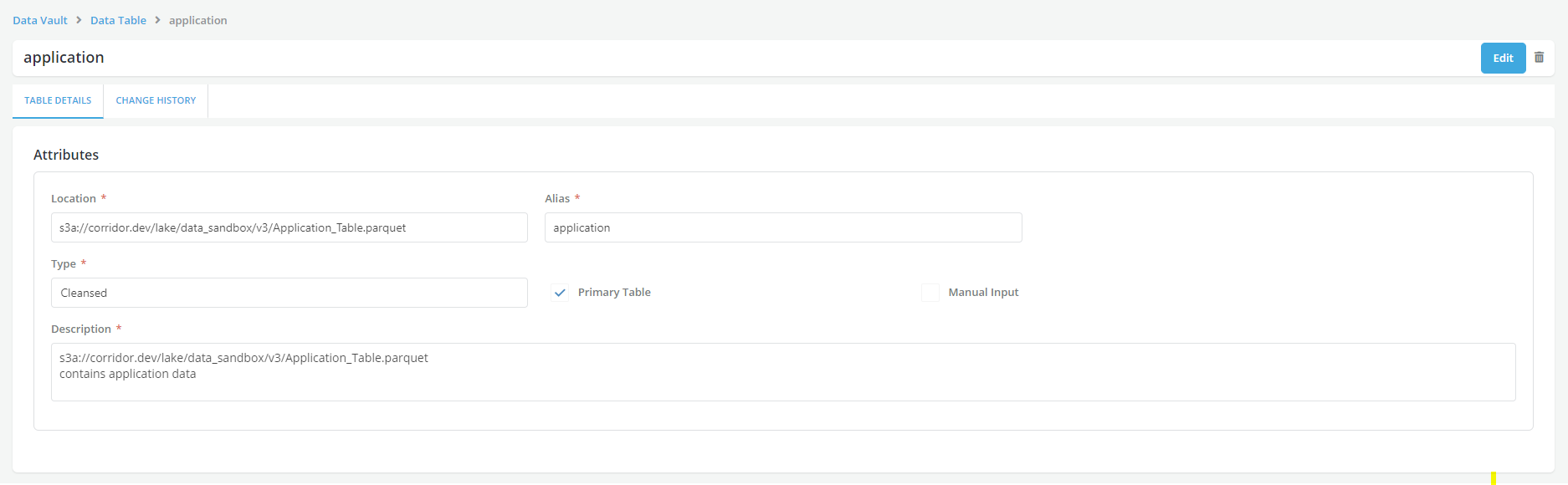
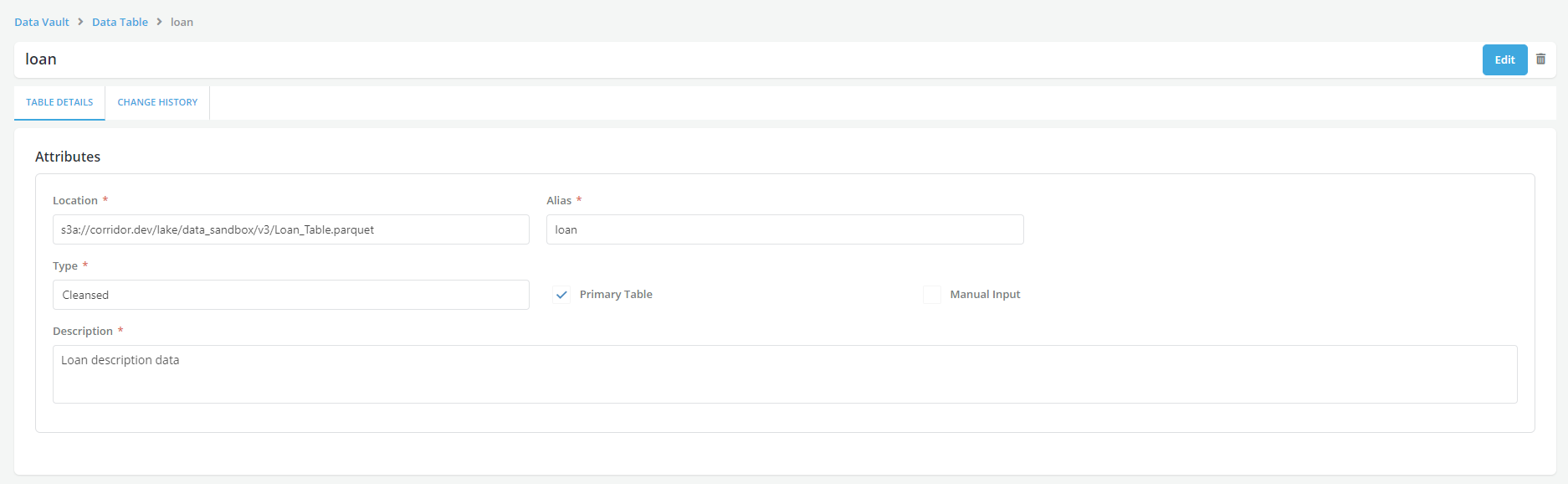
Case study: User has some application-level data (e.g., App ID, Fico, Income, etc.) and some account-level data (e.g., Account ID, issued loan amount, etc.) that s/he wants to upload in the platform. The application data is in table called App and the loan data is in a table called loan.
- Register the application table in Table Registry and maps the App ID column to the built-in application_id (see Settings - Table Keys).
- Similarly, user registers the Account table in Table Registry and maps the Account ID column to the built-in account_id (see Settings - Table Keys.
- Proceed to register data elements from the tables and assign them to the application entity or the account entity using the Data element registry tab.