Experiments
Overview
Experiments are model estimation jobs that the User can run to train models based on an algorithm defined in the Algorithms module along with the dataset created for the algorithm in the Datasets module.
How is this used?
Experiments are used to estimate models within the platform
Creating an Experiment
Experiments can be created by accessing the Experiments tab under Model Studio and clicking on Create.
Example
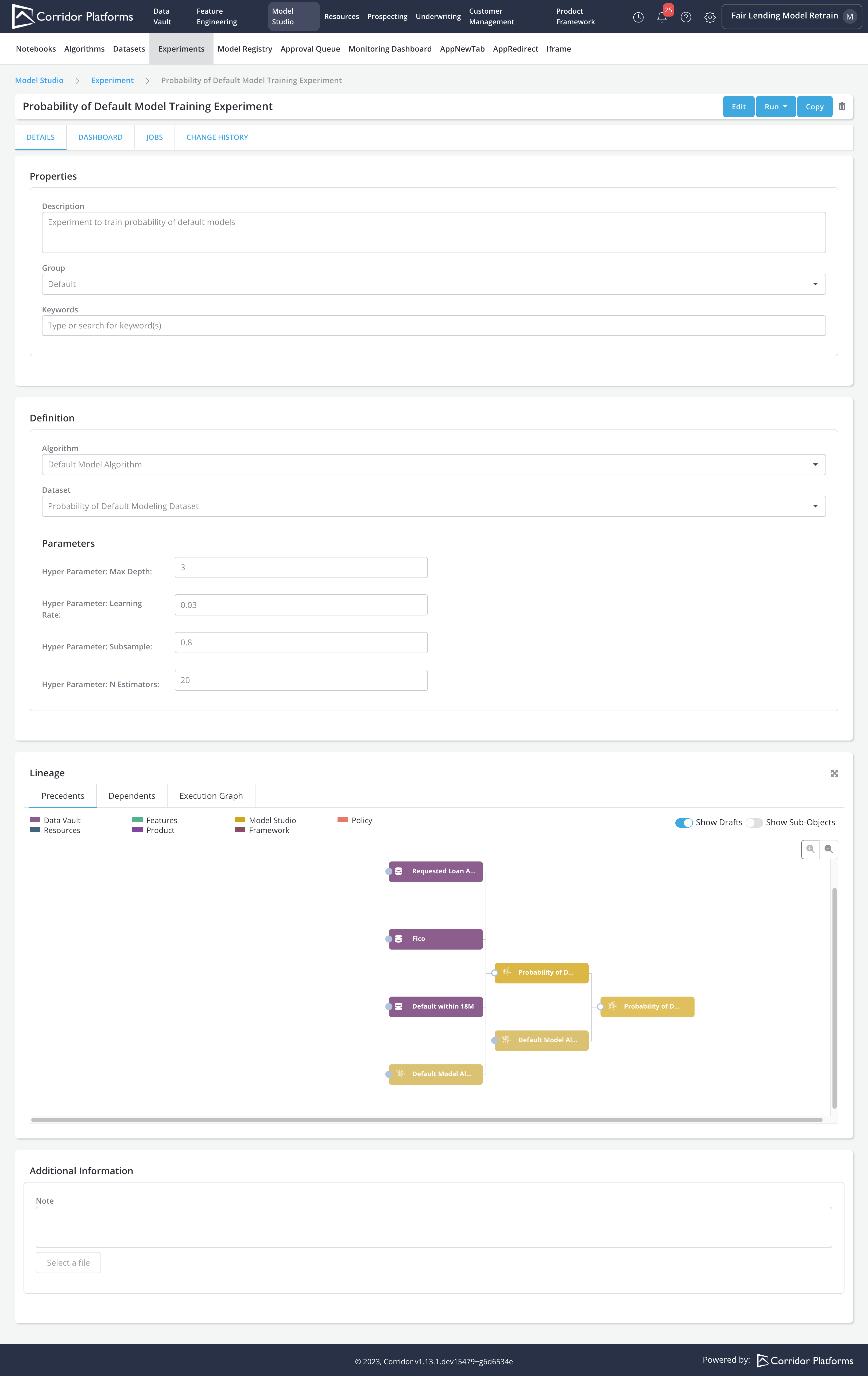
Case Study: User has registered algorithm Default Model Algorithm and has created a dataset that includes Fico and Requested Loan Amount as independents and Default within 18 Months as a dependent. Furthermore, User has simulated the dataset and completed the actual creation of the modeling dataset. Now User wants to estimate a model that predicts Default Within 18 Months using Fico and Requested Loan Amount using the modeling dataset and Default Model Algorithm.
- User creates an experiment by accessing the Experiment tab under Model Studio and specifying the experiment configuration
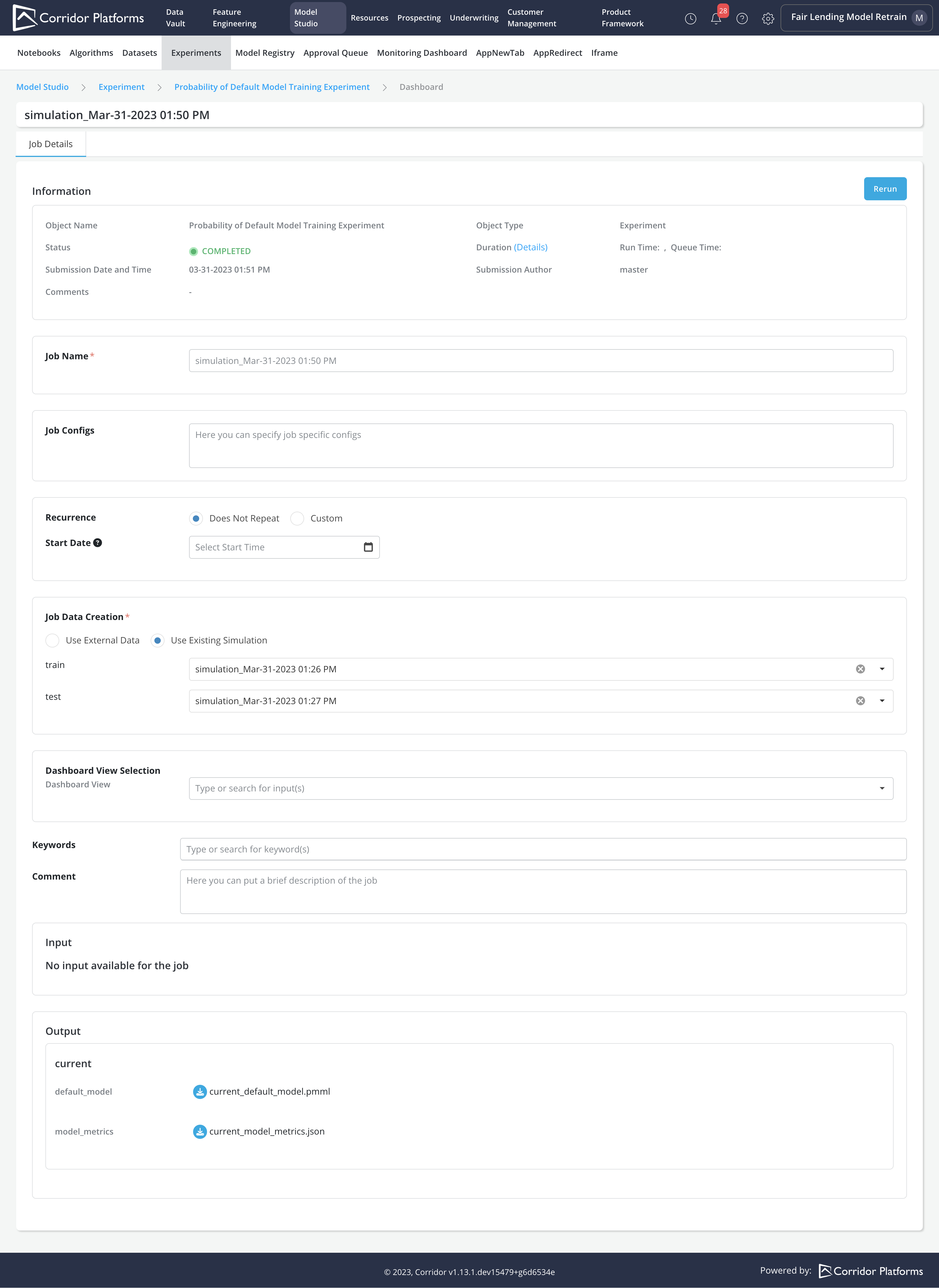
- User runs the experiment by submitting a simulation job and review the results. After job completes, all outputs defined in the algorithm used to run the experiment can be downloaded in the job details page. The downloaded model (if any) can, later on, be registered as a model in the Model Studio under the Model Registration tab.