Transforms
Abstract
A transform is a calculation or algorithm that is applied to a model input variable (data element or feature during the course of the model estimation.
Note: Such calculation or algorithm is specific to a given model; in this sense, it is different from a feature that is generic and is created in the abstract of any model or policy.
Transforms are used during the registration of a model. When specified, they are computed and used as part of the model execution.
How to create a Transform
Transforms are created during the course of a model registration. In the model registration page, under the Formula section, Users can click on Create to register new transforms.
Example
Case Study: User wants to register a model that uses Fico Range Low, Requested Loan Amount Low and Requested Loan Amount Medium to predict Default Within 18 Months. Requested Loan Amount Low and Loan Amount Medium are two transforms or the data element Loan Amount:
-
Requested Loan Amount Low = 1 IF Requested Loan Amount<5000 and 0 otherwise
-
Requested Loan Amount Medium = 1 IF 5000<=Requested Loan Amount<10000 and 0 otherwise
The actual model has already been estimated (see below) and User wants to register it in the platform where only Requested Loan Amount (not the transforms) has been registered.

-
Go to Model Registry under Model Studio and start registering the model
-
In the Formula box, User clicks on Create to create the two transforms
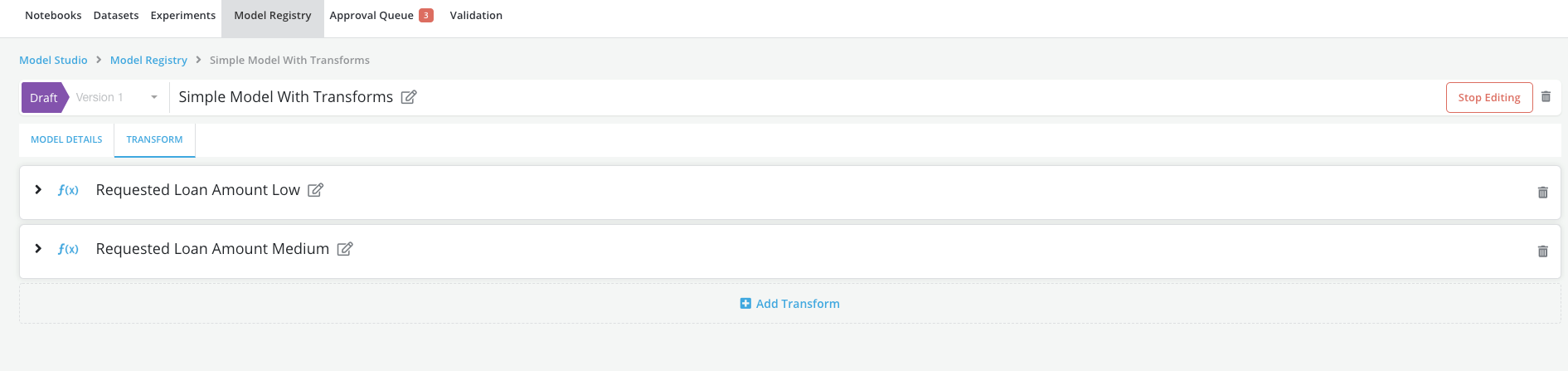
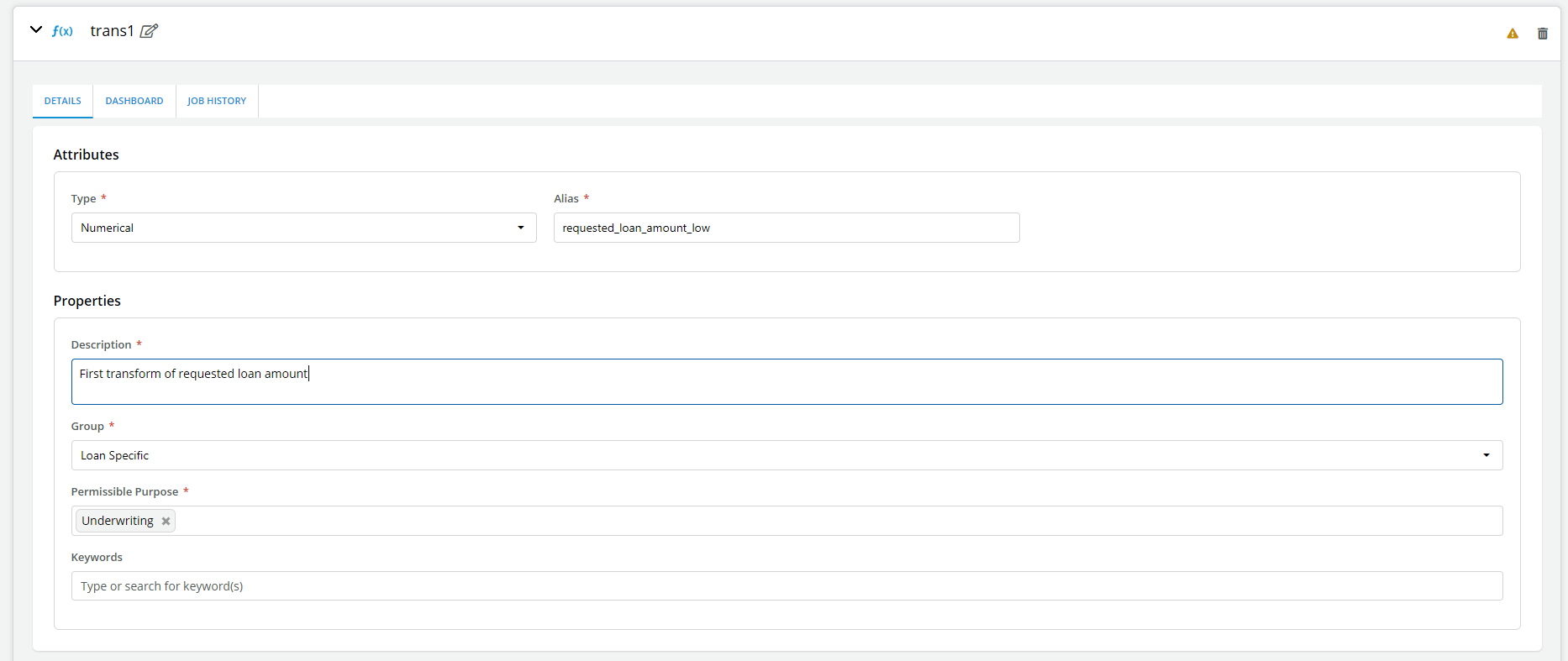
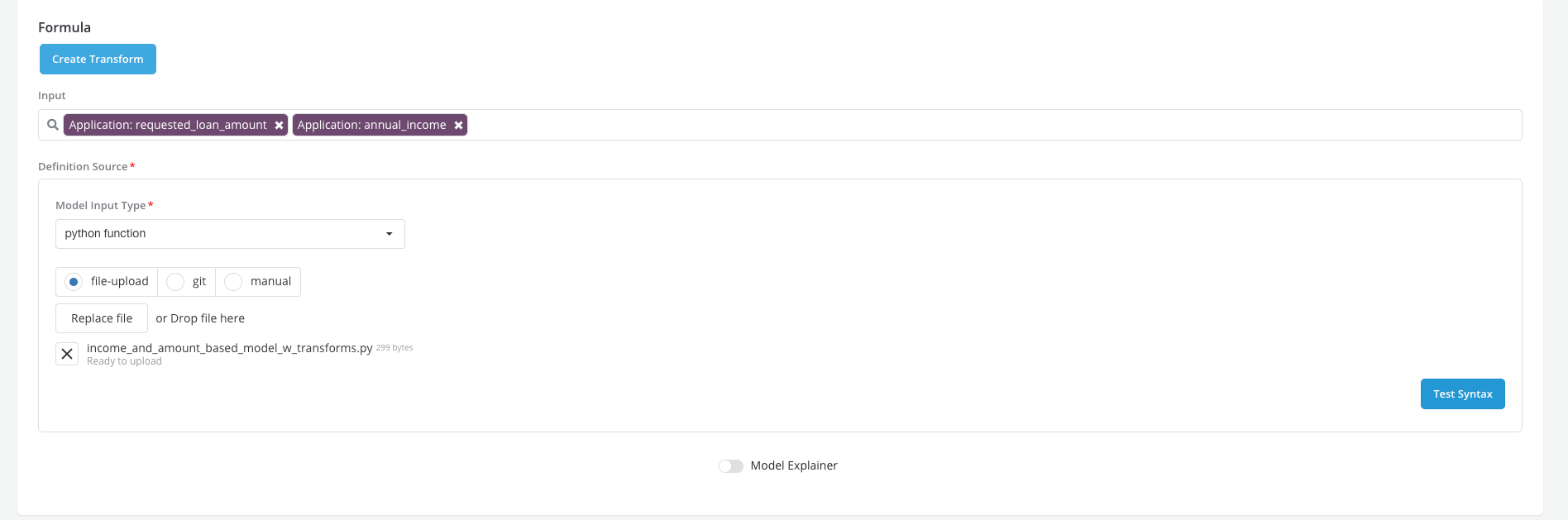
- Once the transforms have been created user returns to the main model registry page to complete the registration of the model
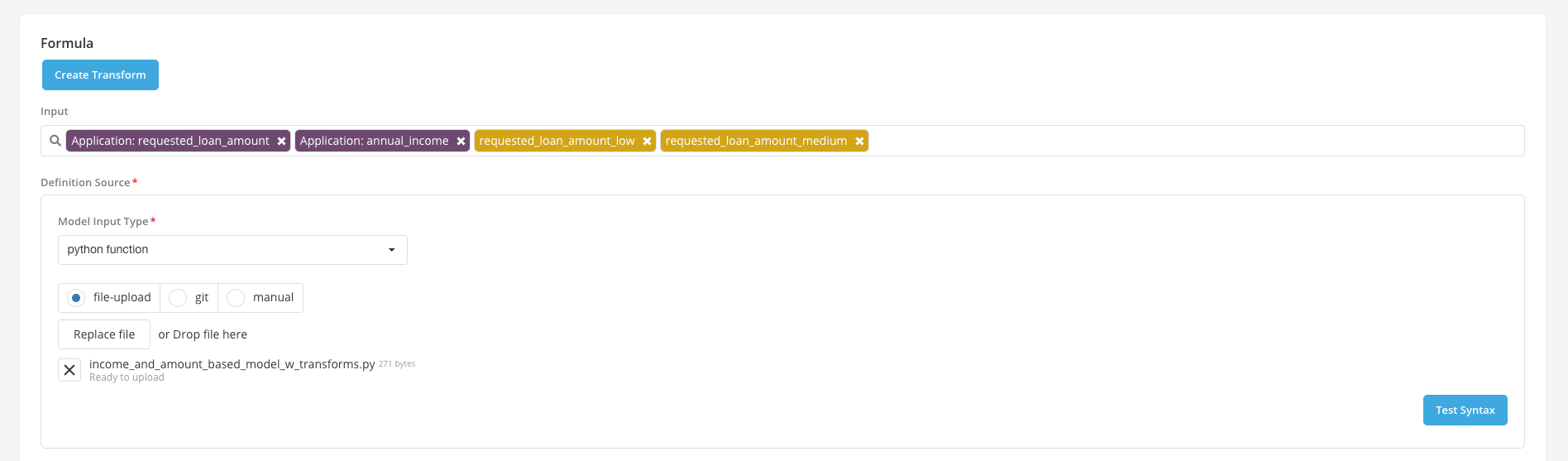
- Users can complete the registration of the model, simulate it and request review.