Policies
Overview
A policy is a set of decision rules that are written using data elements, features, models, framework output metrics and framework valuation functions.
How is this used?
A policy is used to make business decisions. For instance, a policy can be used to make loan underwriting decisions, prospects solicitation decisions or customer cross-selling decisions.
Policies are product specific and their outcome usually consist in assigning values to a product parameter (e.g., what interest rate to set for a given loan)
Creating a Policy
To create a policy Users need to first decide what type of business policy they are trying to register (Prospecting, Underwriting, or Customer Management ) navigate to the corresponding module, and click on Create within the Policy Registry page.
Example
Case study: User wants to create a policy that makes loan approval decisions and interest rate assignment decisions for a 36-months installment loan. We assume that the 36-month installment loan has already been registered and that all the objects that will be used to write the rules of the policy have already been created.
- Go to Underwriting and click on Create within the Policy Registry tab

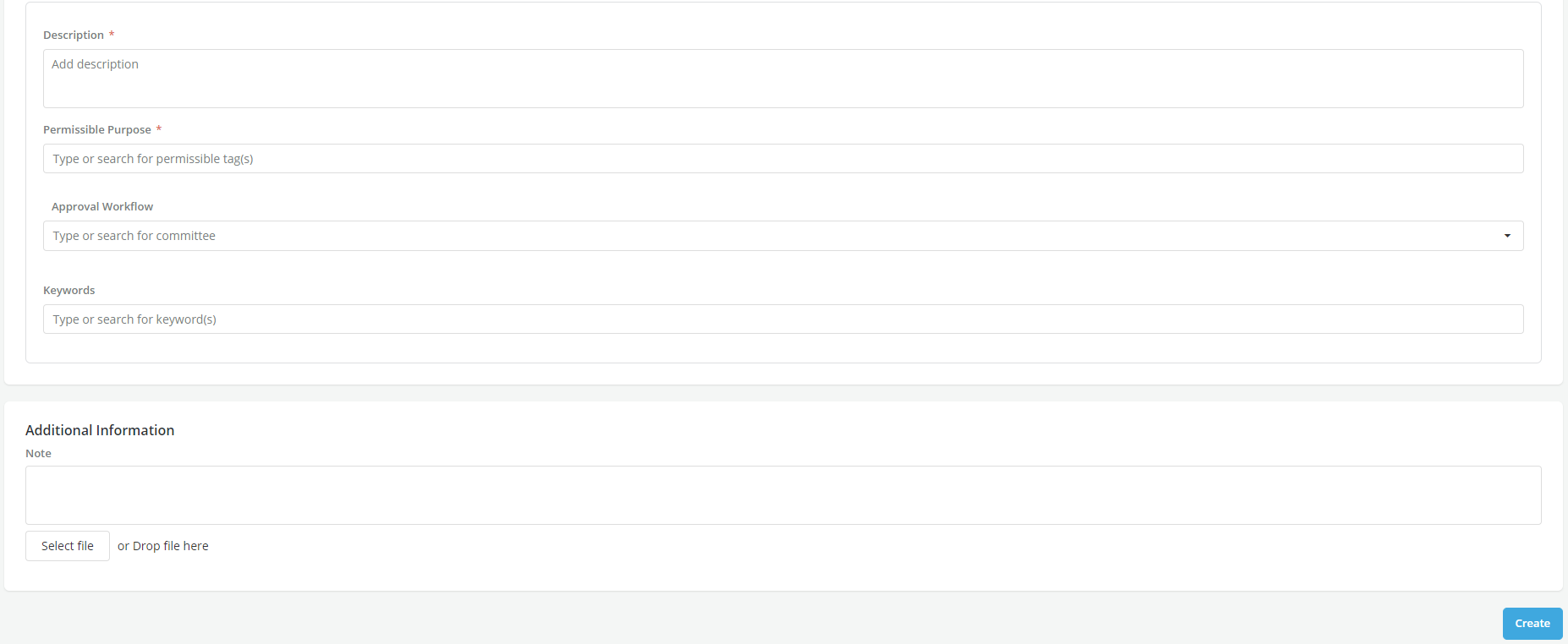
- Start filling in the policy details

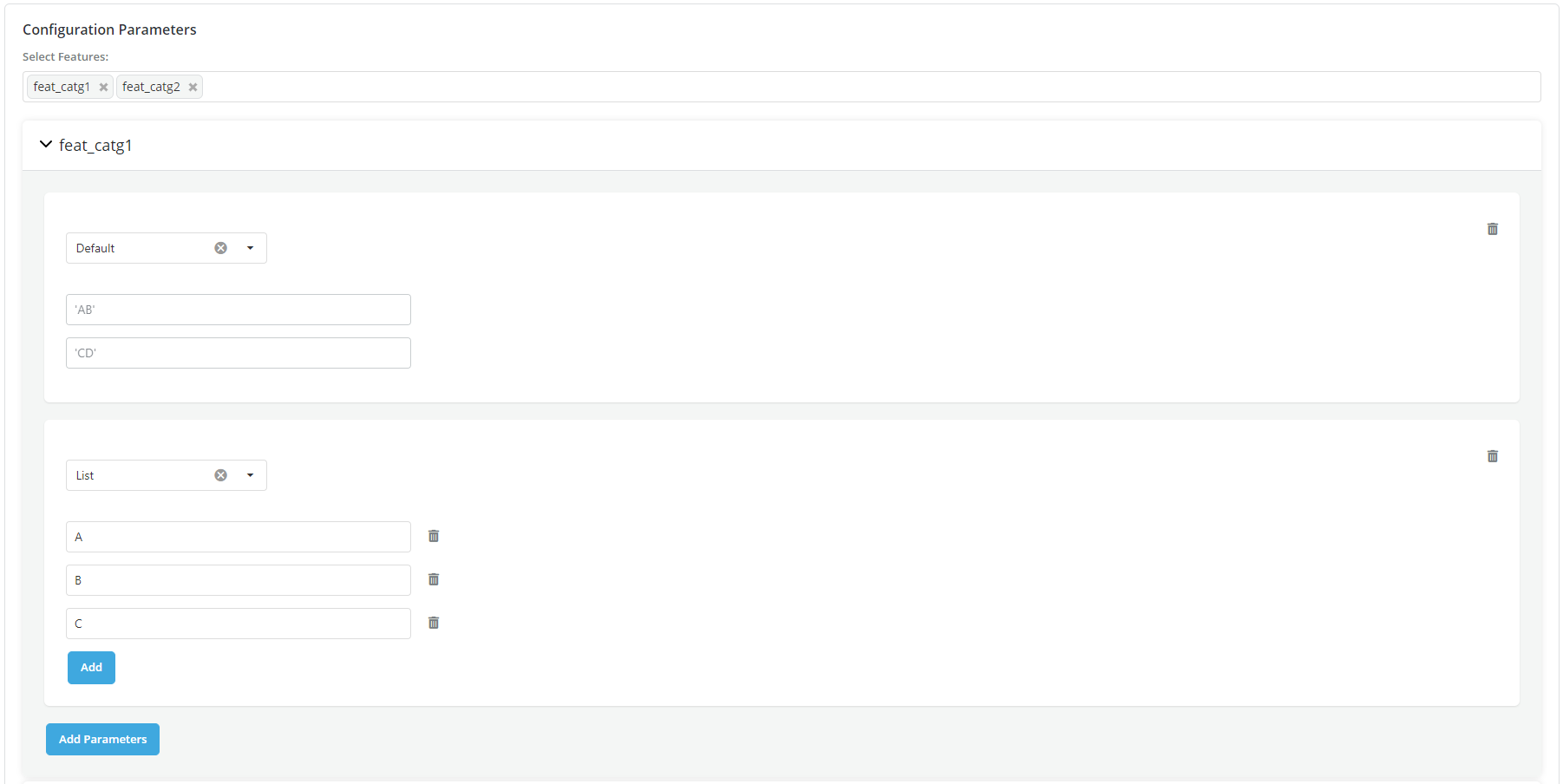
- Fill the Offer Creation tab to specify the product configuration parameters to assign values during the policy execution
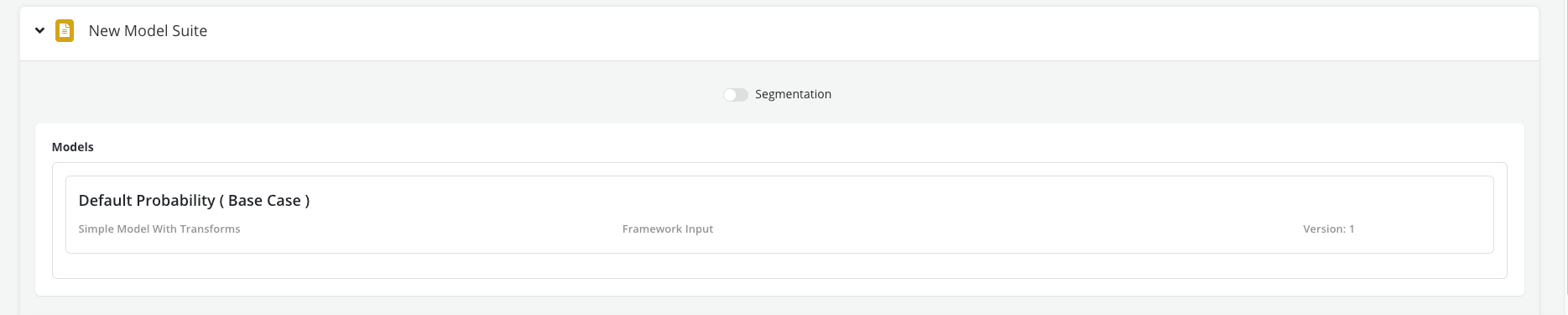
- Specify in the Model Suite tab what model(s) will be used to write rules (if any)
- Specify the rules for approving a loan (Approval strategy)
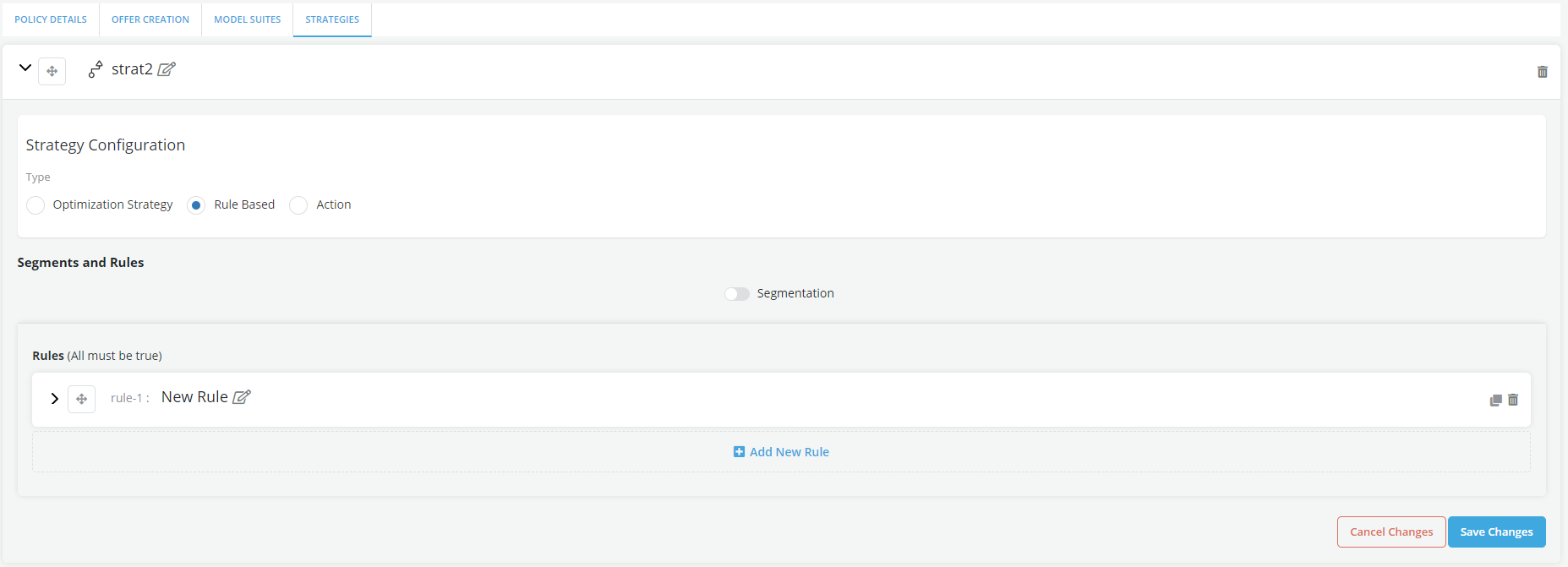
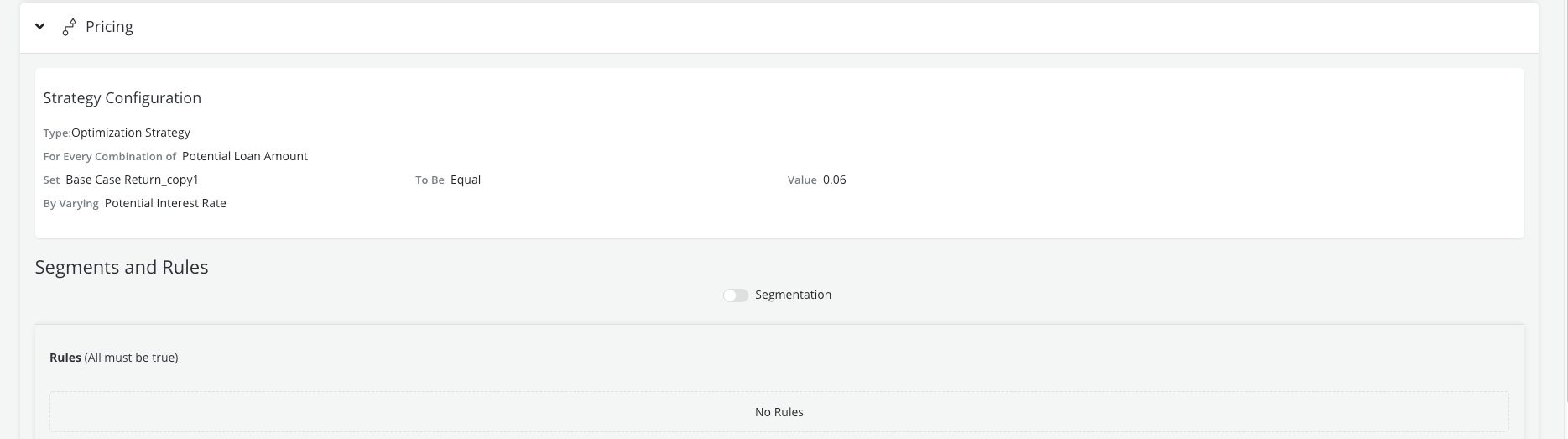
- Specify the rules for assigning a price to a loan (Pricing strategy)
- Test the entire policy by running a Single Record Review
