Tables
Overview
A table is an object that has been created within the platform and that references a physical data source from which the user intends to read data using the platform.
How is this used?
A table is used during a data element (i.e., column) registration process to specify to the source table where the data element should be read from
Registering a table
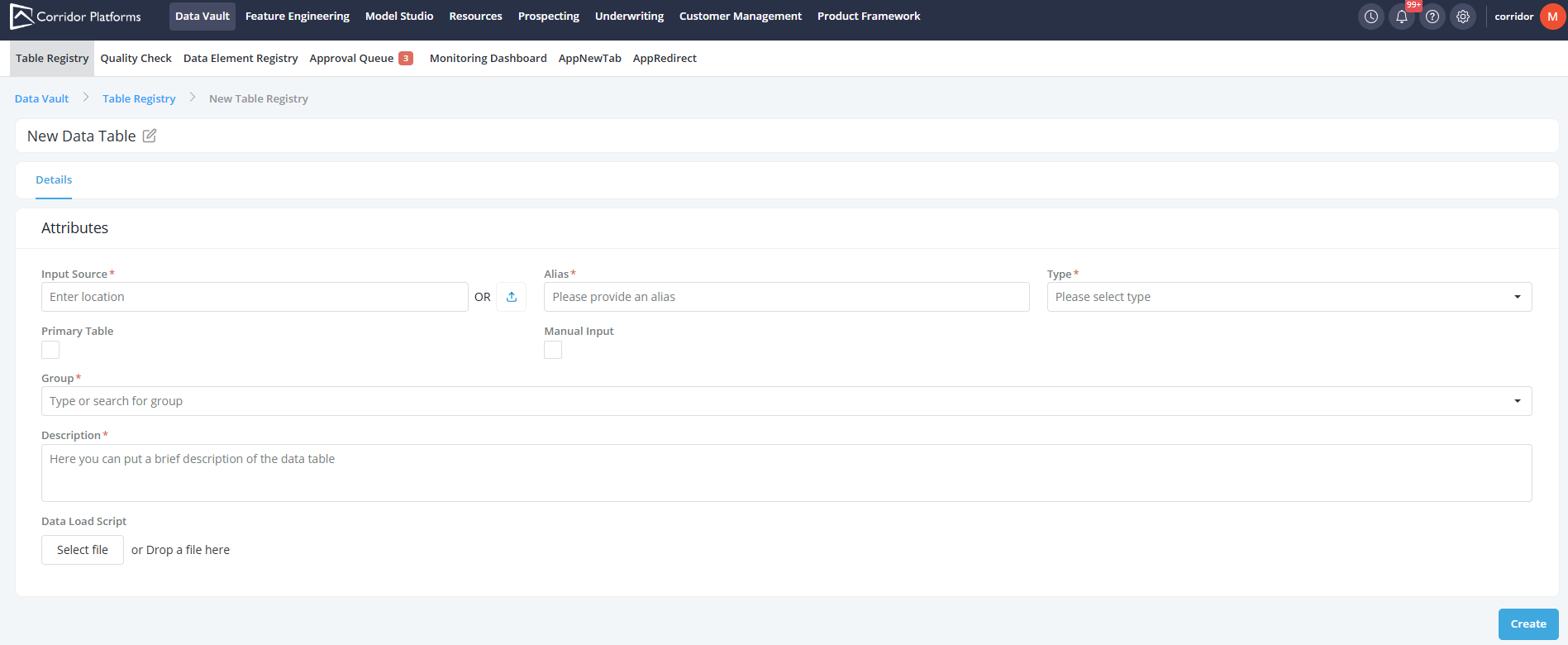
Go to Data Vault and click on the Table Registry tab and follow the instructions described in the Registration section.
Example
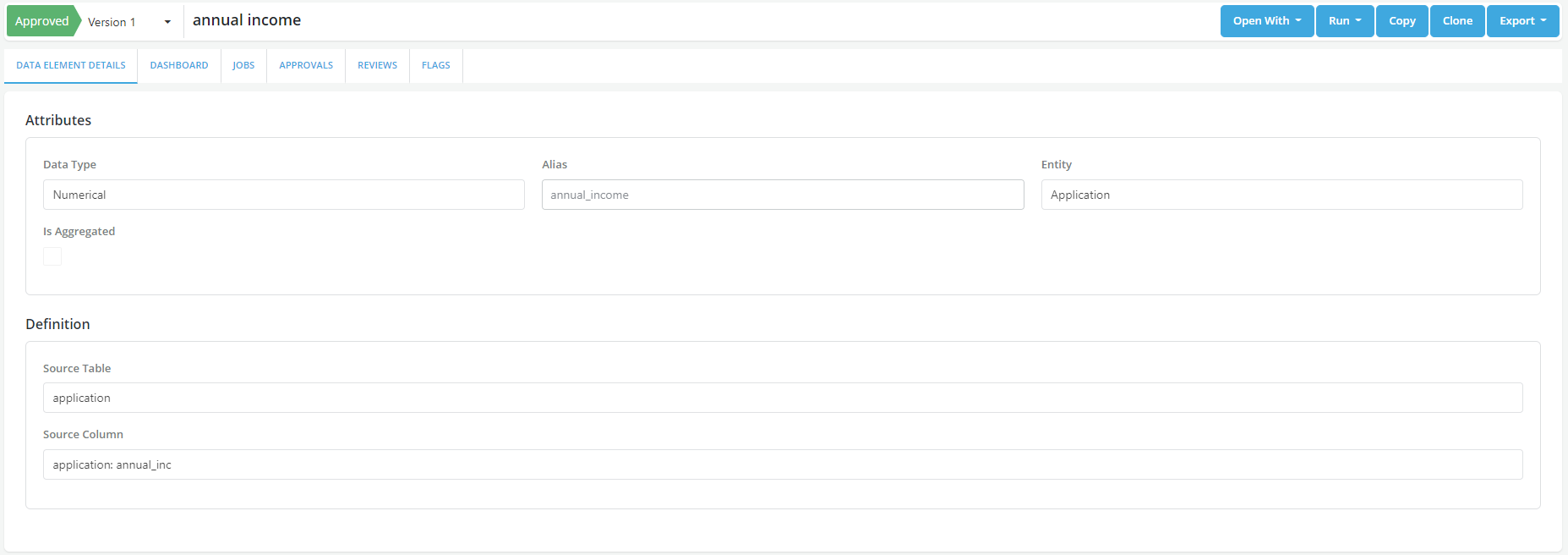
Case study: A user wants to read an annual_income data field from a loan application file located at s3a://corridor.dev/lake/data_sandbox/v3/Application_Table.parquet. To do so the user is required to register the file as a table and the register the column as a data elements.
- The Application table is registered in the platform (Registration section)
- The Application table is used as a source to register the annual Income data element (see Registration)