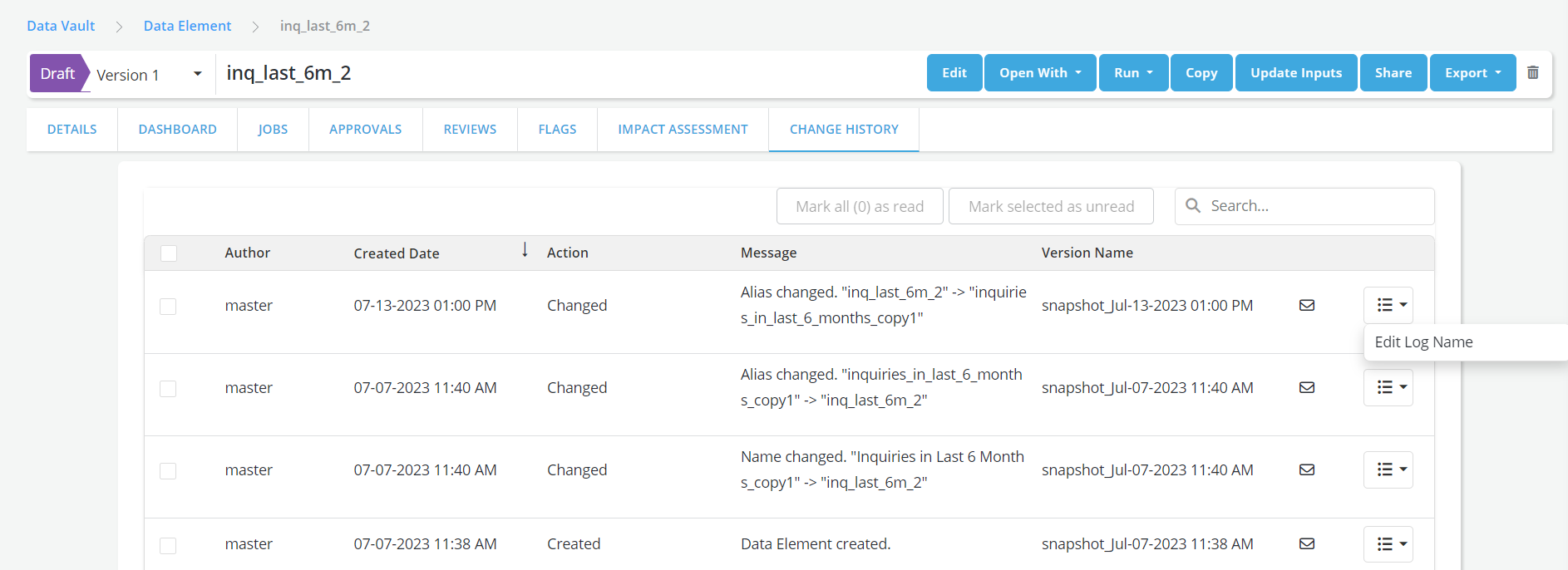
Change history
Objects and their sub-objects might undergo modifications after being created.
In order to keep track of these changes, the platform currently allows users to document them while saving.
The history of changes on an given object is recorded in the Change History tab
-
All new changes that the user has not READ yet will be marked as UNREAD
-
After reviewing the changes the user can mark them as READ
-
Change description in the logs will capture the exact modification in objects/sub-objects
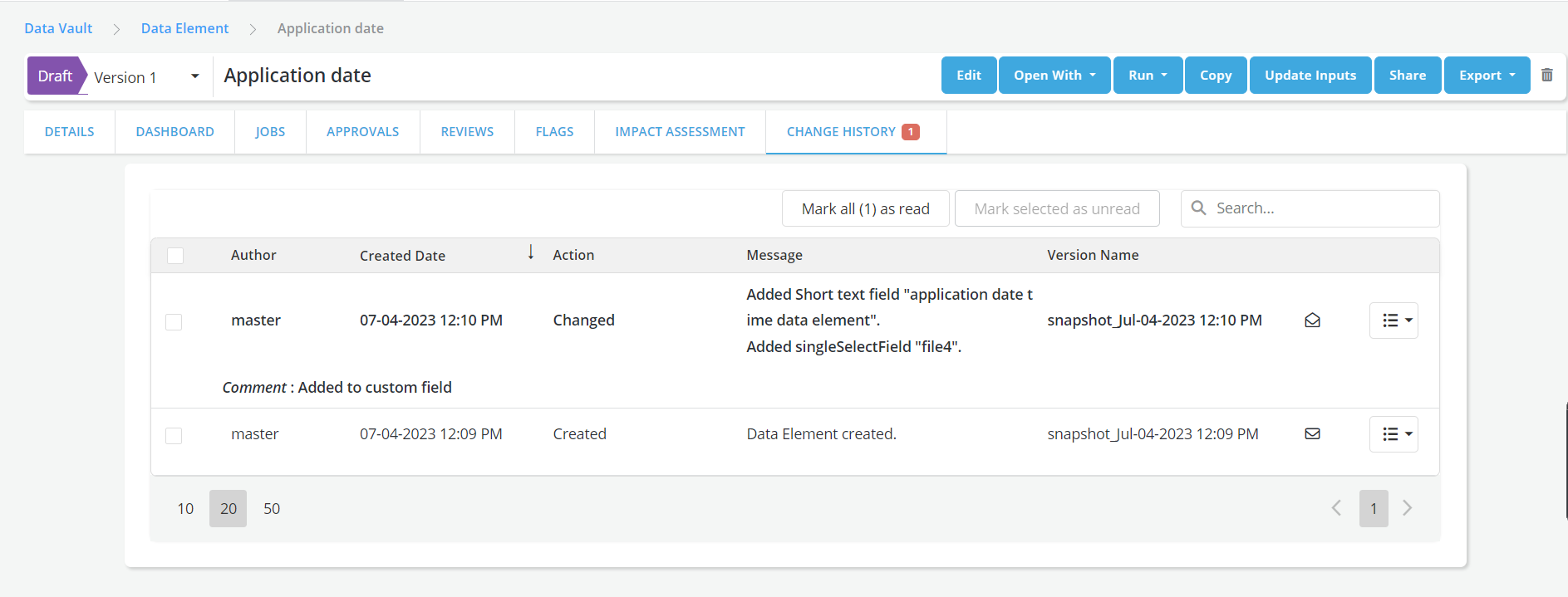
There is also an Alert count on the Change History tab header that displays in red the number of UNREAD logs
Object snapshots in change history page
-
A snapshot is an exact copy of an object at time of saving
-
The platform takes a snapshot of an object every time the object is edited and saved.
- Note: An initial snapshot is be created when the object is first created
-
Snapshots can be:
-
Named
-
Previewed
-
Restored (i.e., Overwrite the current draft)
Notes : * Users can revert to an older snapshot of an object if the object has not yet been approved. * Post approval an object cannot be reverted to an older snapshot * Restoring an old snapshot and saving it creates an event in the change log * Objects are editable post restoring
-
-
Illustrations:
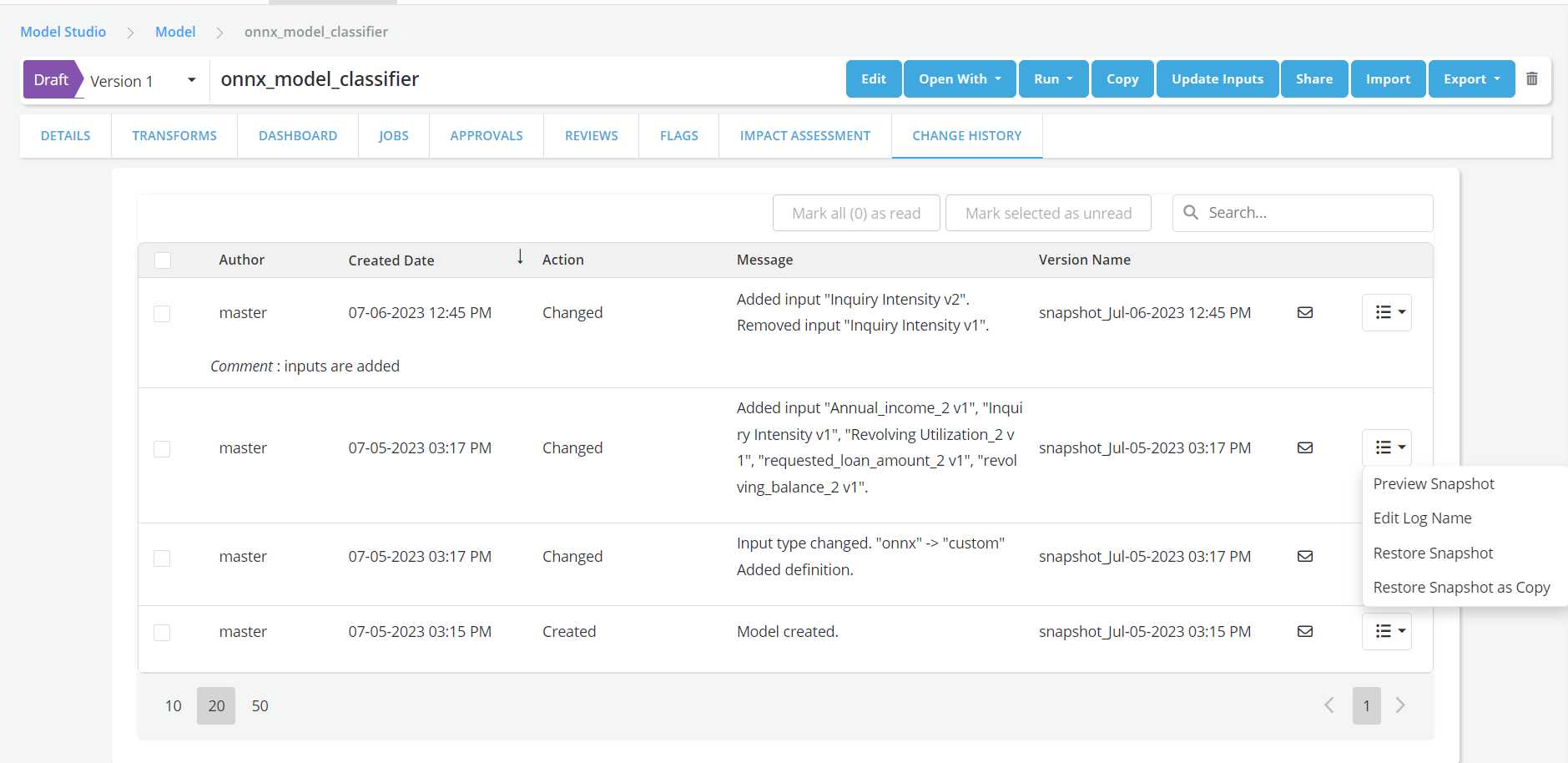
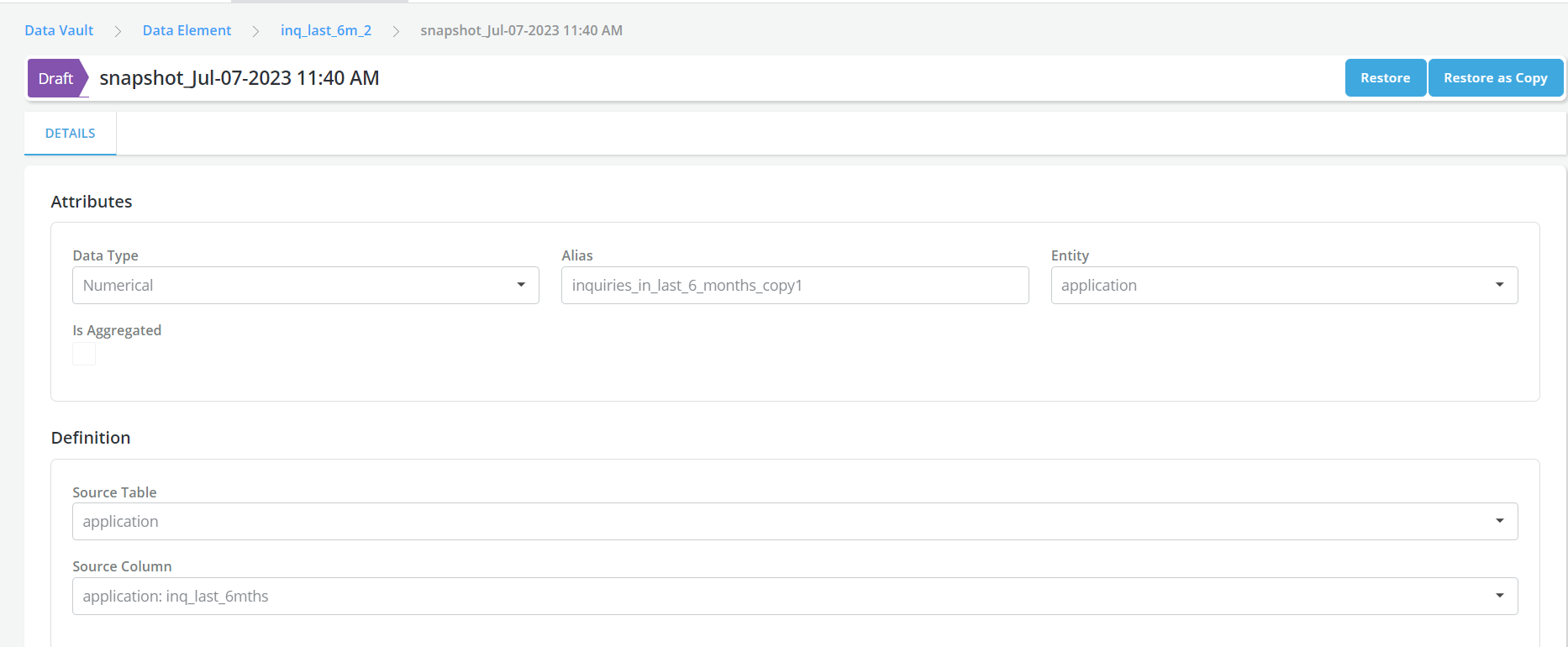
Preview Snapshot: This will redirects users to a detail page that displays the object's snapshot.
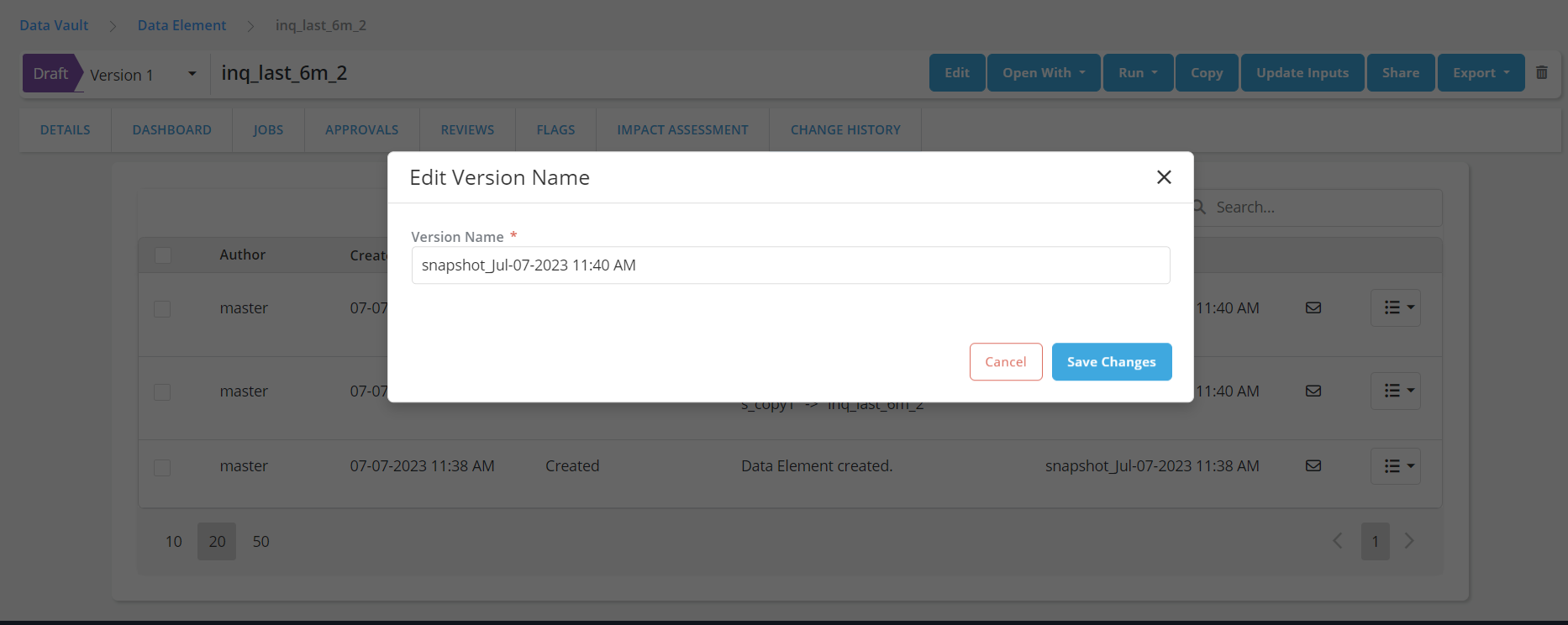
Edit Log Name: This is used to change the snapshot name.
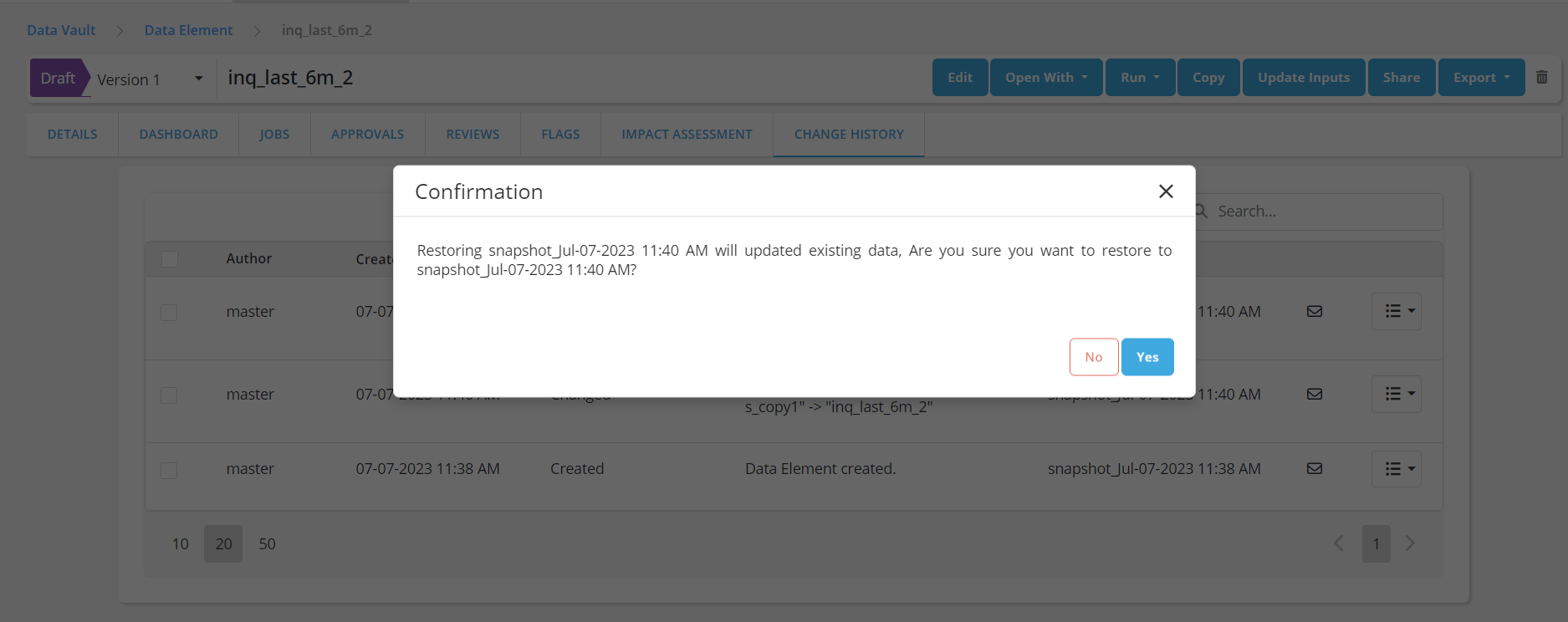
Restore Snapshot: The object will restore the object to the previous snapshot.
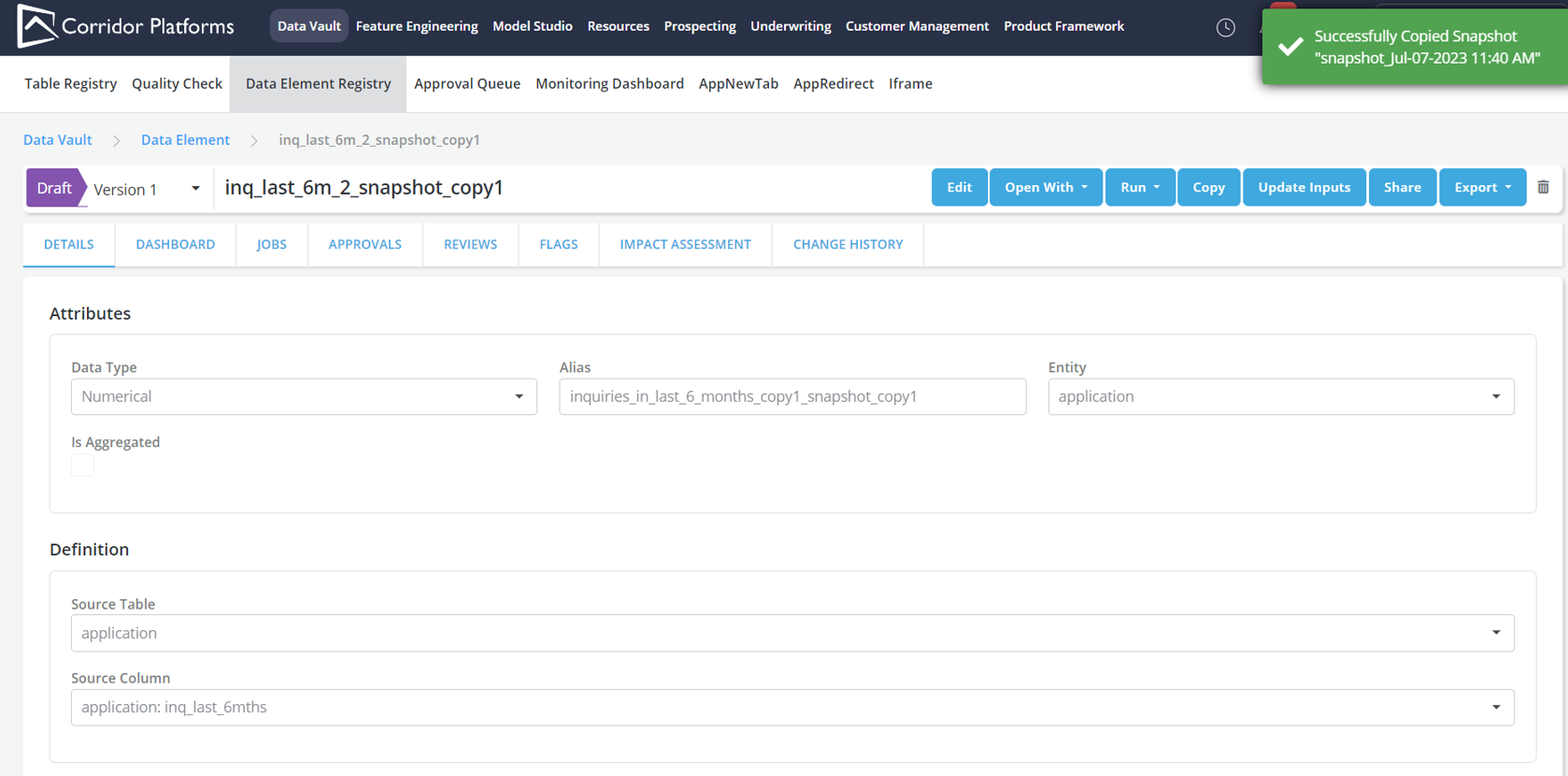
Restore Snapshot as copy: This creates a new copy of the object at the time of the snapshot.
- Note: The Latest log in change history tab doesn't have option to restore the object (since it's the same as the object in its current state).