Job Details
Overview
After defining a new object, a User can run jobs on it using the platform’s data. Jobs can use advanced filtering to test the object on a very specific sample of data.
Jobs can be run once an object is created by using the Run button.
Reviewing Job result
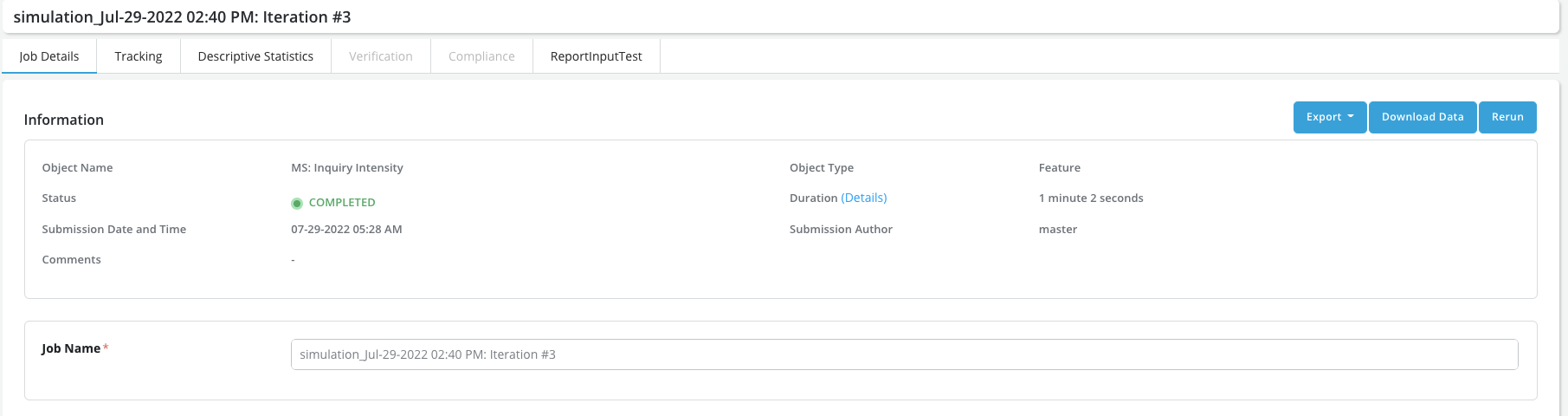
- Once a job has been completed Users can click on it to see the results. The Job Details tab summarizes all the information about the job. In particular, it displays Information items (Name, Status, Duration (including duration details), etc.), Submission details (Date, Author) and Filtering / Sampling details.
-
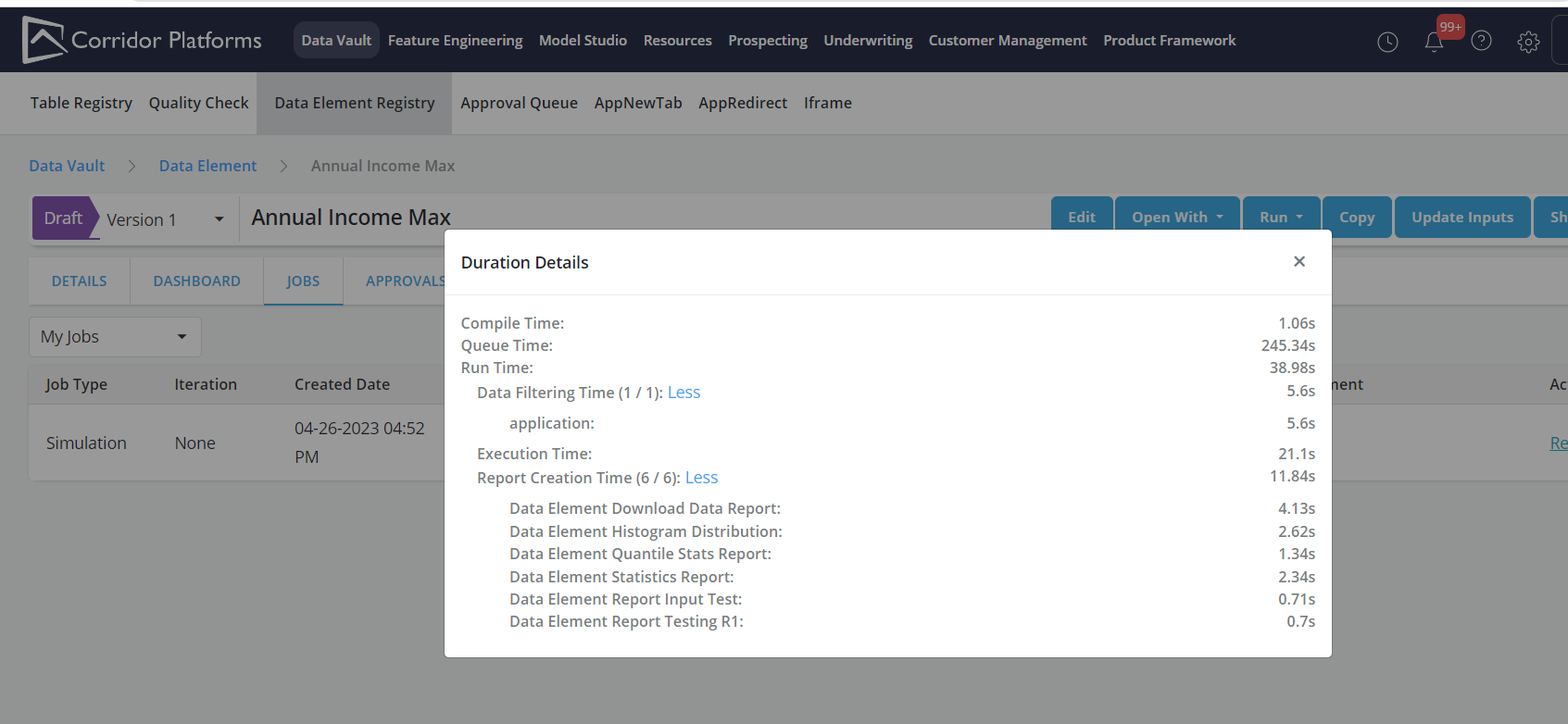
Clicking on the duration details links will prompt the display of the duration time break up by tasks
-
Duration details popup shows Compile Time , Queued Time and RunTime
-
Run time includes Data filter Time ( which shows the time taken for table execution used in object) and Execution Time( which has all the report creation time)
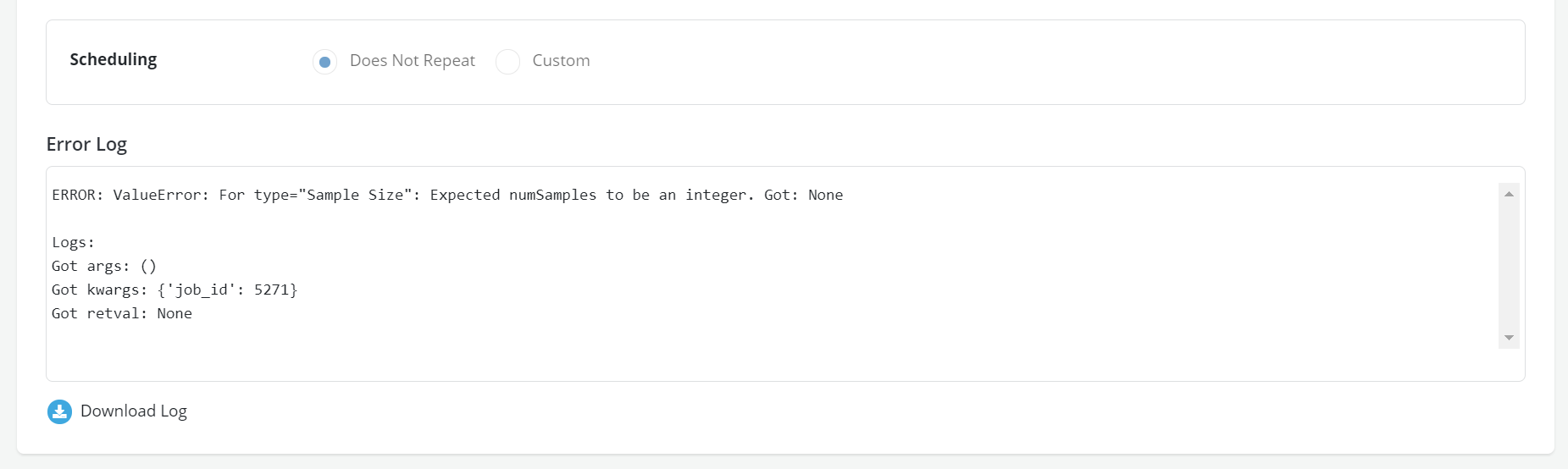
- Incase of Simulation failure, scroll down and click on Download Log to download the error log