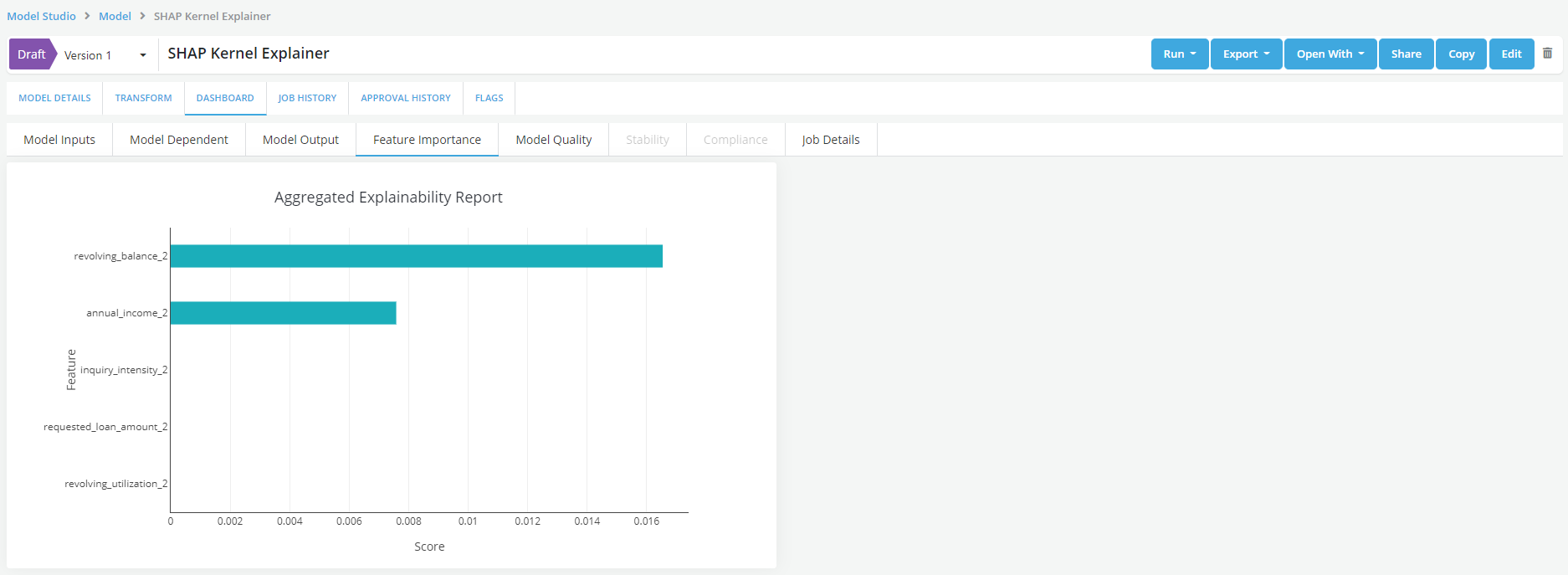
Feature Importance
Overview
The Feature Importance chart can be used to understand how much each input variable is contributing to the model’s prediction. If an Explainermodel was registered, the simulation results will also include a Feature Importance Tab. This tab displays the key input to the models rank-ordered by their aggregate contribution to the prediction of the model.
The contributions are calculated by summing up the individual level contributions calculated using the explainer model across the entire sample.
Creating Feature Importance chart
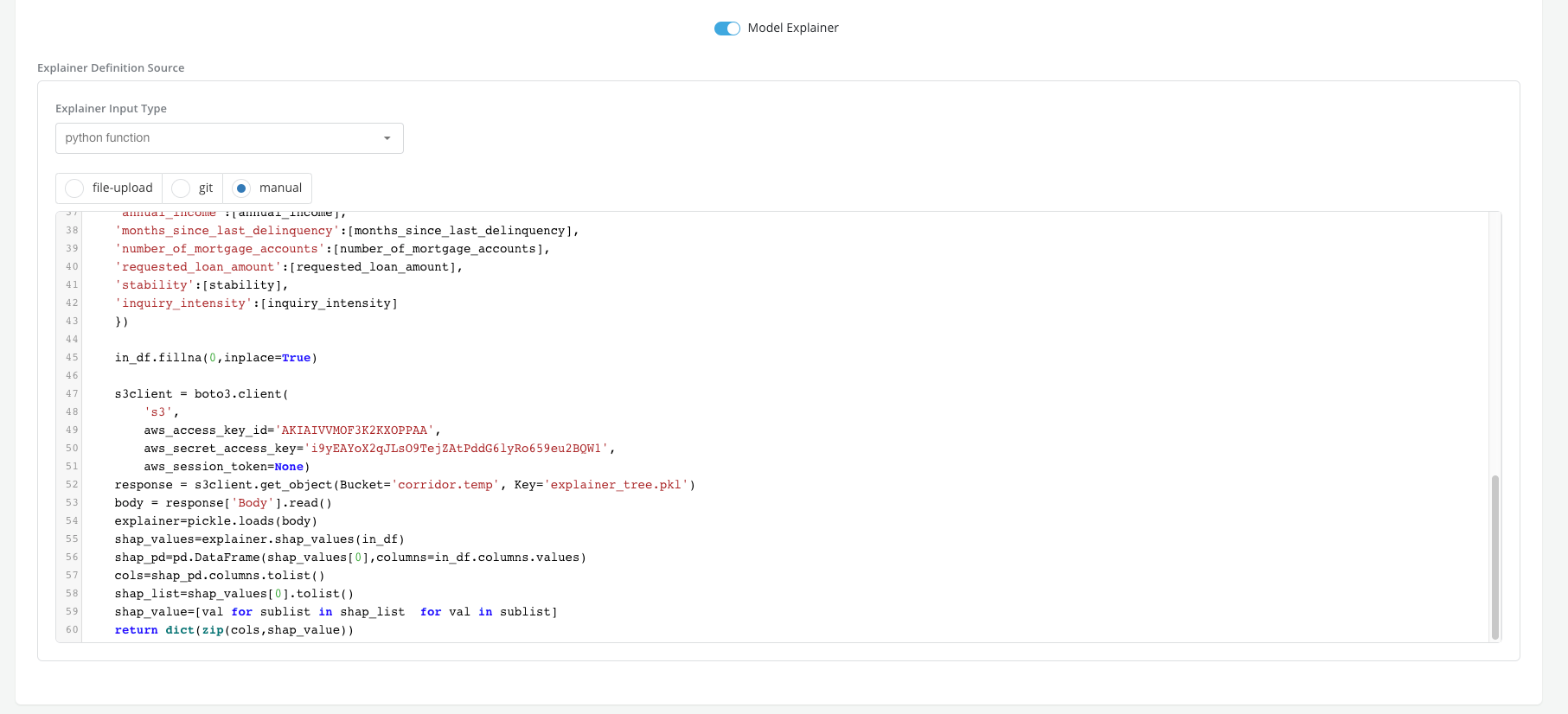
To generate a Feature Importance chart users will need to register an explainer model while registering the model for which they want to generate a feature importance chart.
Example
The User wants to generate a feature importance chart for a default prediction model that is being registered in the platform * Register the model and switch on the toggle button for Model Explainer
- Simulate the model to generate the feature importance