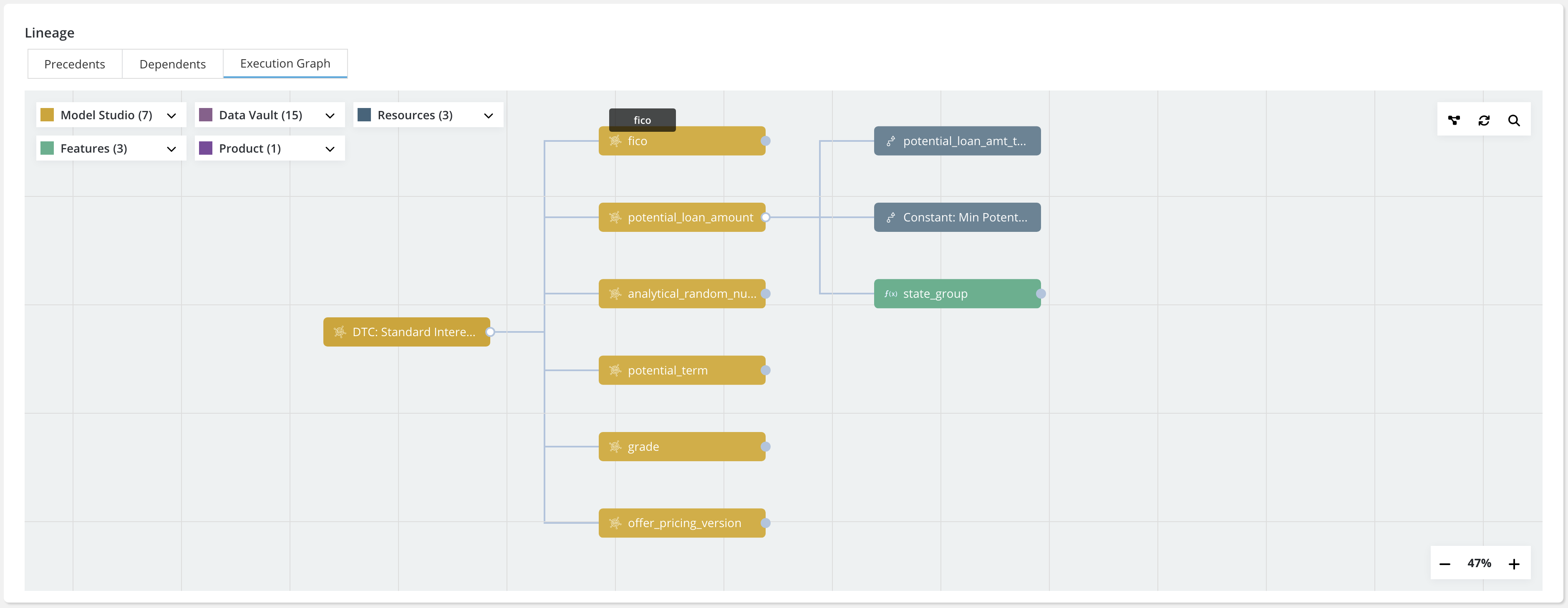
Execution Graph
Overview
In the Lineage, Execution Graph lineage gives idea about flow of execution for a object on the platform.
Example
Once a feature has been registered, scroll down to view the Lineage created. This will appear under the Feature Details Tab. Click on the Execution Graph tab. Color palette for objects and sub-objects in a module are same with varying shade. (For example, in Data Vault module, we use dark Trendy Pink for DE, for DataTable and Column we use lighter shade of trendy pink)