Draft-in-draft
Overview
“Draft in draft” functionality provides flexibility to use the newly created Objects (Data elements, features etc.), which are in draft status, in the downstream modules. When enabled, this functionality is available across the platform.
Note
-
Draft-in-draft has to be enabled by the system administrator.
-
Feature/model/policy with Drafts as inputs cannot be Approved until all the inputs are Approved.
-
Only the creator of the drafts can view the in-draft objects and are available for use to the creator.
-
In Lineage, for Precedent all variable/objects are visible, but in case of dependent only approved variable/objects are visible.
Example
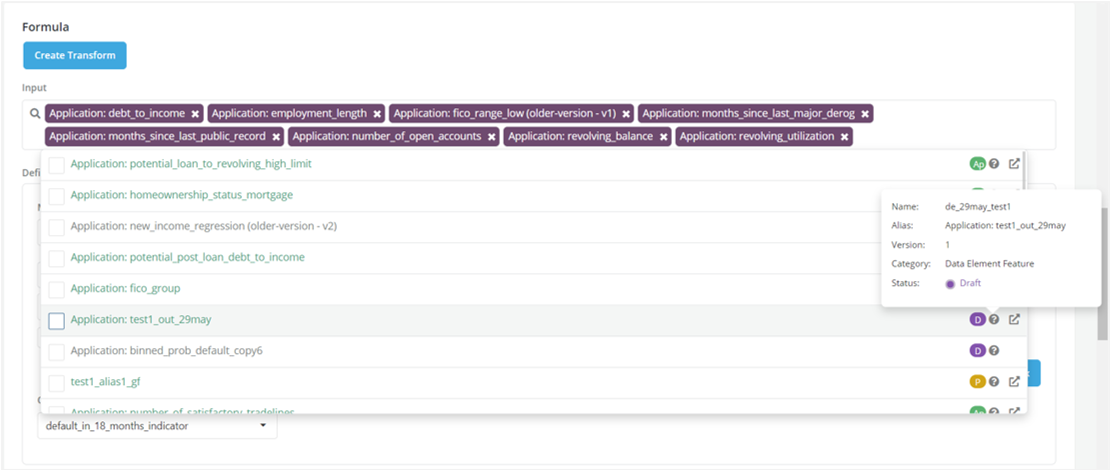
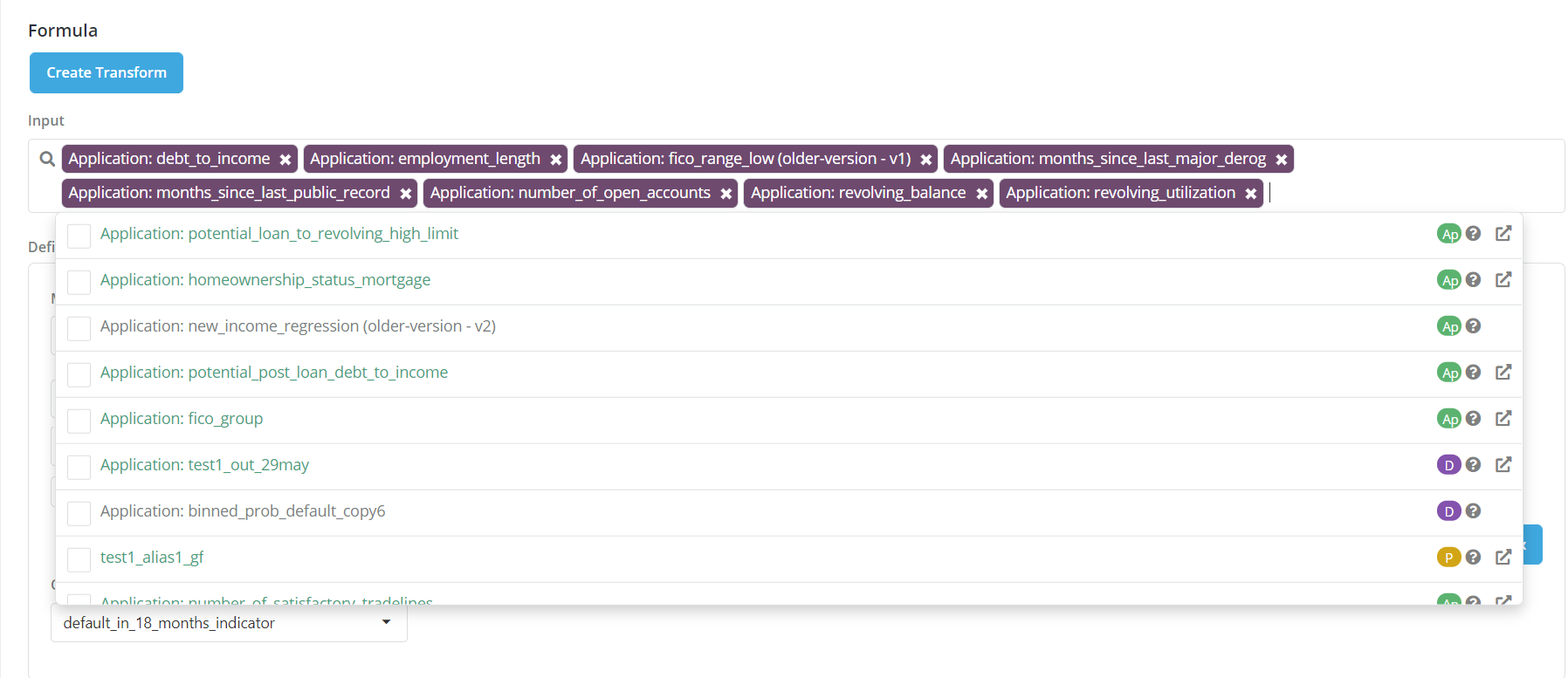
When Draft-in-draft is enabled all drafts become available to use as input to new object and hence are visible in the definition input box.
- The Objects in draft status are used in the Input section of the modules (Data Element, Feature, Policy & Model) while registering a model
- On hovering over the ‘?’ Object details are displayed