Support
Overview
This section describes the tools available to help users navigate the platform and troubleshoot issues that they may face while utilizing the functionalities of the platform.
User can get the required support via Inline Documentation available on the platform or they can contact their internal support and/or tech team. If the issue cannot be resolved, they can reach out to [email protected].
Inline Documentation
-
Inline documentation is available on the platform
-
To access the User Manual, click on the question mark icon located on the top-right corner of the page. This will redirect to the User Manual.

Info
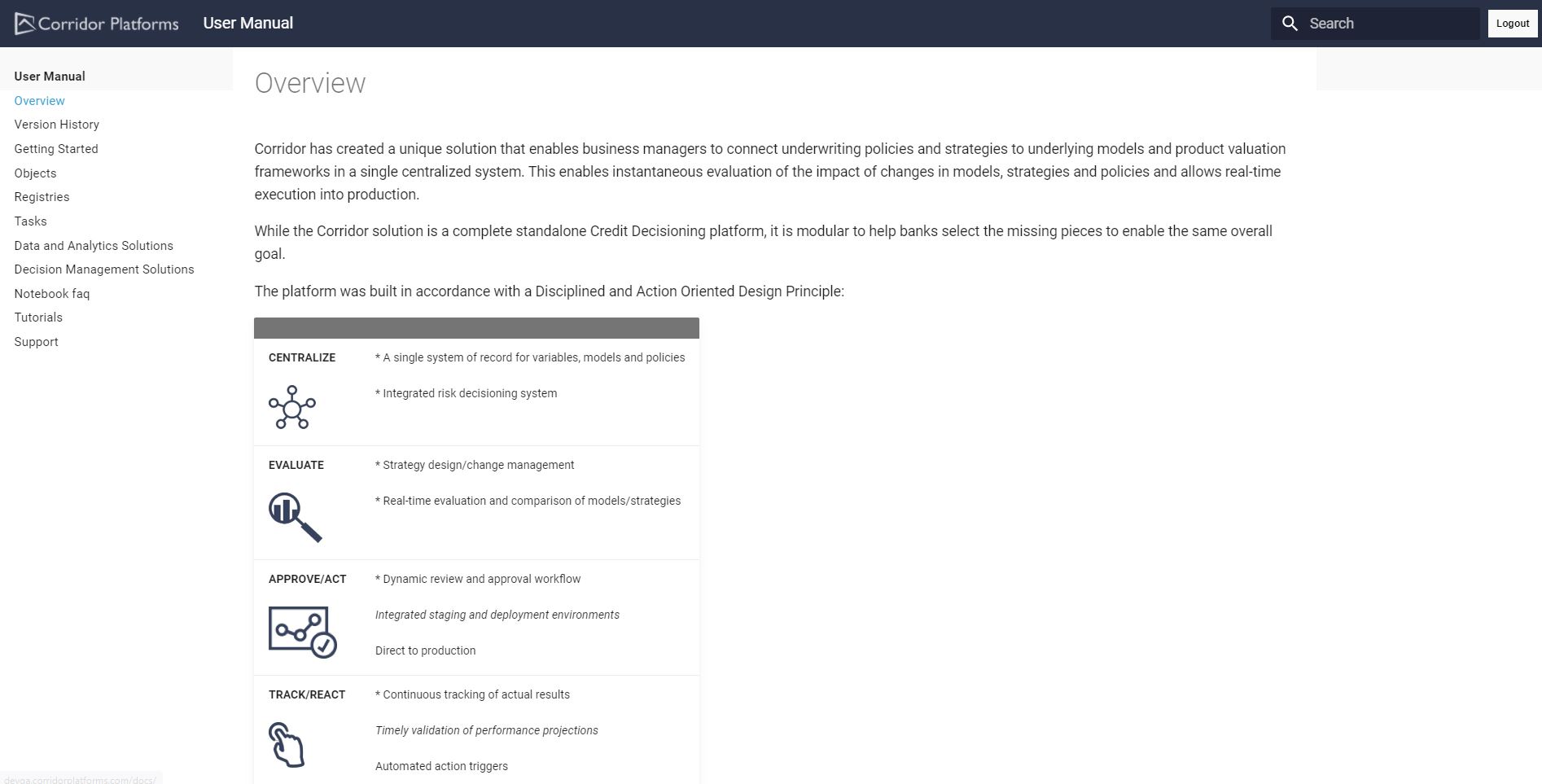
On clicking the Logout button, user is logged out from the User Manual and the Platform.