Champion Vs Challenger
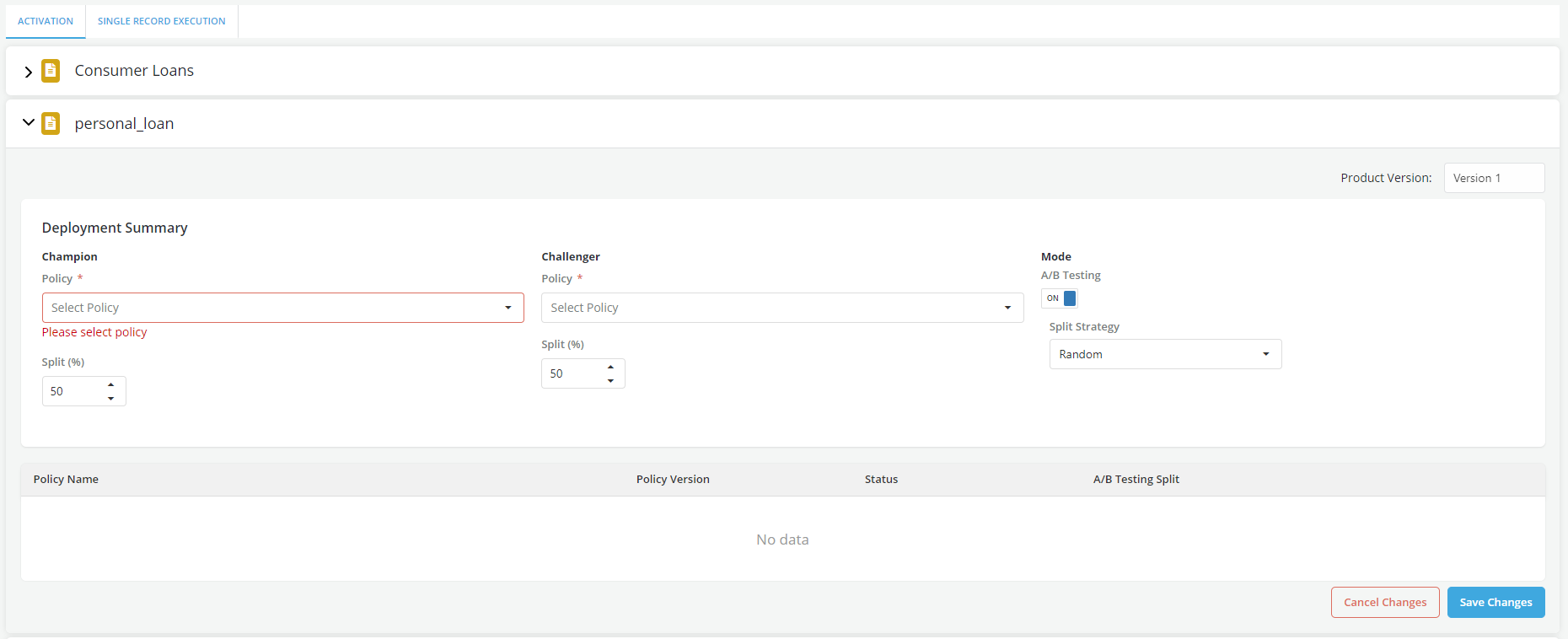
During the activation of a policy, a user can decide to activate two policies and compare them as a champion vs. a challenger.
Where is this done?
Use the Execution Portal to activate two policies as champion and challenger
Activating the Policy
-
Go to the Execution portal
-
Click on the Activation tab
-
Select the product for which you want to activate a policy
-
Click on Edit and set A/B Testing mode to ON
- Select the policy to set as Champion from the dropdown
- Select the policy to set as Champion from the dropdown
- Click on Save Changes