Shadow Mode
During the activation of a policy, a user can decide to not have the outcome of the policy be used to make the actual decision. In such a case, while the policy has been activated and is running on production data, it is still in shadow because it is not affecting actual business decisions.
Where is this done
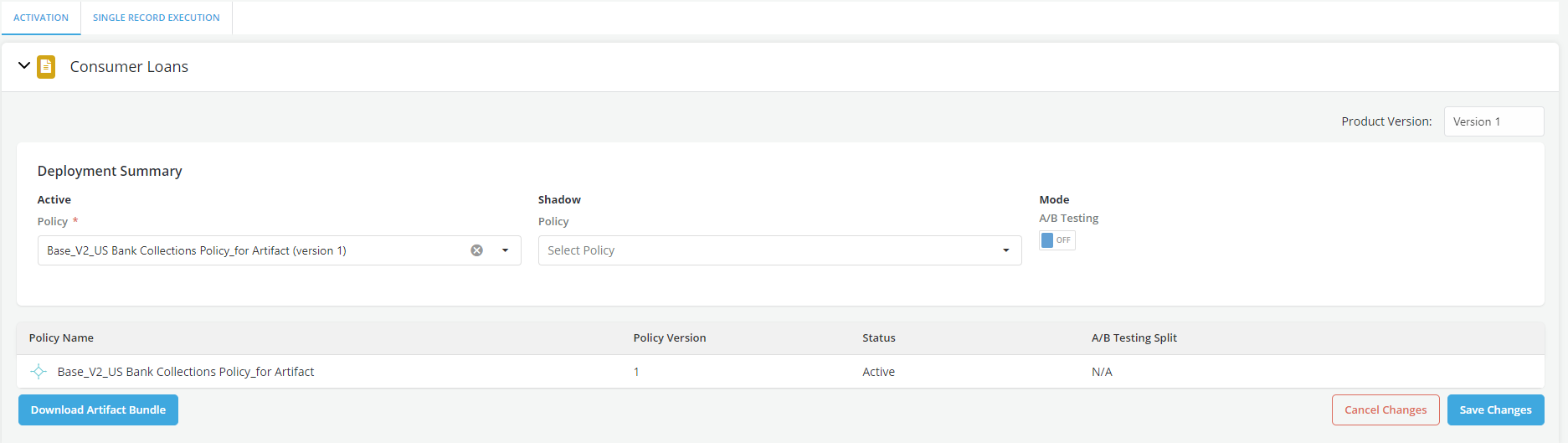
Shadow activation can be done using the Execution Portal within each of the policy modules.
Activating Shadow Mode in a Policy?
-
Go to the Execution portal
-
Click on the Activation tab
-
Select the product for which you want to activate a policy
-
Click on Edit

- Set A/B Testing mode to OFF
- Select the policy that you want to set to shadow from the dropdown
- Click on Save Changes