Downloading Job Data
Overview
Download data option facilitates downloading the result(s) of a job run (including the input and the output csv sample datasets) as a compressed zip file.
How is this done?
-
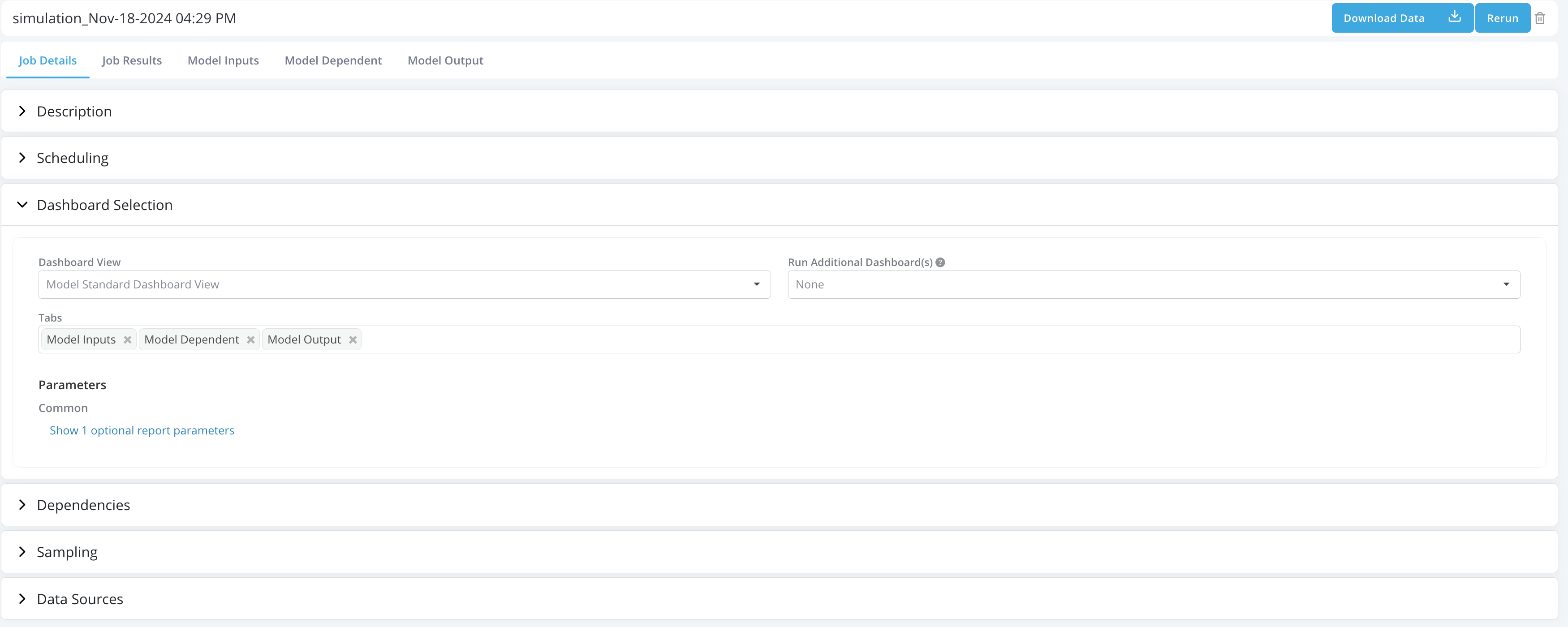
Upon successful completion of a simulation, the Download Data button can be seen in the Job Details tab.
-
Open a job which has been completed
-
Click on the Download Data button in the job details tab.
-
The zip file will appear in your download folder
Example
-
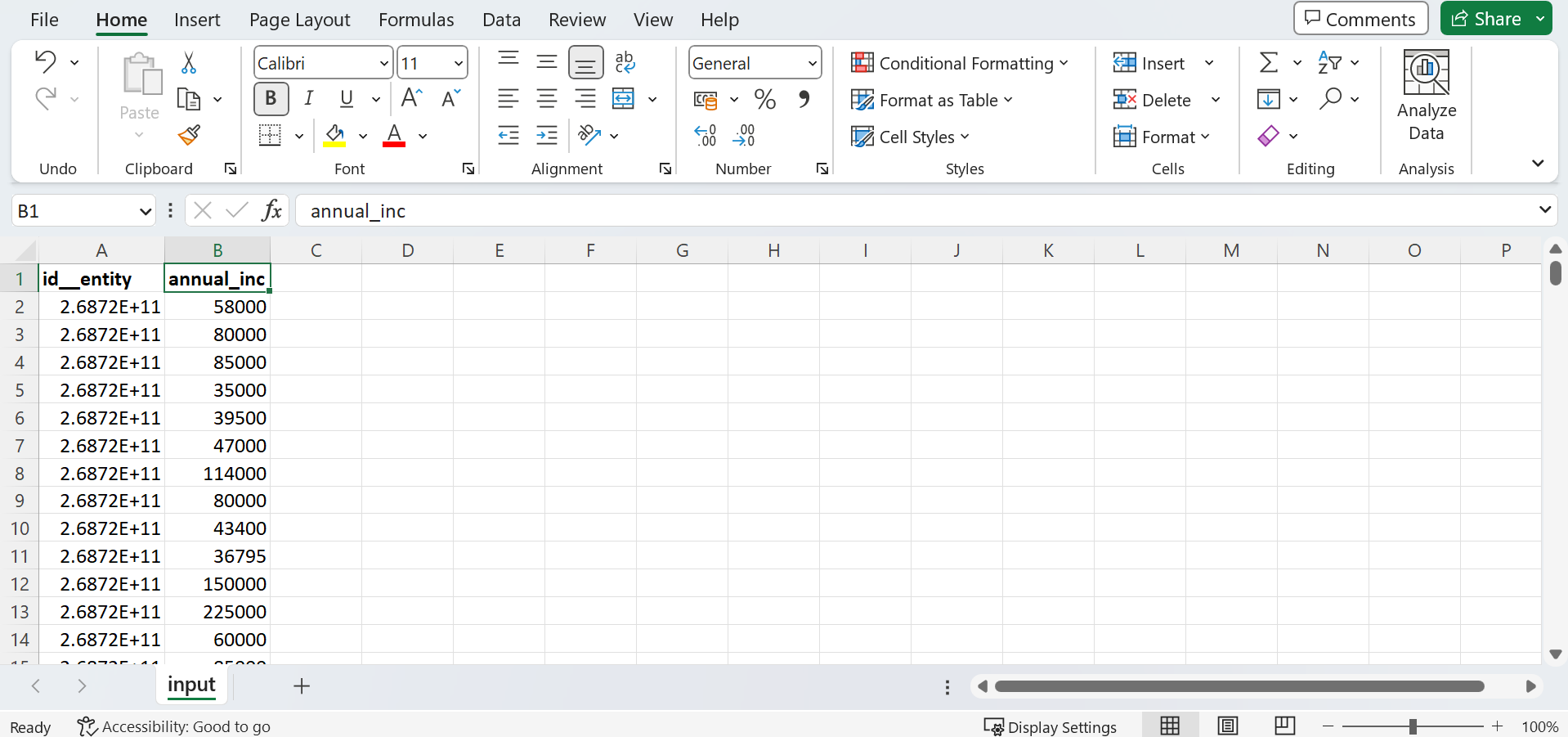
Input data for Data Element "Annual Income" simulation
-
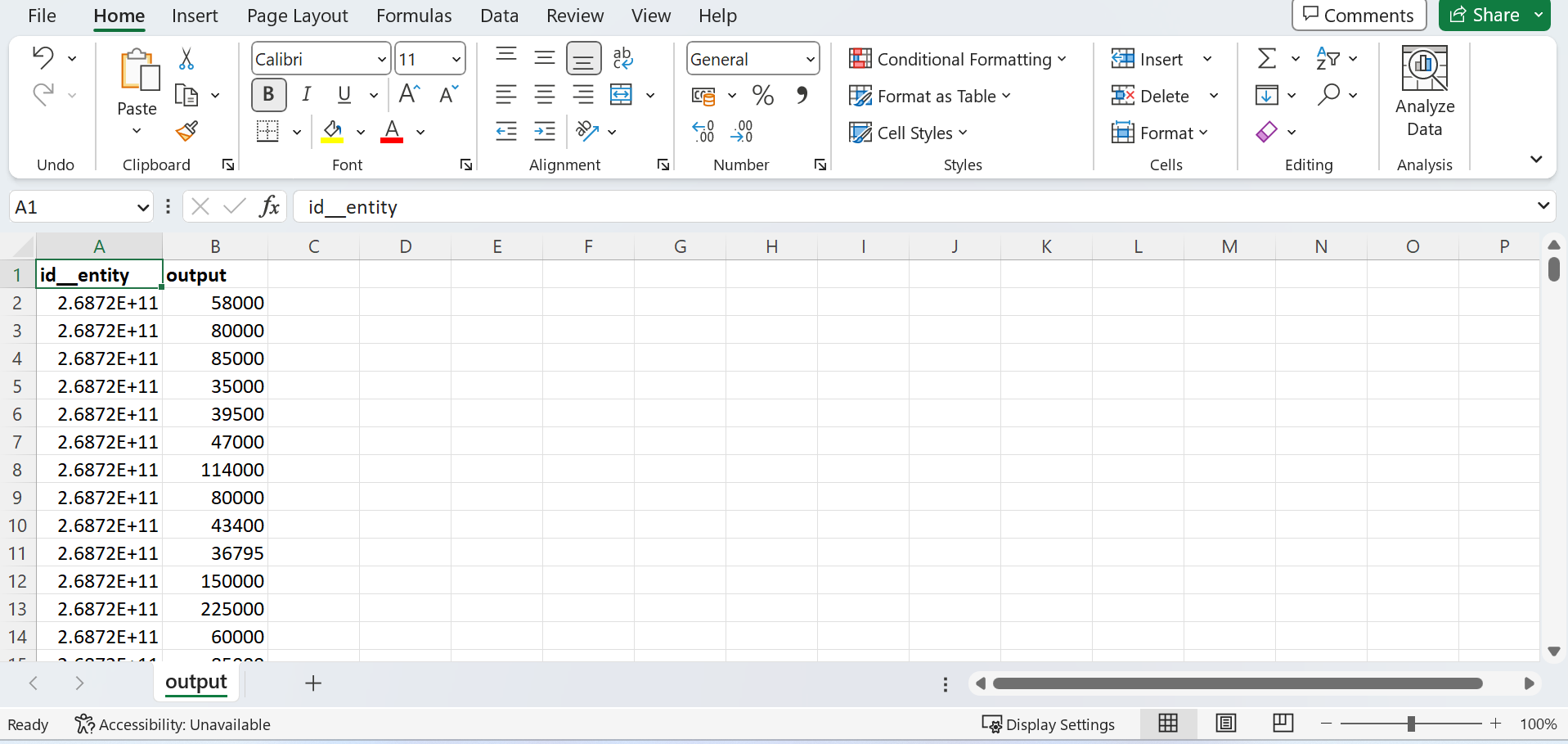
Output data for Data Element "Annual Income" simulation