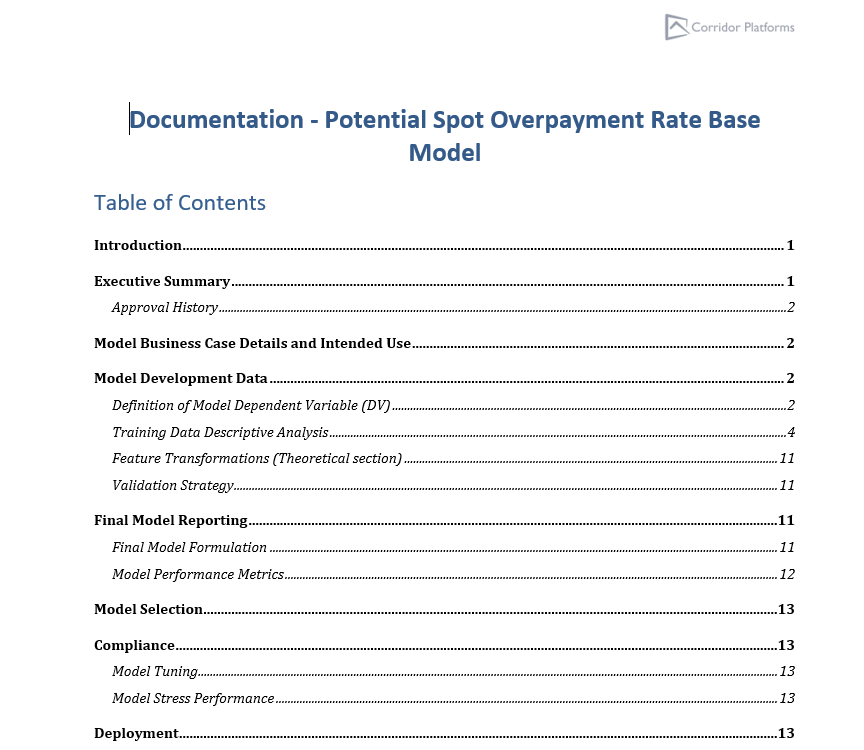
Exporting Documentation
Overview
A document can be downloaded post successful completion of an object’s simulation. This document can be either in Docx or Html format. The documentation contains the simulation’s reports and charts along with the metadata of the simulated item. At present this functionality is available for the Models only.
Where is this done?
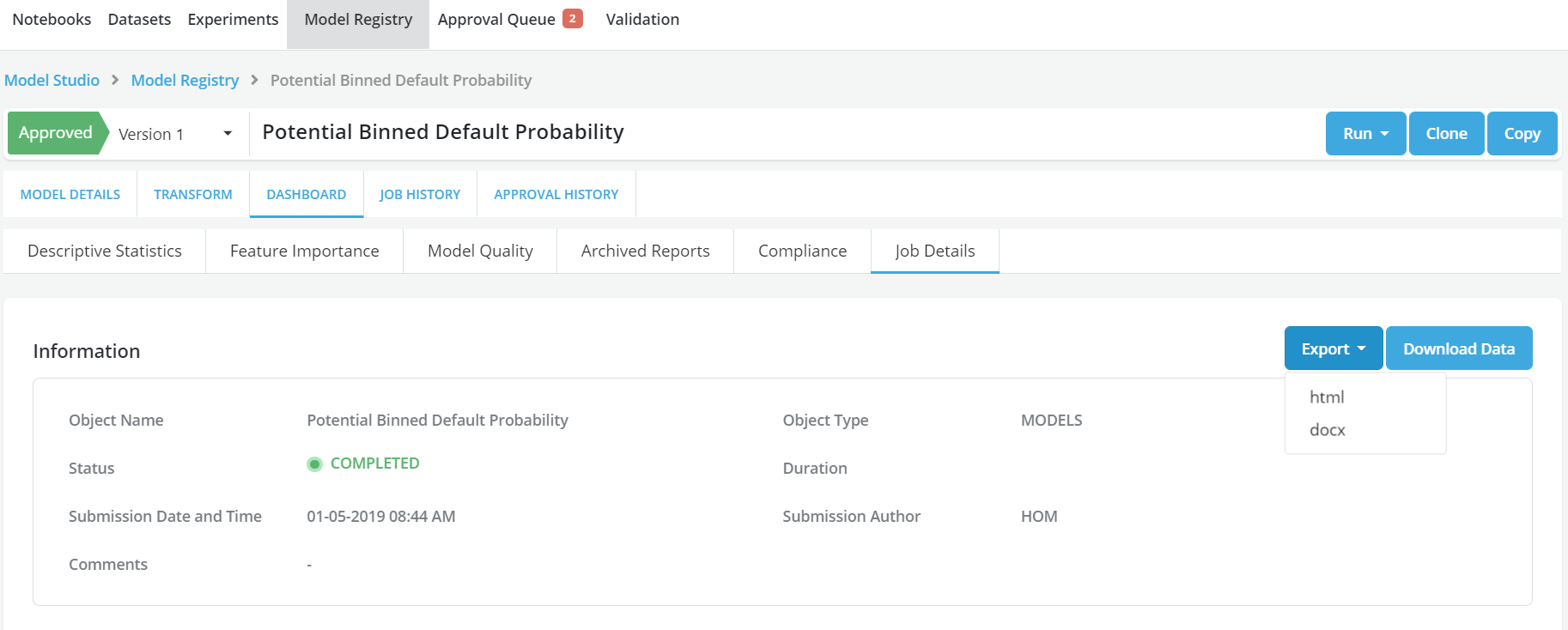
The document can be downloaded for models (only) at present using the Model Registry option.
How is this done?
- Upon successful simulation of a Model, an Export button will appear in the Job Details tab.
- Click on the Export button and select the required format for the document to be downloaded
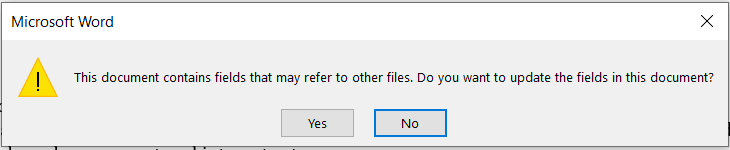
- In the Word format (Docx) download, while opening the file, it is recommended to click Yes on the message displayed so that the table of content gets populated.
- Save the document on the local drive
Example