Exporting Artifacts
Overview
Artifacts can be exported for an object under any status (draft, pending approval, approved or rejected)
Artifact can be exported for following objects:
- Data Element
- Features
- Models
- Policy
Export Artifact
-
Access the module, Underwriting in this example
-
Open the Policy
-
Click on Export> Artifact option

- Download Artifact which is a zip folder
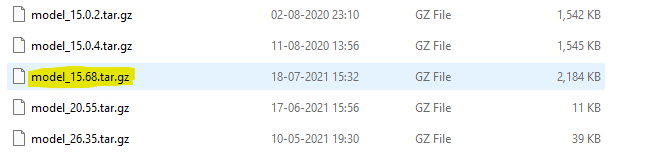
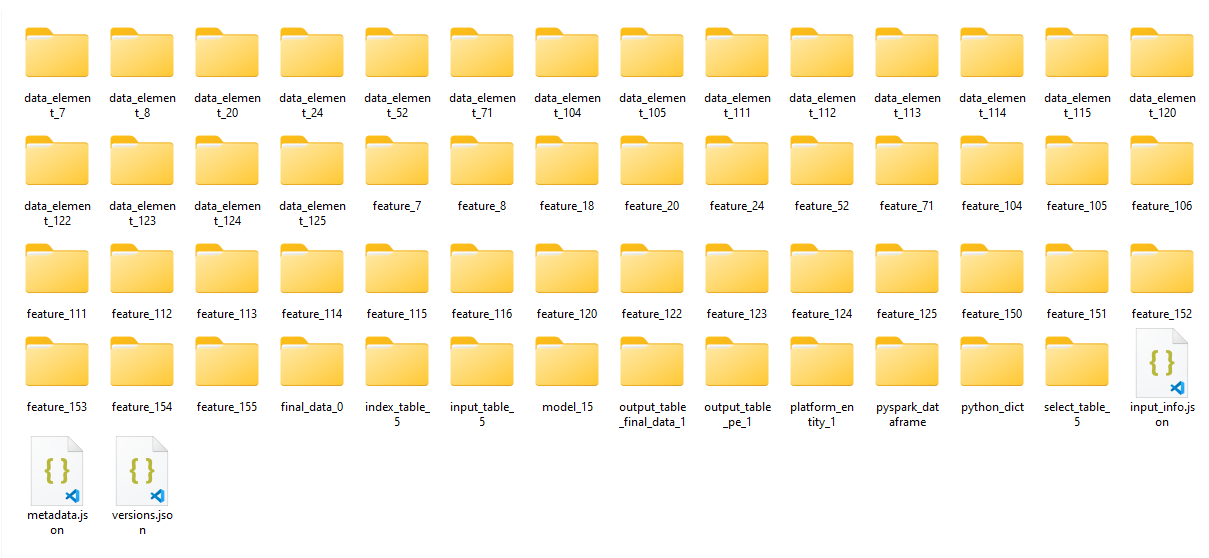
- Extract all the folders/files
Info
For newly approved objects, “Download Artifact” button may take some time to appear. This is because for very complex objects, packaging the artifact might take a few seconds or more.
Note
-
Artifact of an object under any status (draft, pending approval, approved or rejected) can be exported to a 3rd party application as well. Exporting an artifact means transmitting the artifact in a format that is usable by the receiving application.
-
Third party applications must be specified in the backend config.