Exporting Documentation
A document can be exported once the object is registered on the Platform. This document can be exported either in docx or Html format. The documentation contains the simulation’s reports and charts along with the metadata of the simulated item. At present this functionality is available for data elements, features, models and policies.
Export Documentation
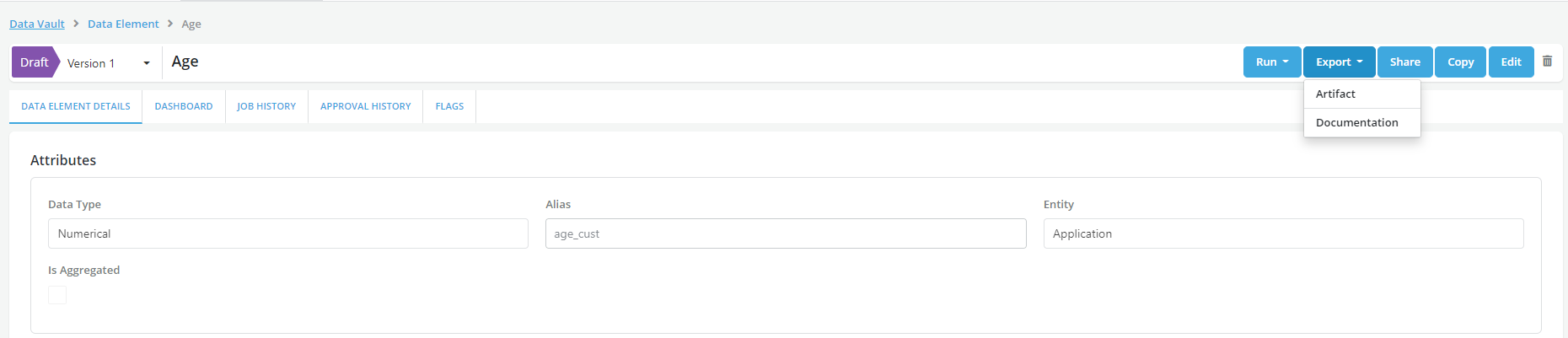
- Once the object is registered documentation can be exported using the Export>Documentation option
-
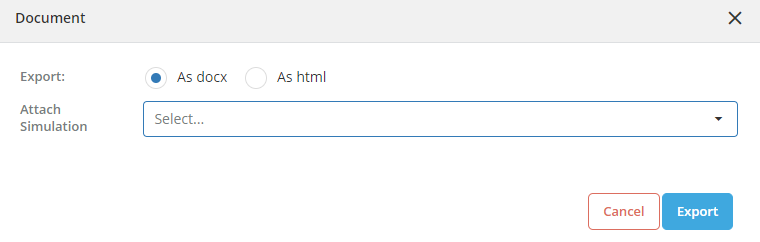
Documentation can be downloaded in docx. and html format. Choose the simulation from the dropdown to download the results of the simulation.
-
Select the required format for the document to be downloaded and click on the Export button
- Save the document on the local drive
- Document can also be exported for the simulation from the Dashboard tab once a successful simulation is run
- Access Job Details tab within the Dashboard and click on Export and choose Documentation for exporting the Documentation

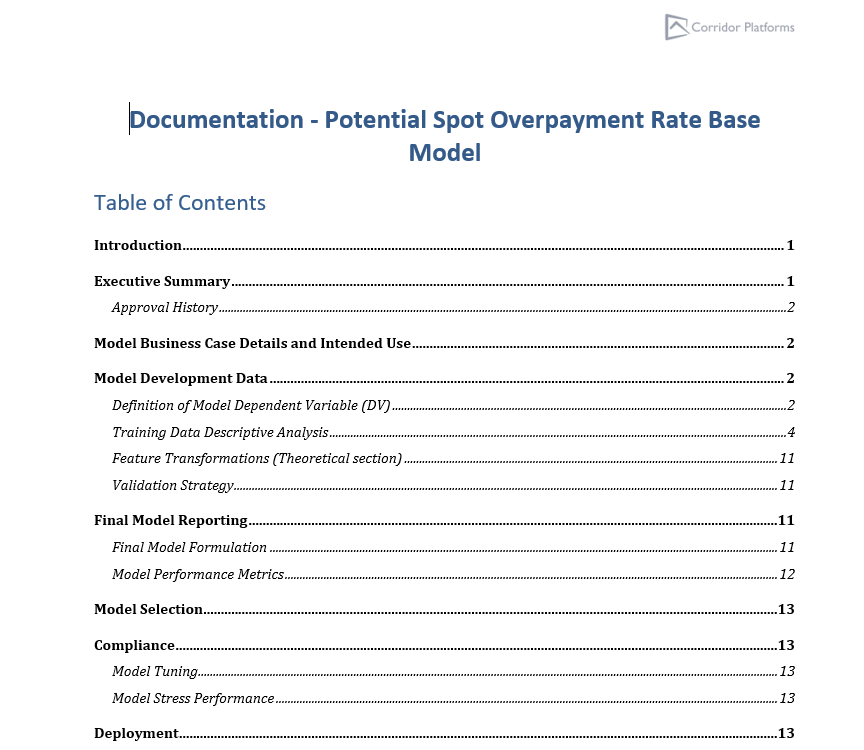
Example
Note
-
Documentation of an object under any status (draft, pending approval, approved or rejected) can be exported to a 3rd party application as well. Exporting Documentation means transmitting the documentation in a format that is usable by the receiving application.
-
Third party applications must be specified in the backend config.