Save changes
Overview
After modifying an object, users must click on Save to save the changes
An object's modifications can be saved with or without comment
Where is this done?
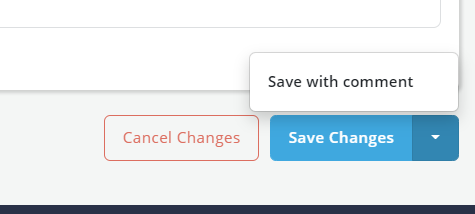
Save Changes: Allow users to save changes without comments
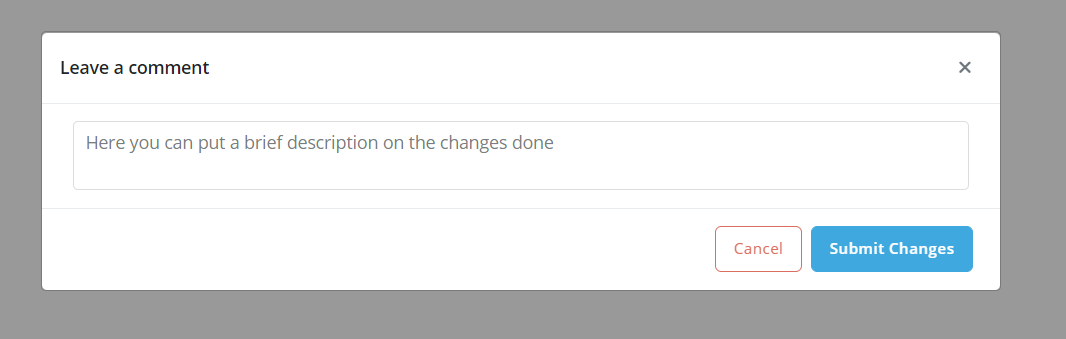
Save With Comments: Allow users to add comments while saving changes; the comments will subsequently be shown in change history log
Cancel changes: Allow users to cancel all changes since the last save event
Saving an Object
Object that are in Edit mode will show drop down Save changes button on the bottom right side of the page
Clicking on the down arrow on the button will show the "Save with Comment" option to save the changes with comment