Registering a Feature
Overview
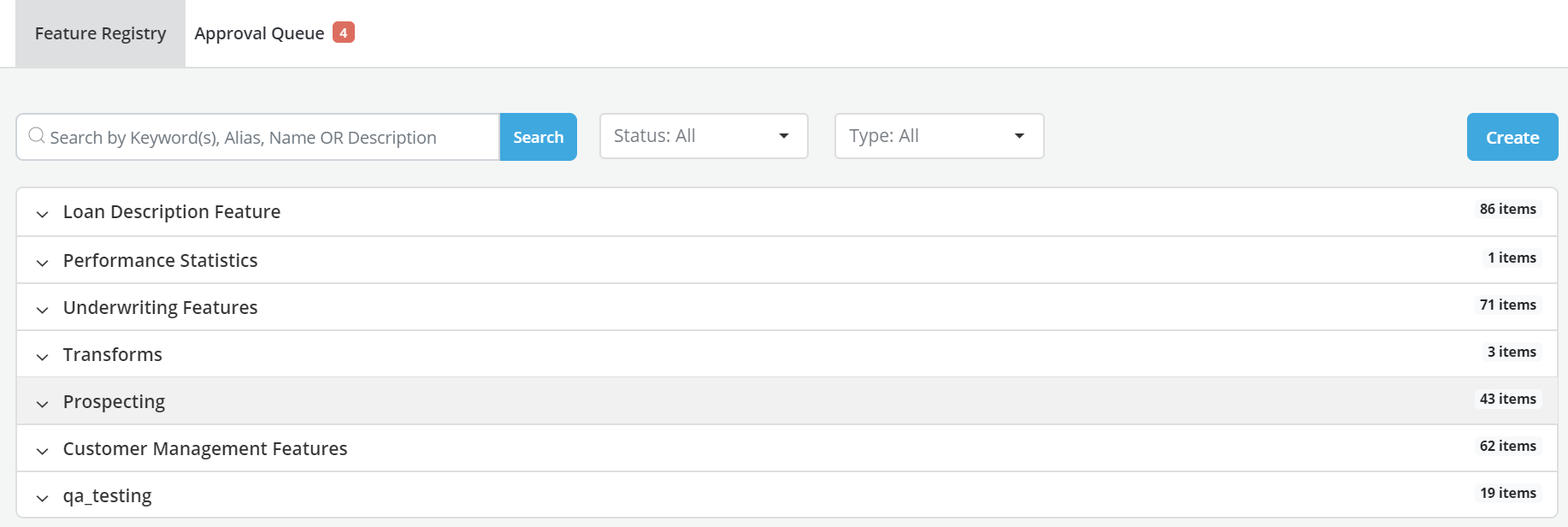
The landing page of the Feature Engineering tab is a dictionary that displays all the Features that have been registered within the platform. The dictionary includes:
-
All Features regardless of their status (draft, pending approval, approved, rejected).
-
All versions for each Feature.
- On the main page, a Feature can be filtered basis their Status
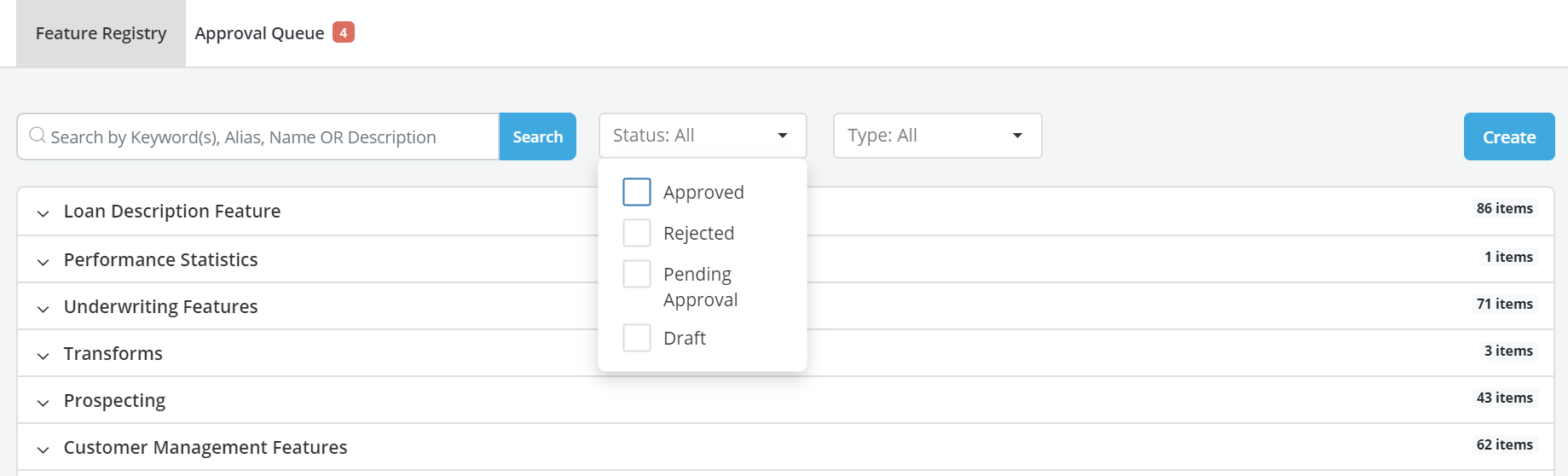
- A Feature can also be filtered on their Types
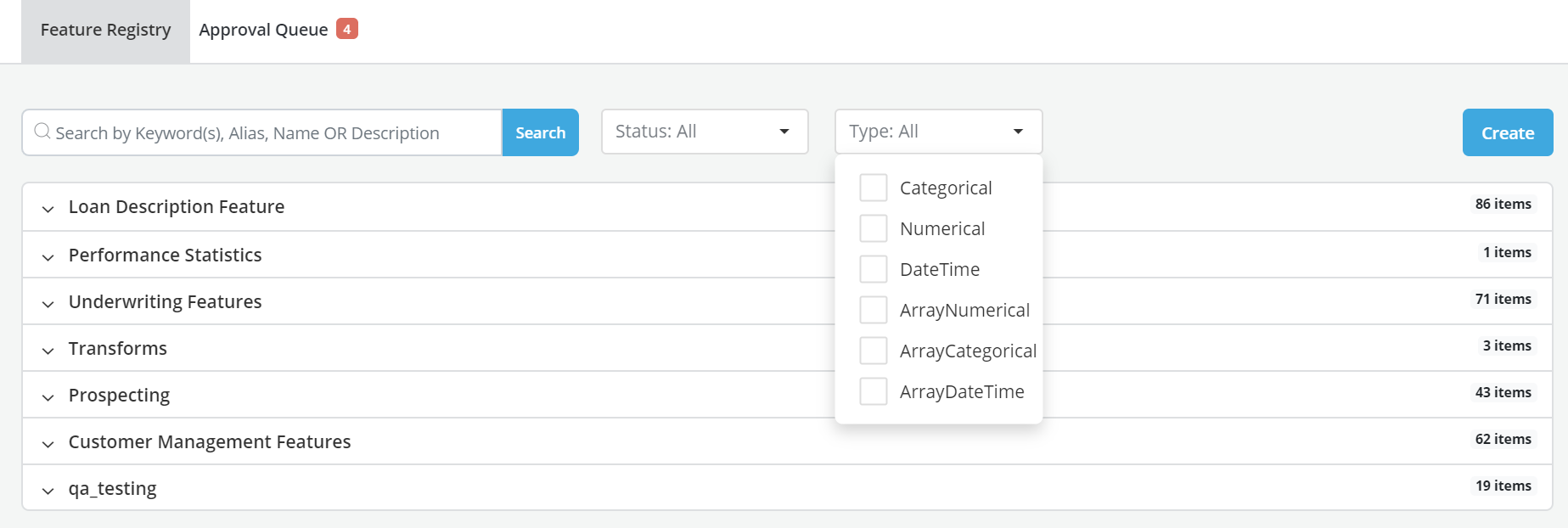
Create a Feature
Process Flow
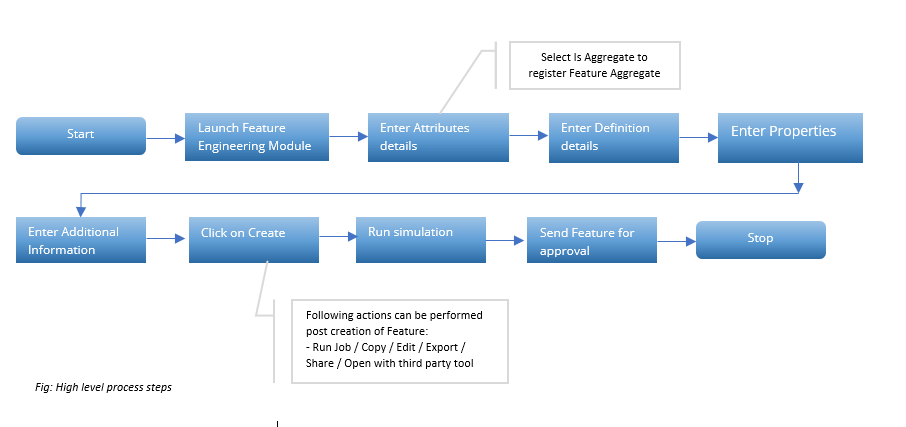
In order to register a feature the User has to go through the following steps:
-
Click on the Feature Engineering tab
-
Click on the Create button
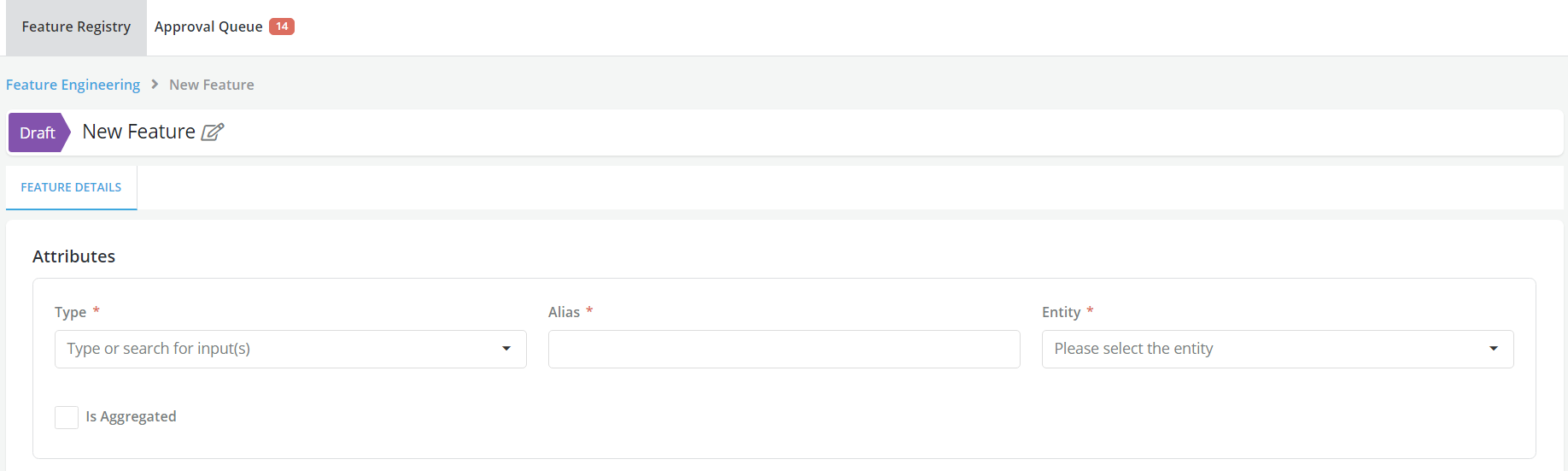
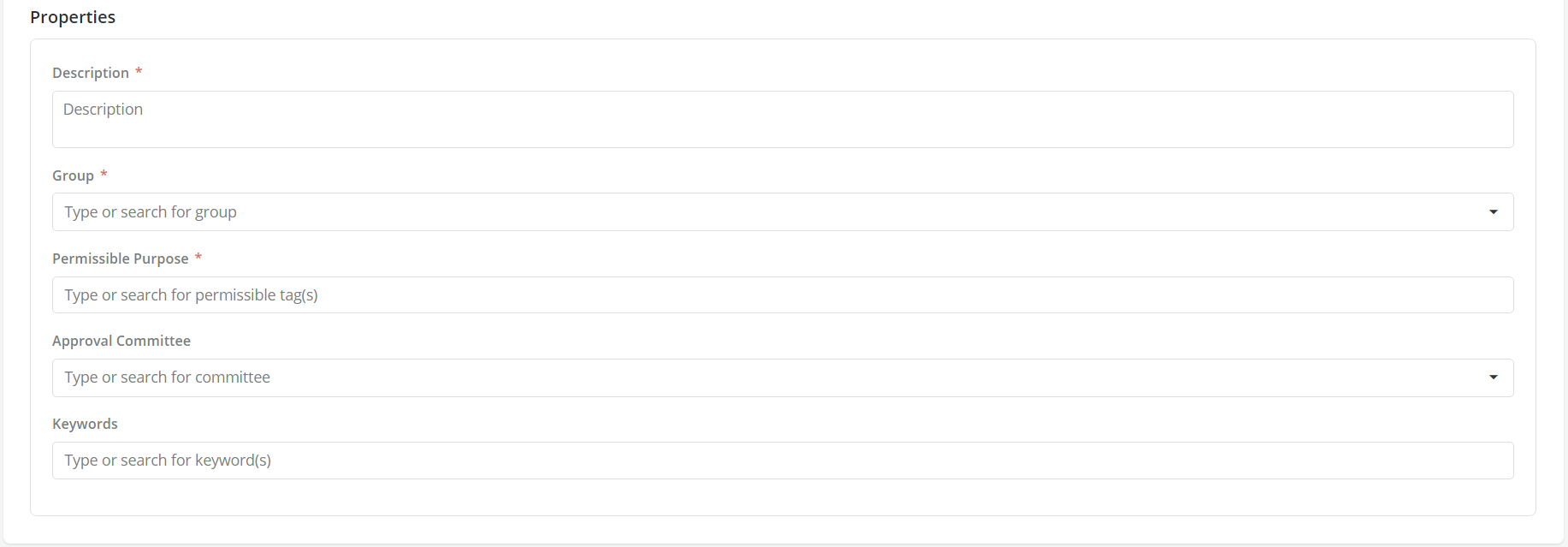
- Complete the Feature creation process by filling in all the details related to the Type (data), Alias, Entity, Description, Group, Permissible Purpose, Approval Workflow and Keywords.
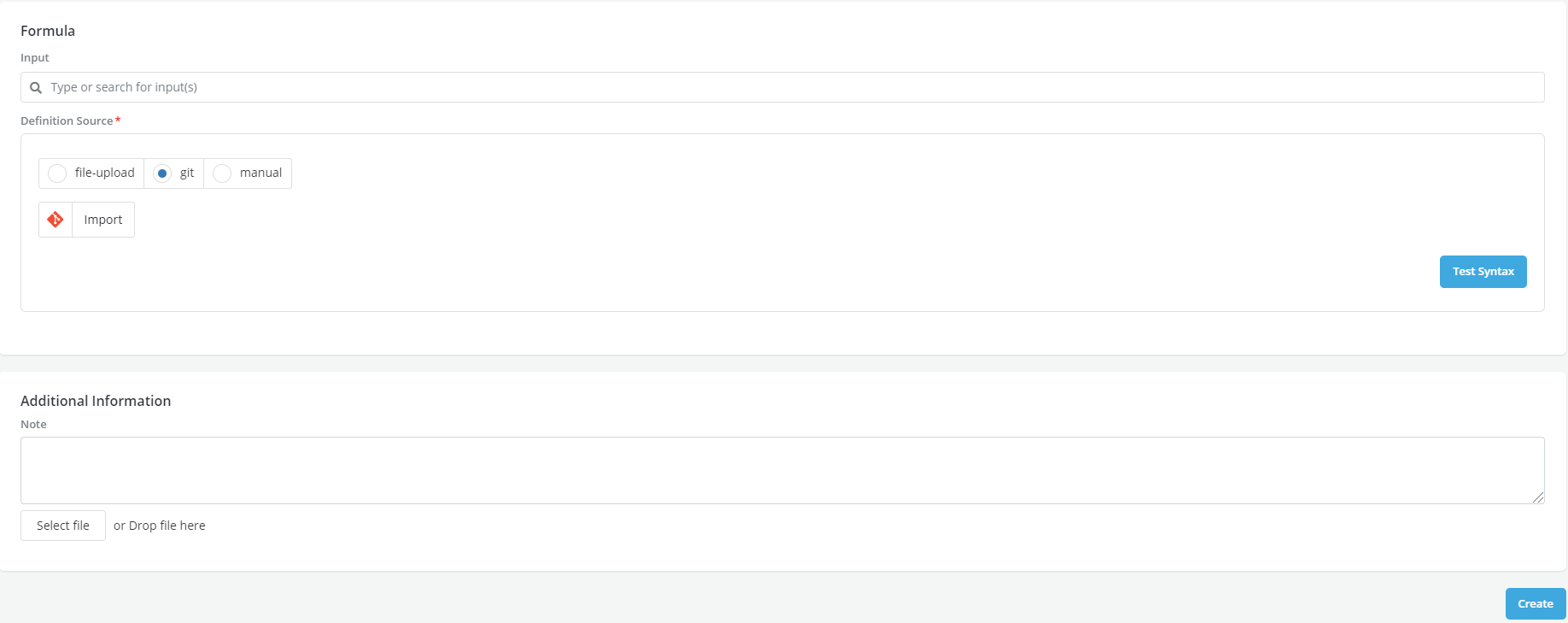
- In the formula section, provide the information necessary to create the Feature: Input and Definition. Runtime parameter can be used while selecting the input
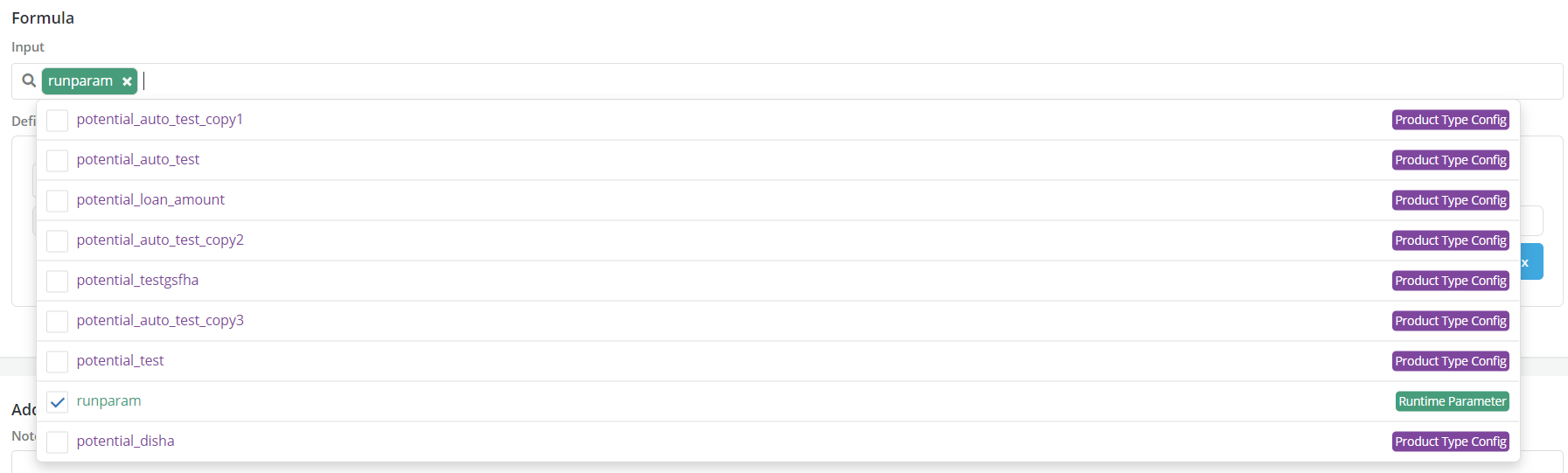
Note: Features can use model objects as inputs
-
Complete the Additional Information section
-
After completing all the above information, click on the Create button at the bottom of the screen to save a draft feature
Run Simulation
-
After a draft of the feature has been created the user can now proceed to Simulate it
-
Run Validation if required

- Feature> Jobs tab displays all the historical simulations that a User has run. If a feature has been approved, this tab will also display the simulation that was used to submit the request for approval.

Send Feature for Approval
-
Once a feature has been registered and approved a Lineage Box will appear under the Feature Details Tab to provide a smooth representation of how a feature has been created (precedents) and how it is being used (Dependents).
-
Once a Feature has been created and has been at least simulated once, Users can proceed to request approval for it.

- Once a Feature has been approved, a Clone button will appear on the top. Cloning a Feature allows a User to create a new version of it. The new version will be a copy of the Feature being cloned with the same name and same configuration. The Feature name of the clone cannot be changed but the user can proceed to change other details and create a new version.