Registering a Product
Overview
This capability allows Users to create a new product, submit them for review and approval and further modify them by creating new versions.
How to create a Product
Create Product
-
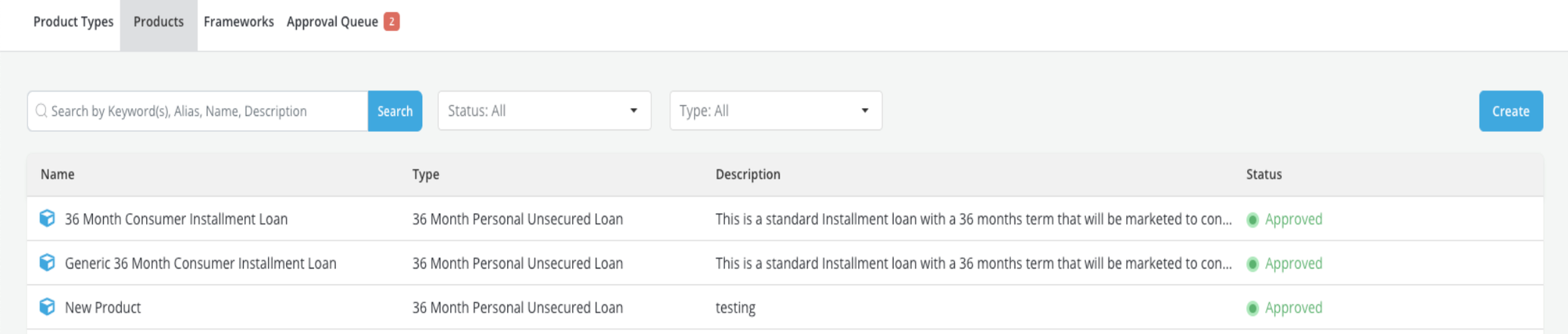
Access Products tab from Product & Framework module
-
Click on the Create button

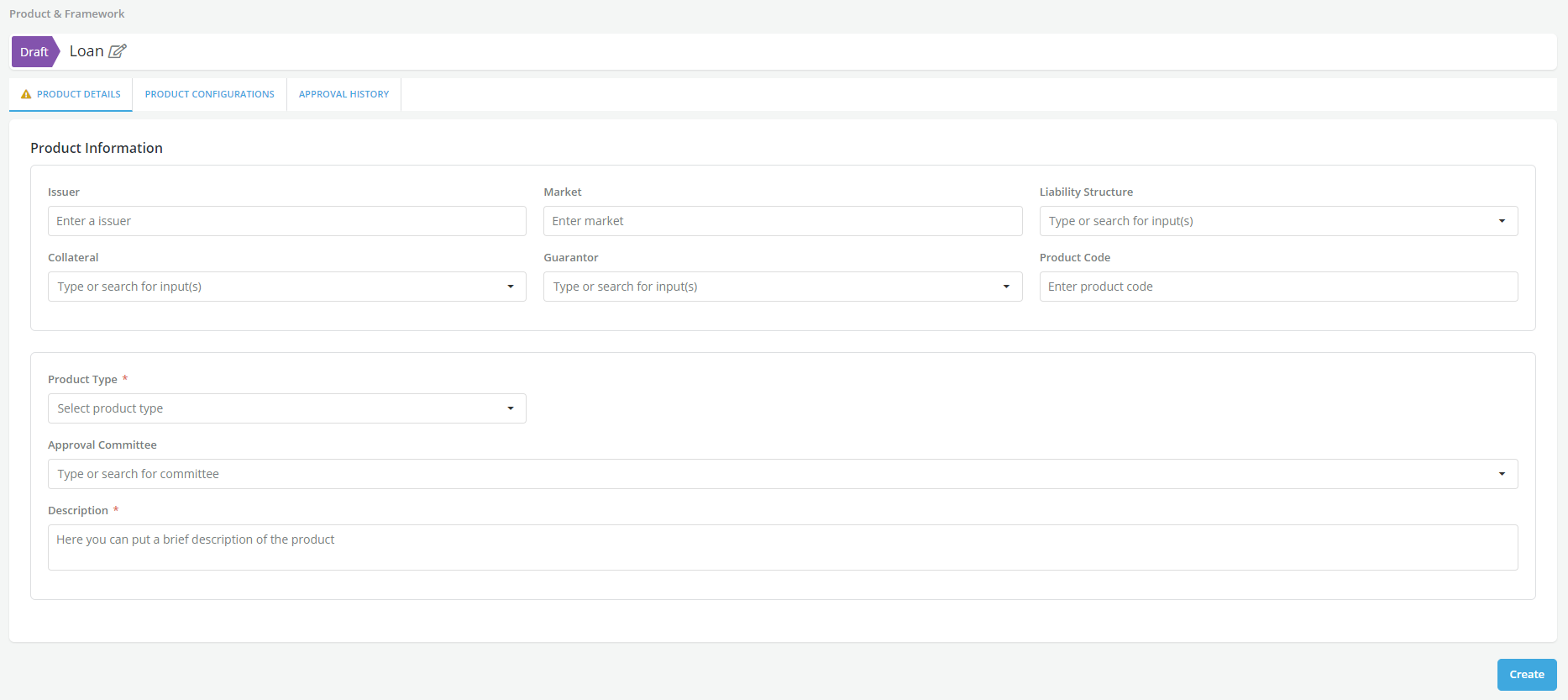
- Name the Product
- Fill required details (marked with *) in the form and click on Create (at the bottom)
- Open the Product Configurations tab and click on Edit. Configure the parameters. Refer to Configuration Parameters section for details
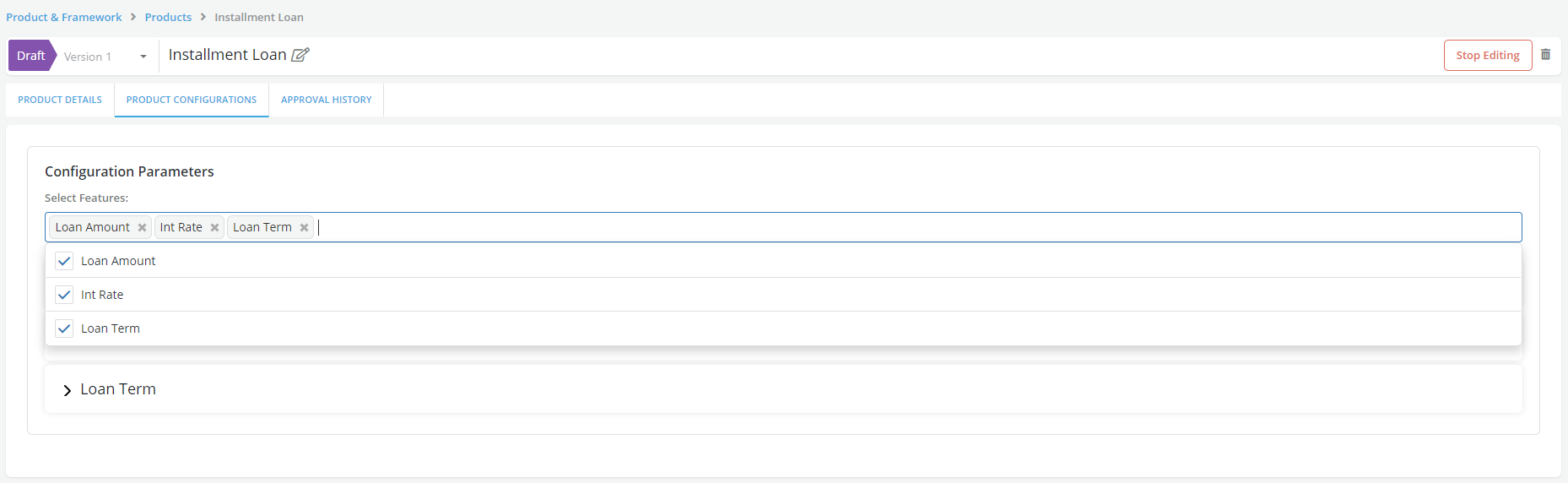
- Save and Stop Editing
-
Go to Approvals tab and send the new Product created for approval
-
The newly added product will now reflect in the product list with Pending Approval status under Products
-
Once the Product is approved it is available in the platform (Note: Draft Products will be immediately available for use if the Platform is set in a Draft-In-Draft mode)

Once a Product has been approved, a Clone button will appear on the top. Cloning a Product allows a User to create a new version of it. The new version will be a copy of the Product being cloned with the same name and same configuration. The Product name of the clone cannot be changed but the User can proceed to change other details and create a new version
Cloned Products can also be edited. All previous uses (in policies etc.) of the older version of the Product will not change unless the user manually updates each one of them to refer to the newer version, re-simulates and re-approves
On all modules, the Product will appear with its name when in the newer version or in the format Name of Product (older-version - vN) if an older version is still being used.
Copy Product
Copying a Product allows a User to create a new Product using the information of an existing one. The new Product will be an exact copy of the original Product with a new name of the format "oldname_copyX". The new Product name as well as all other details can now be changed by the User and saved independently of the original Product.
Refer section on Copy for details.
Edit Product
Objects that are still in draft status can be set in edit mode so that Users can make modifications to them prior to sending them for approval.
Refer Edit section for details.
Product Type list
All approved Product will be listed under the Product tab. Once a Product type is created, it can be used to create products.