Registering an Algorithm
The Algorithms tab allows users to register algorithms into the platform so that they can be used in downstream processes such as experiments for model training purposes.
Where is this done?
Algorithms can be registered in the Resource module.
Registering an algorithm
-
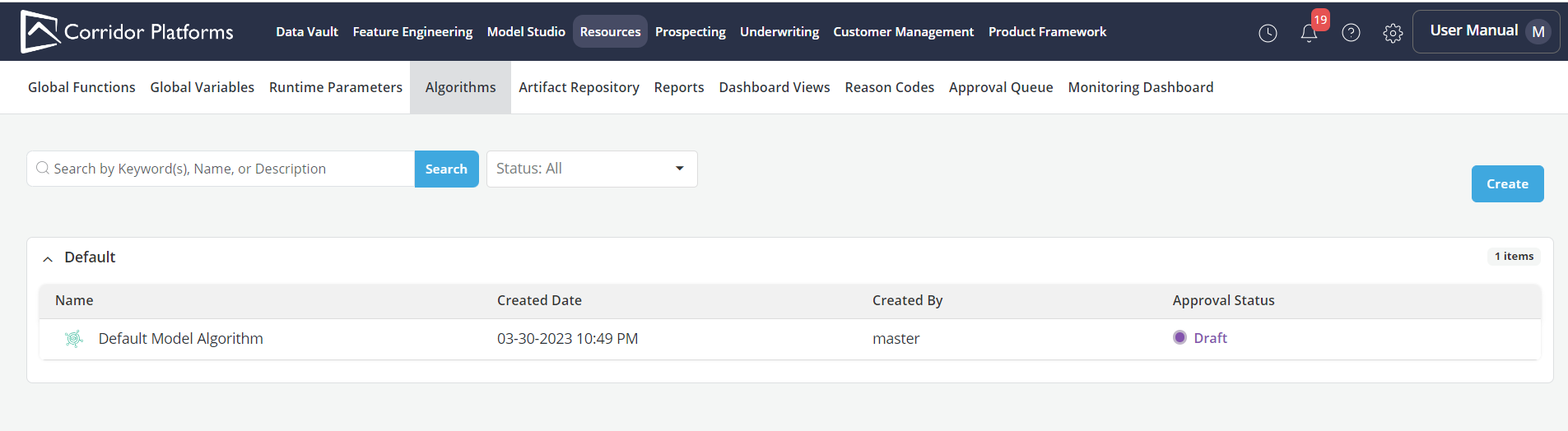
To register an algorithm click on the Algorithms tab within the Resource Tab
-
Click on Create button on the top right corner of the application
-
Algorithms that are already registered on the Platform can be searched by the keywords or can be filtered by the Status
-
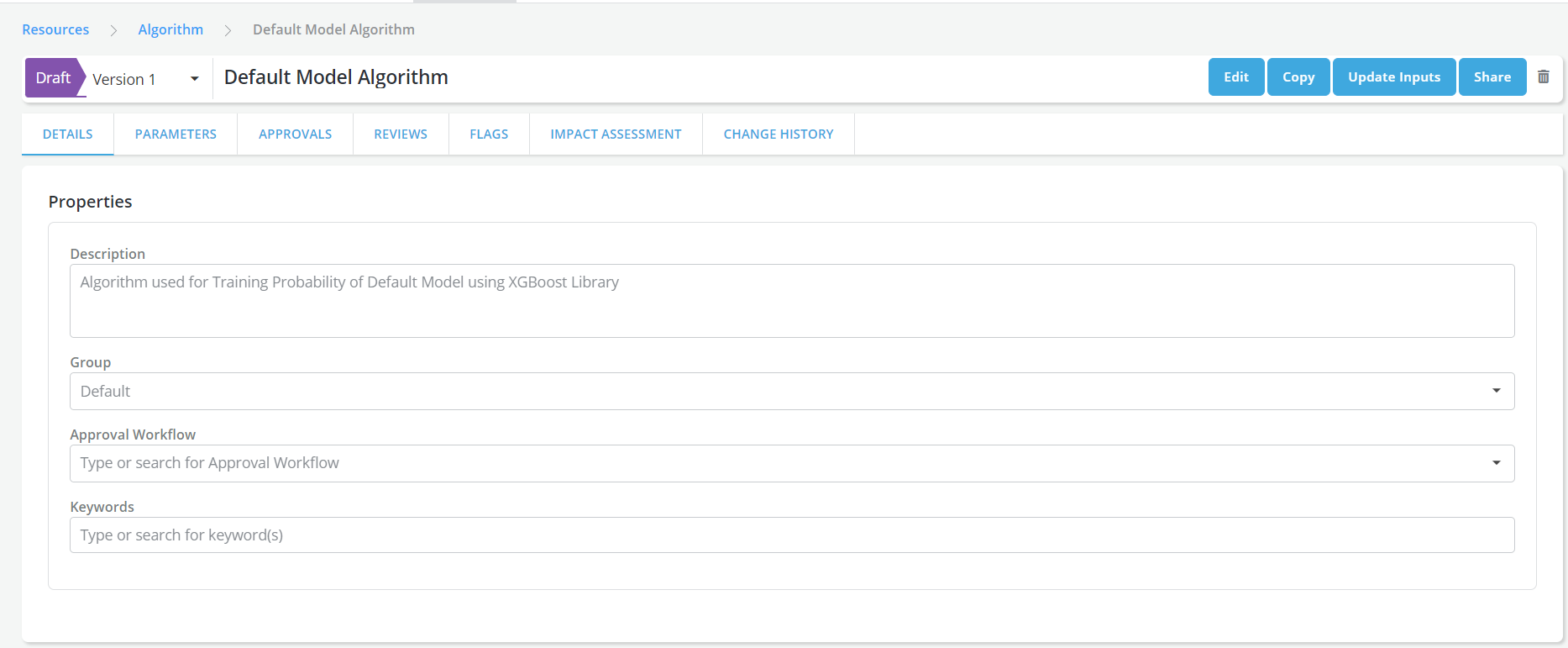
Algorithm Details page will be displayed; in it, enter all the information about the algorithm
-
Algorithm Name: Enter the name of the algorithm in a free format
-
Description: A free format description of the algorithm for documentation purposes.
-
Group: The group that user wants to allocate the algorithm to (e.g. Probability of Default Algorithms, etc.)
-
Approval Workflow: An Approval Workflow is a set of users who collectively review and approve new objects of a certain type being registered in the platform.
-
Keywords: An example of a Keyword can be a word that expresses the type of model that the algorithm will be used to train(probability of default algorithms).
-
Input Datasets: Add all the datasets required for the algorithm (e.g. train, test, or out-of-time samples)
-
Input Dataset Components: Add all the data components required in the Input Datasets
- The independent and dependent variables will be included by default
- Each user-defined component must correspond to one data column in the input dataset, with the column name set as the label registered.
- User can link registered objects to data components upon creating a modeling dataset in datasets.
- Input dataset components defined apply to all the Input Datasets
-
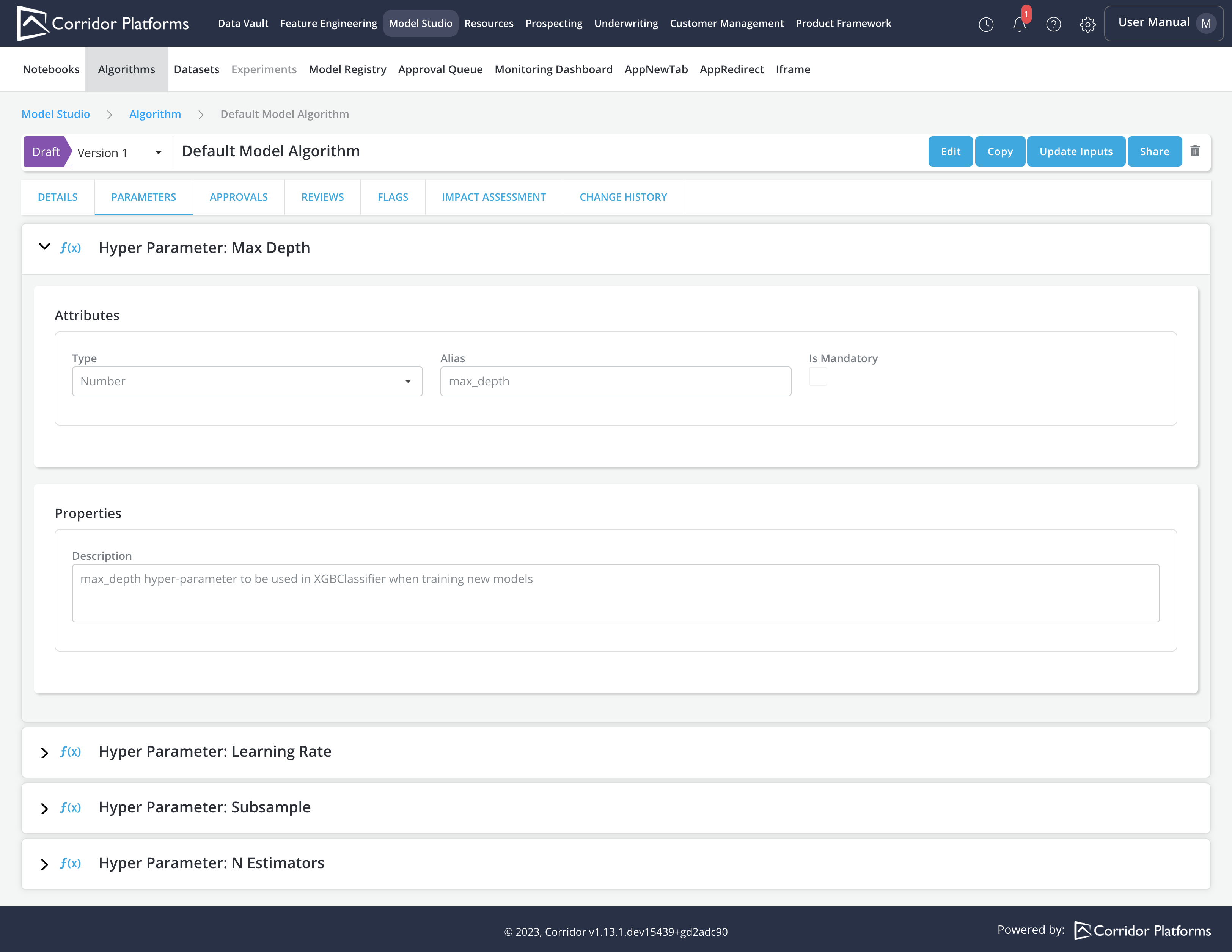
Parameters: Add all the parameters that will be used in the Algorithm
- User can provide values for the parameters upon training a model in experiments.
- Examples of parameters include hyper-parameters or any other attributes that may vary each time the model is trained.
-
Training Logic: Specify the training logic (e.g. hyper parameter tuning, etc.)
- In the training logic, users can access input datasets and parameters via their aliases defined in the Algorithm.
- It is necessary for the user to return a dictionary containing all expected outputs from the Algorithm. Each entry in the dictionary corresponds to one output defined in the Outputs section.
-
Outputs: Add all the outputs to be returned as a result of running the Algorithm (e.g. trained models, scored data, performance metrics, etc.).
- Each output defined should correspond to a single entry in the dictionary returned in the Training Logic section. The aliases specified in the Outputs section must match the key in the dictionary returned in the Training Logic section.
- Five types of output can be defined:
- Model File: Byte object of the trained model
- Dictionary of Model Files: Dictionary of Byte object for the trained models
- Data File: PySpark dataframe
- Dictionary of Data Files: Dictionary of PySpark dataframes
- Downloadable File: Byte object
Example for registering an Algorithm
- Algorithm Details
- Algorithm Parameters