How to Import SAS Model
To register SAS model in the platform, user needs to convert the SAS model into PMML code. Post conversion of the Model into PMML this can be registered in the Platform.
Importing SAS Model
- Open the model in SAS Enterprise Miner
- In the Properties/Project Macro Variable section change the EM_PMML value to Yes
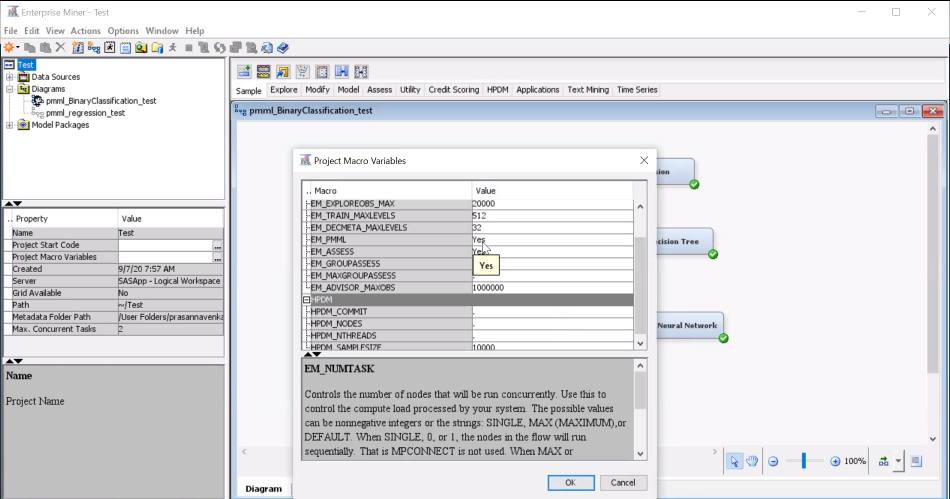
-
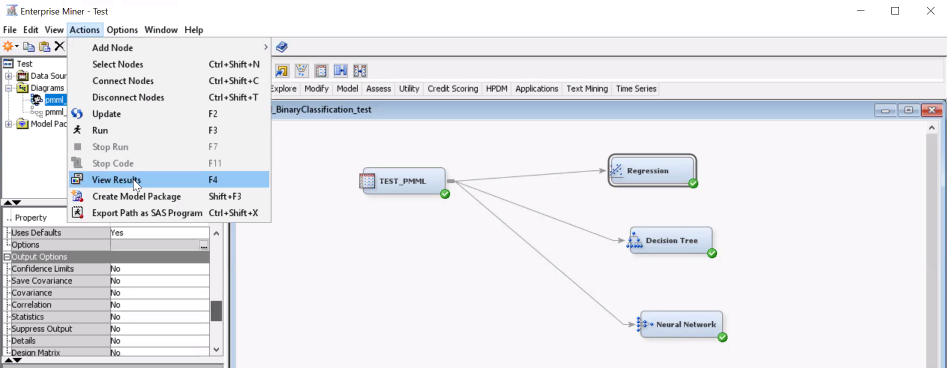
Run the Model
-
Go to Action menu option and click on View Results
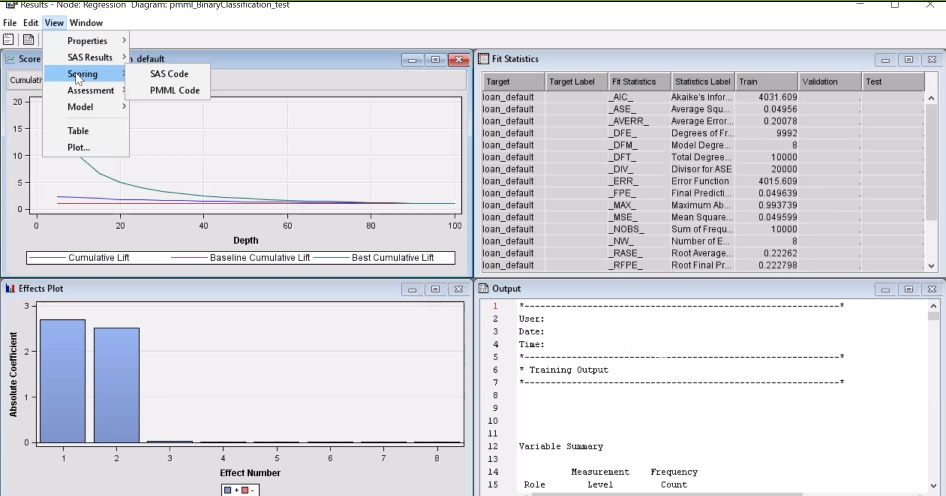
- Go to View option and click on Scoring
- Select PMML Code option
- Save the PMML code file on the local drive
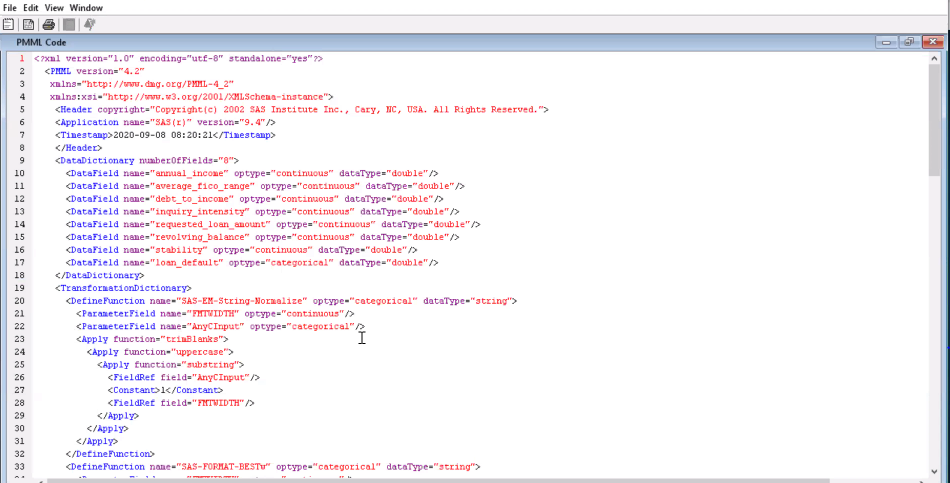
- Use the same file while registering the model on the Platform. Refer Registering a Model section to register the model.